The welcome
The moment you sign up, a short welcome explains what Gancho does. Click Next to go through it, or Skip.
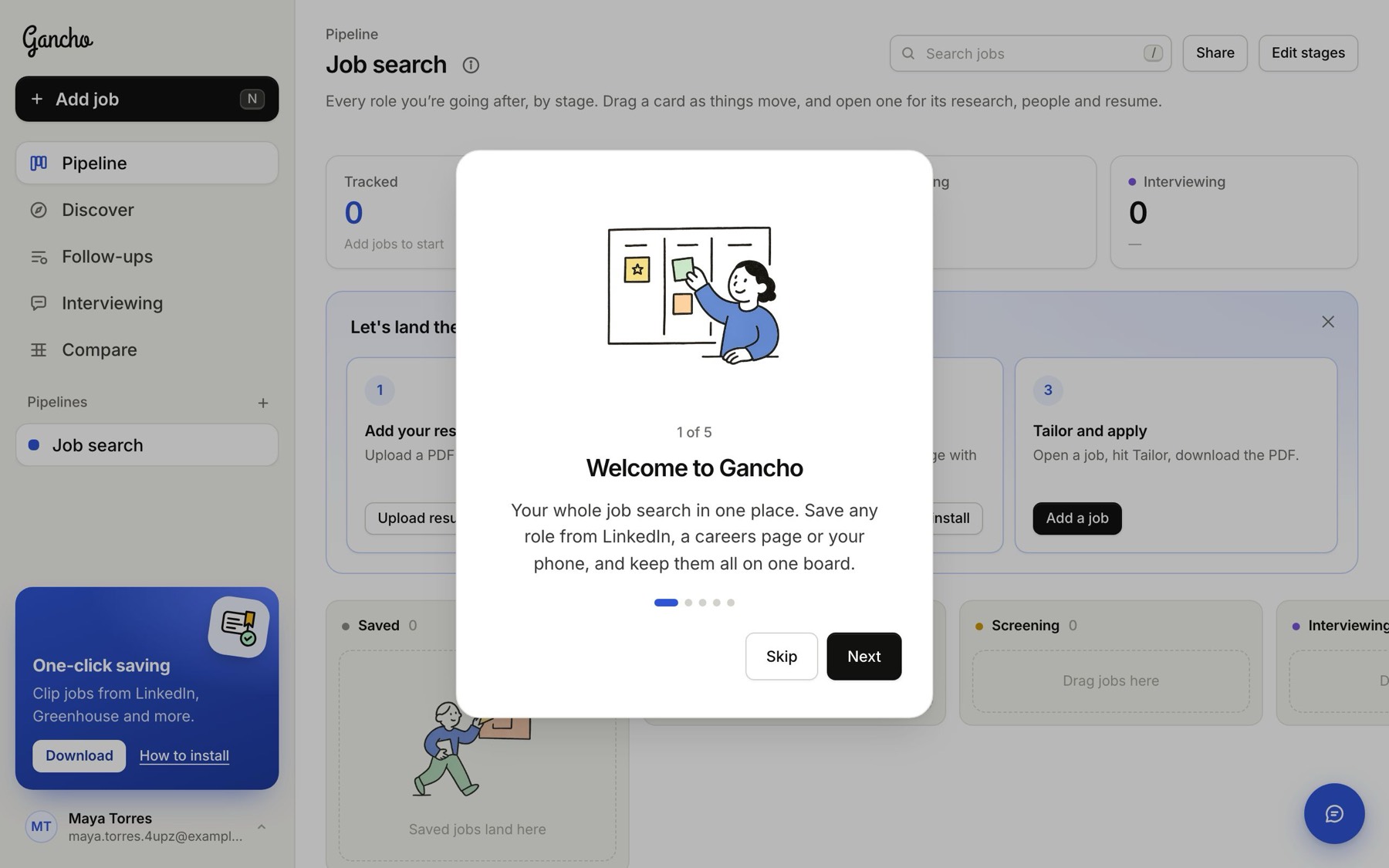
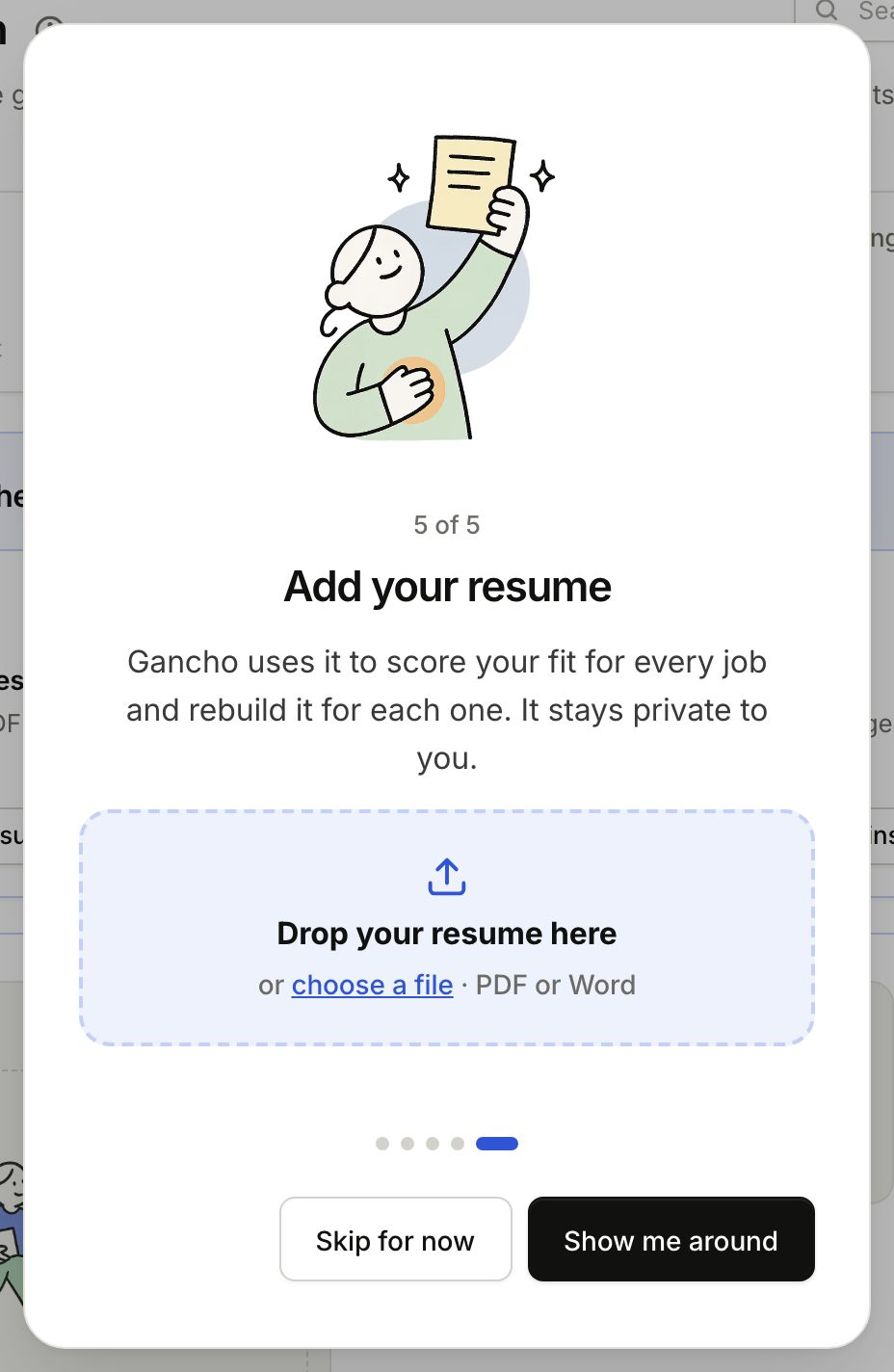
Its last step asks for your resume. Drop a PDF or Word file on it and step 1 below is done before you even see the board. Then Show me around points out the main buttons one at a time. You can take the tour again from your account menu.
The checklist
A new board shows three steps above your stages. Each has a button that takes you straight there, and each ticks itself off when it is done. Hide it with the ✕ whenever you like.
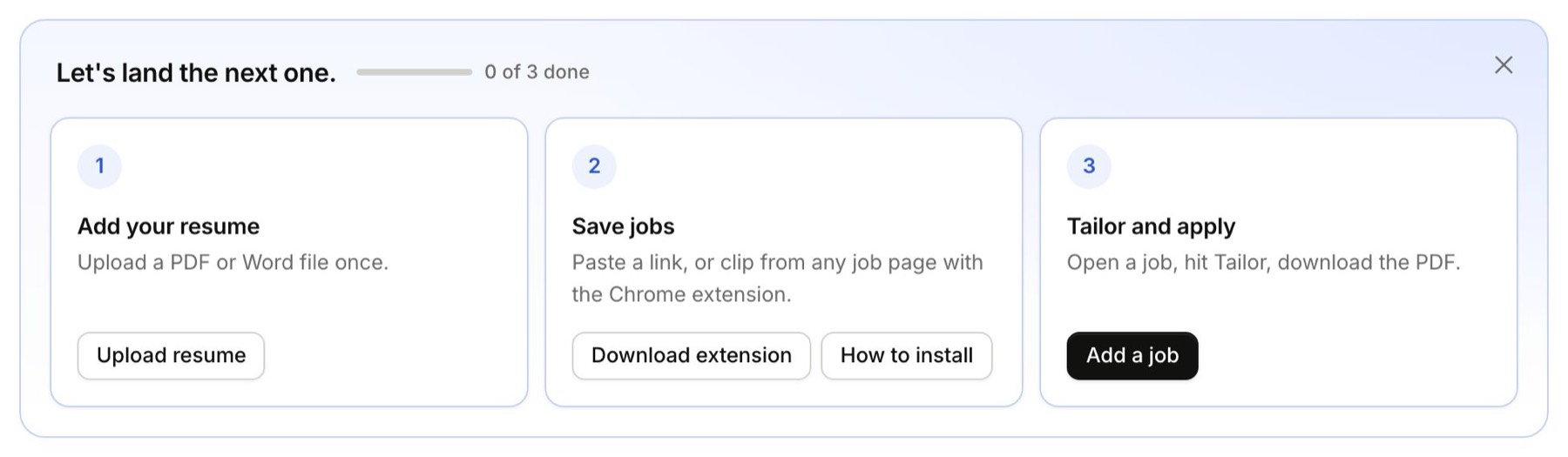
1. Add your resume
Upload it once, as a PDF or Word file. Every job you save is then scored against it, and it is the base for every tailored version. Uploading your resume →
2. Save a few jobs
Click Add job. Paste a link and click Import, or type the title and company yourself, then click Save job. The Chrome extension saves from any job page in one click, and Discover can find roles for you. Every way to add a job →
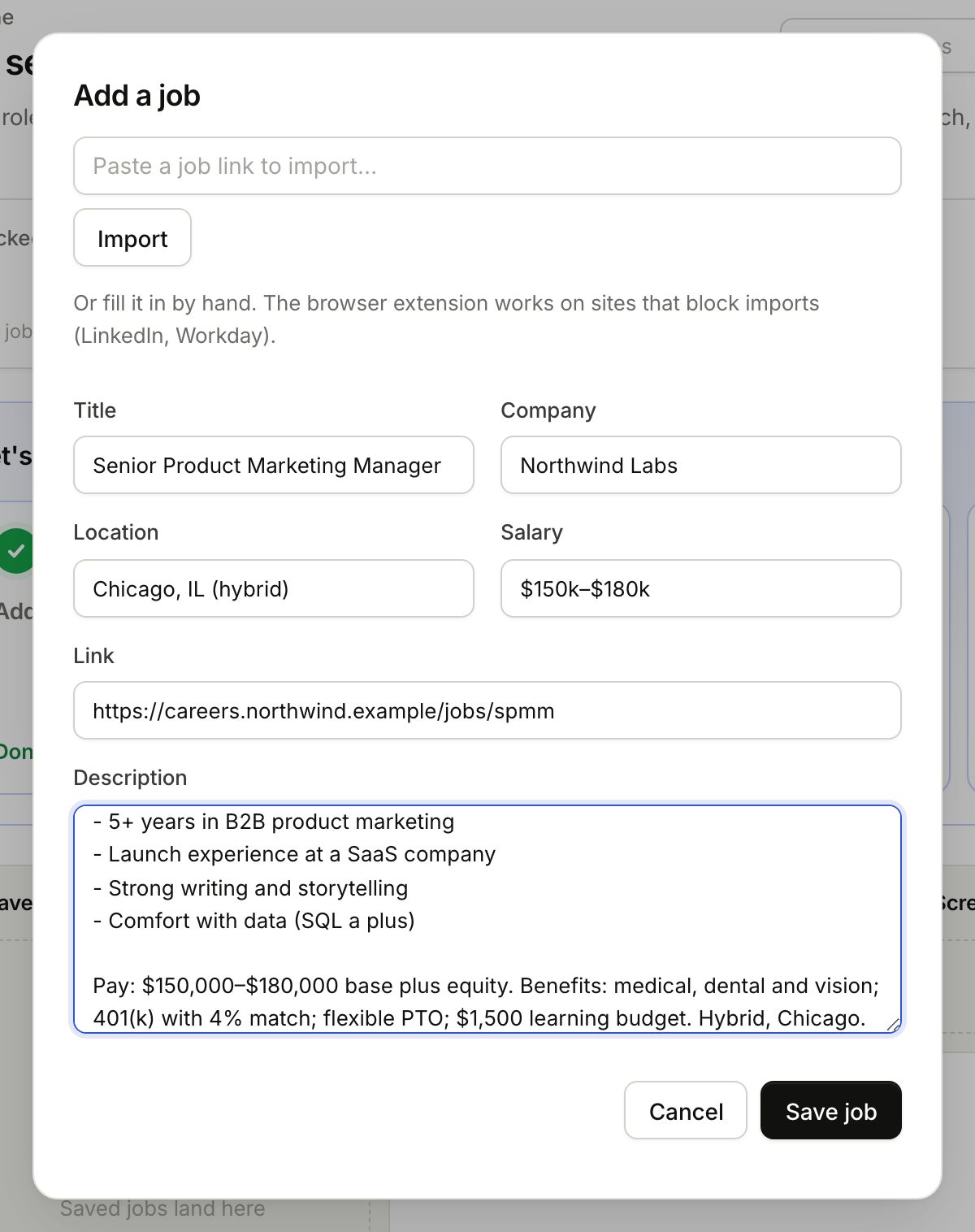
Gancho researches each job as soon as it is saved. About 15 seconds later the card shows how well you fit. Once your resume and a first job are in, the checklist has done its work and goes away.
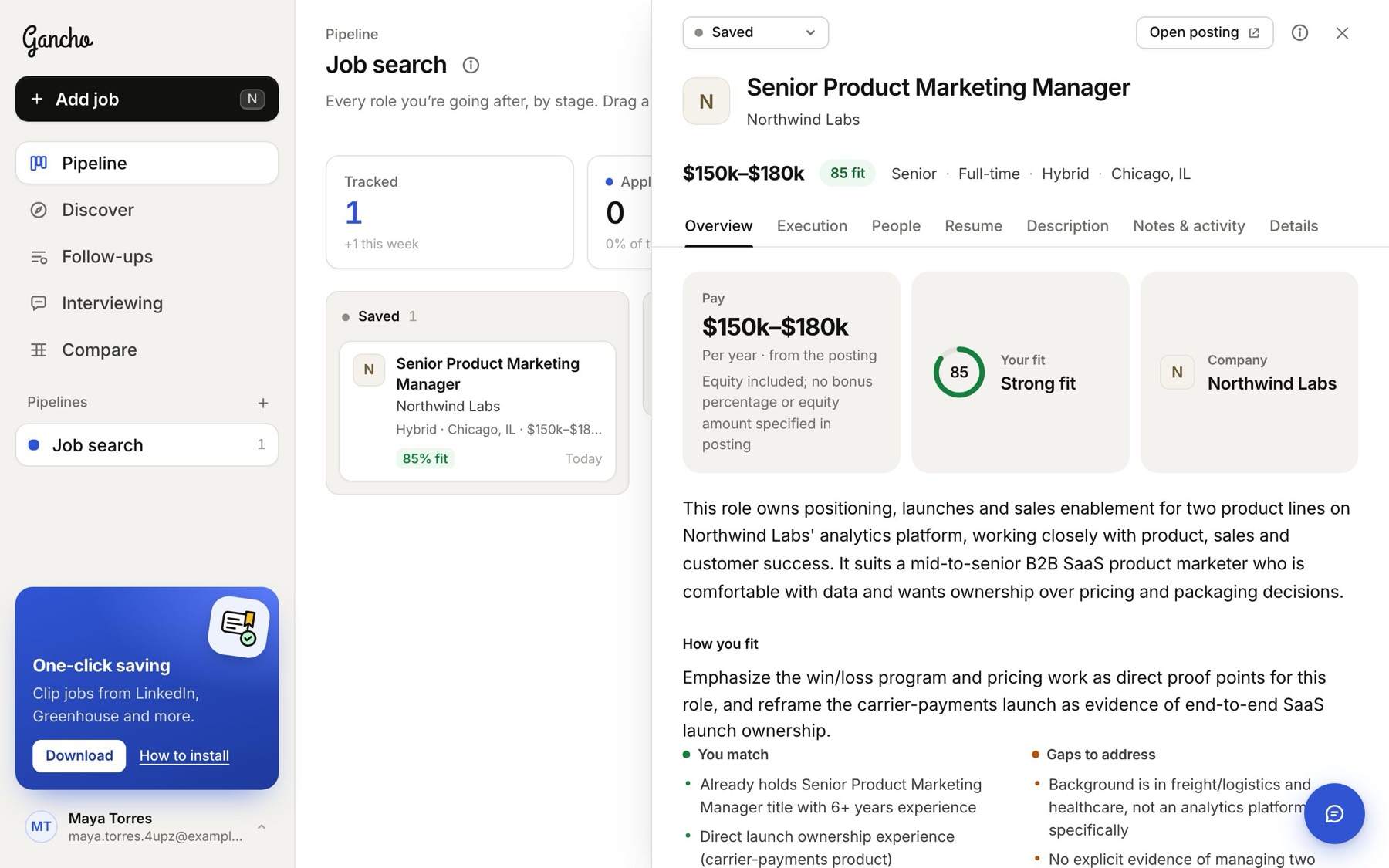
Open the card for the research: pay, the company, benefits, and what matches and what is missing. Researching a job →
3. Tailor and apply
Open a job, go to its Resume tab, and click Tailor to this job. A minute later you have a resume rebuilt for that role, ready to download as a PDF. Tailoring your resume →
Then
Find the people who hire for the role and write to them. That is where most interviews come from. Finding the people →
