How it works
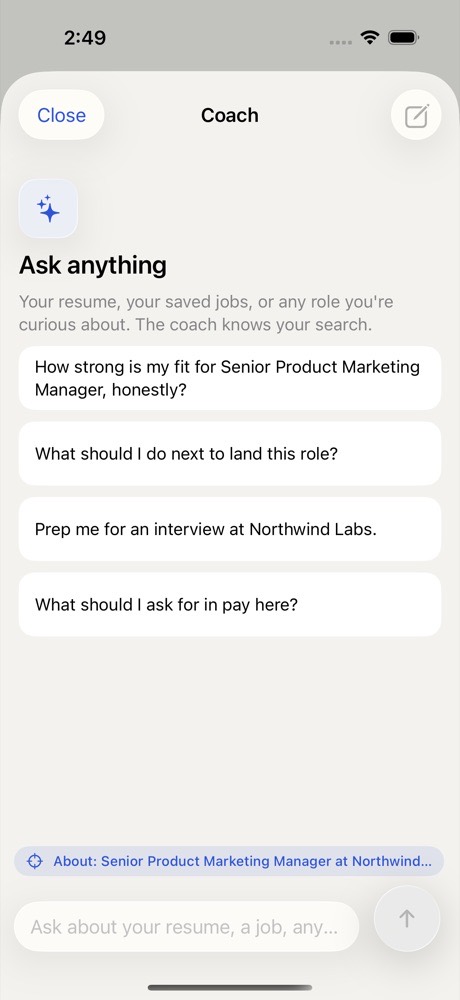
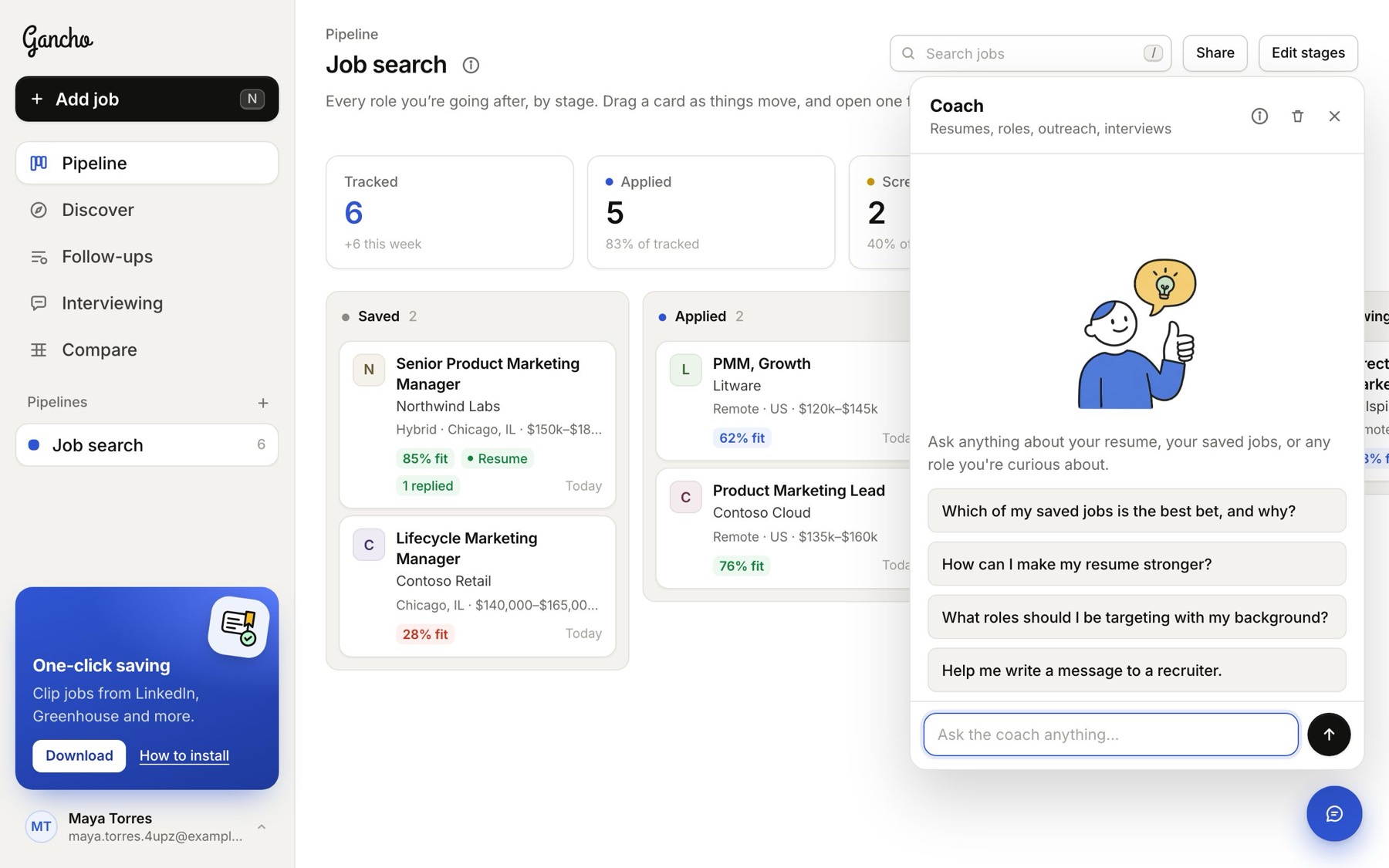
- Click the round button at the bottom right of any screen.
- Ask anything, or tap one of the suggestions.
- The answer writes itself out as you watch. When it needs to, the coach looks things up on the web, like pay data or company news.
On a computer, the coach opens by itself a few seconds after you arrive, so it is there when you need it. Close it and it stays closed until your next visit. On a phone or a narrow window, it waits for you to tap the button.

It knows what you are looking at
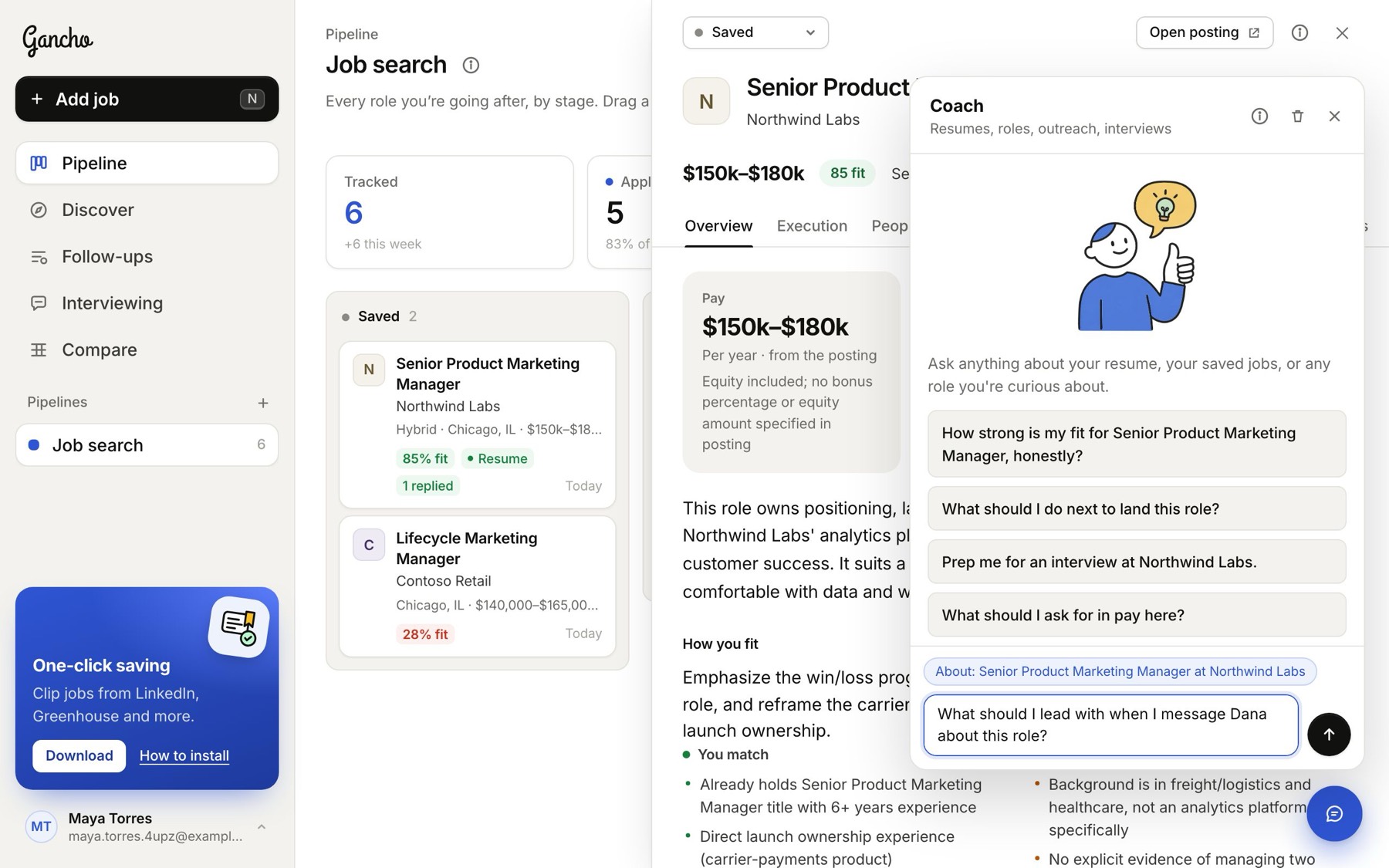
If a job is open when you ask, the coach focuses on that job. Its name shows above the box.
What it knows
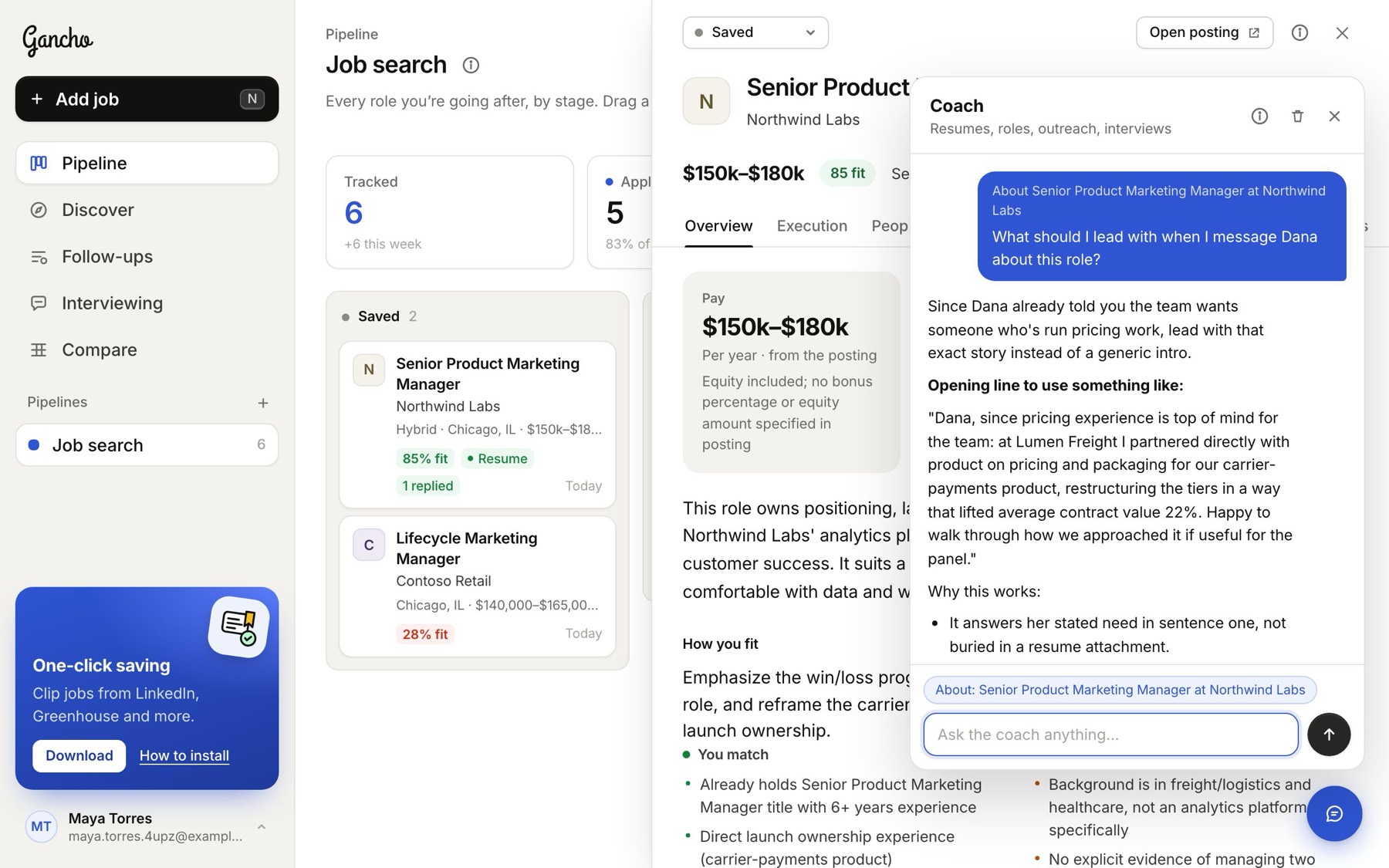
- Your resume, and every job in your pipelines with its research.
- The people you have found and where things stand with each.
Starting over
Your conversation is kept, so you can pick it up later. The bin icon at the top of the coach clears it and starts fresh. Coach chats are private to you, even in a shared pipeline.
In the app