Before you start
Chrome on a computer (Mac, Windows, Chromebook). Chrome extensions do not run on phones. On iPhone, use Share → Gancho.

How it works
- Click Download on the extension card (or Download Chrome extension in your account menu). Double-click the zip in Downloads to get a folder, and keep that folder somewhere it will not be deleted.
- Type chrome://extensions into Chrome's address bar and press Enter. Chrome does not allow a direct link to it.
- Turn on Developer mode with the switch at the top right of that page.
- Click Load unpacked and choose the folder from step 1. Gancho appears in the list.
- Click the puzzle-piece icon next to the address bar, then the pin next to Gancho, so its icon is always in your toolbar.
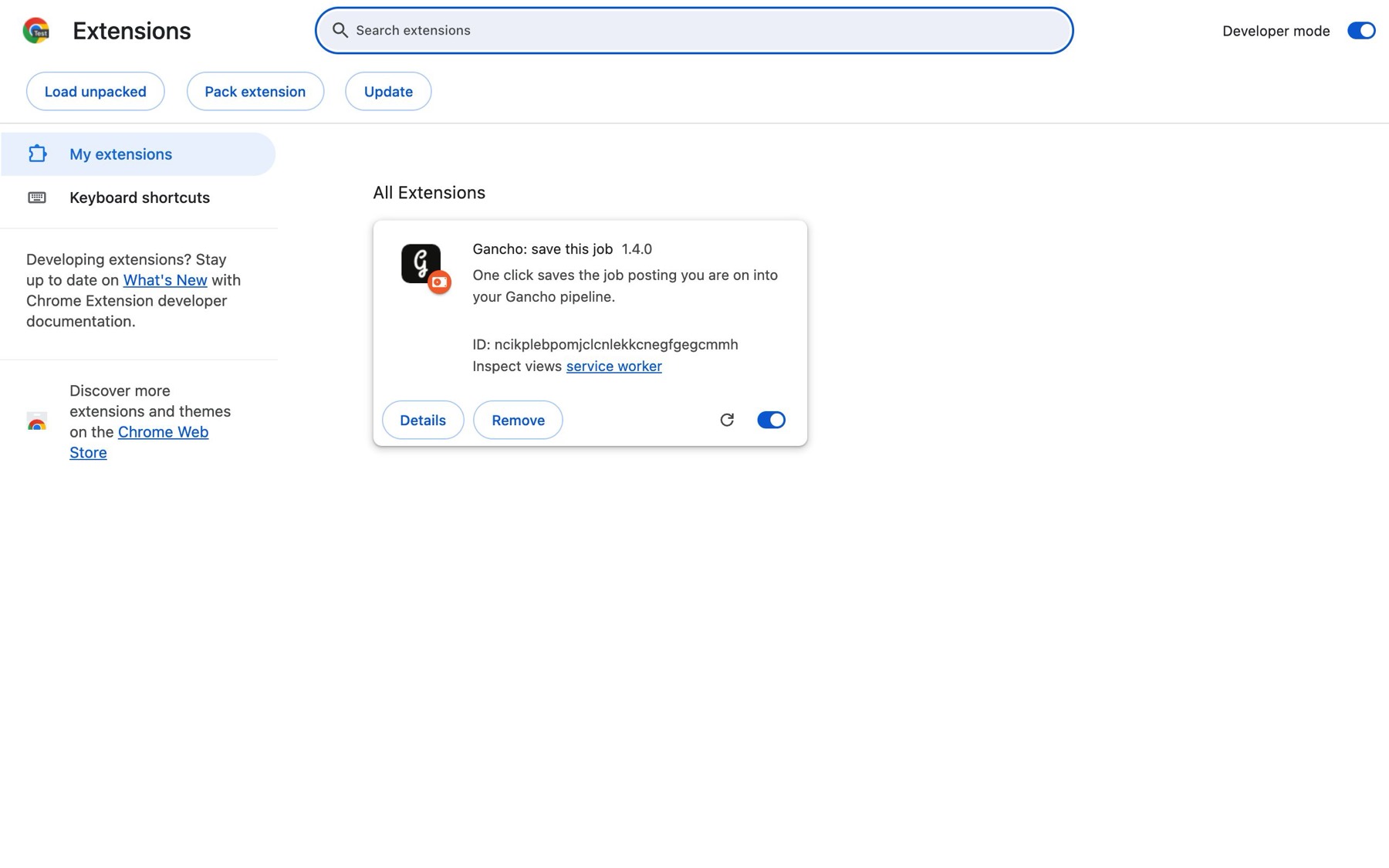
The same steps are inside the app: click How to install on the extension card.
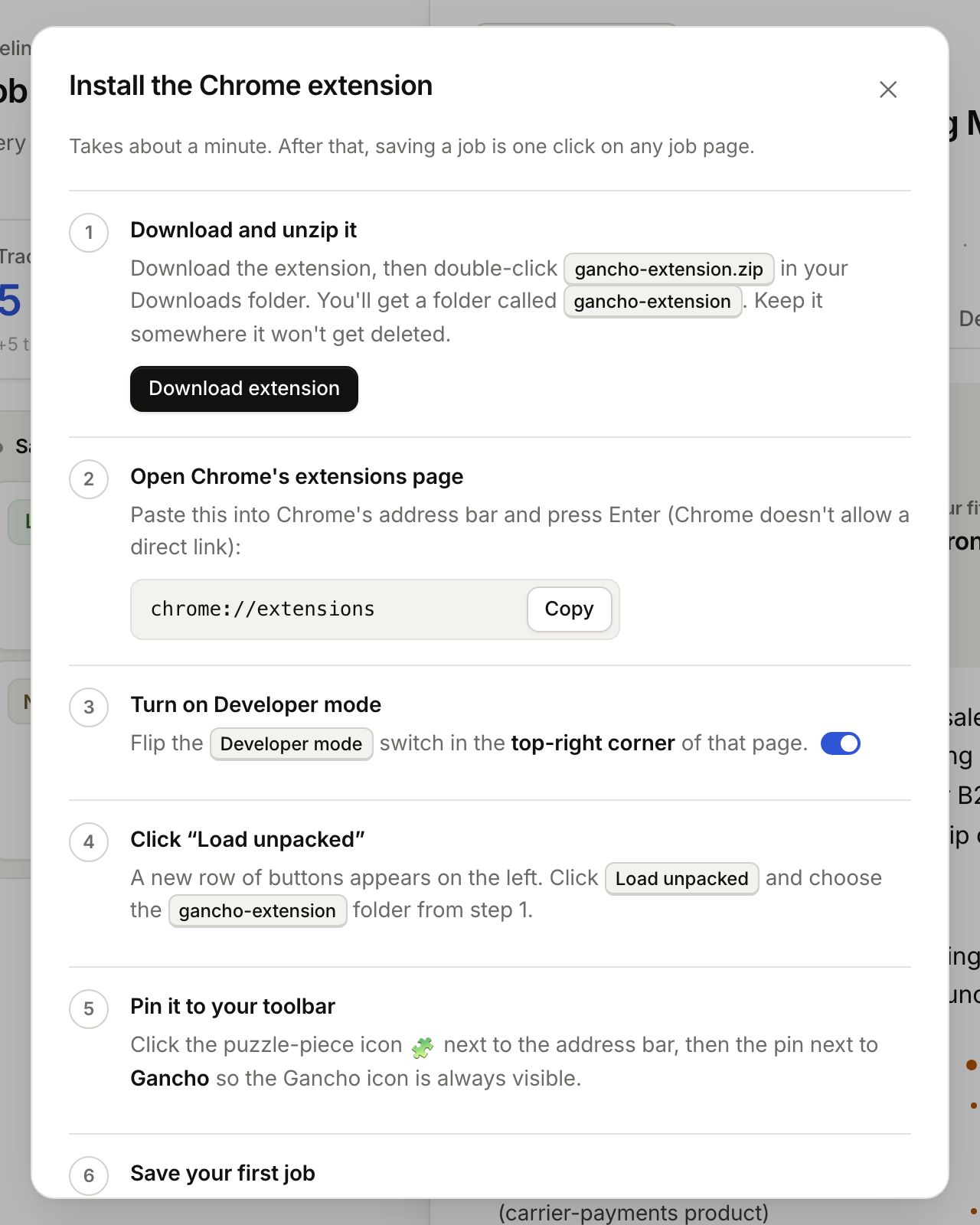
The icon
This is the one to pin and click: 
If it stops working
- You moved or deleted the folder. Chrome loads the extension from it. Put it back, or repeat steps 1 to 4.
- It says “Sign in”. Sign in to Gancho in the same Chrome, then click it again.
