Gancho
Get Gancho free

Signing in

Where to sign in, how long you stay signed in, and what a wrong password looks like.

1 min read

How it works

  1. Click Sign in at the top right of the homepage.
  2. Type your email and password, then Sign in.
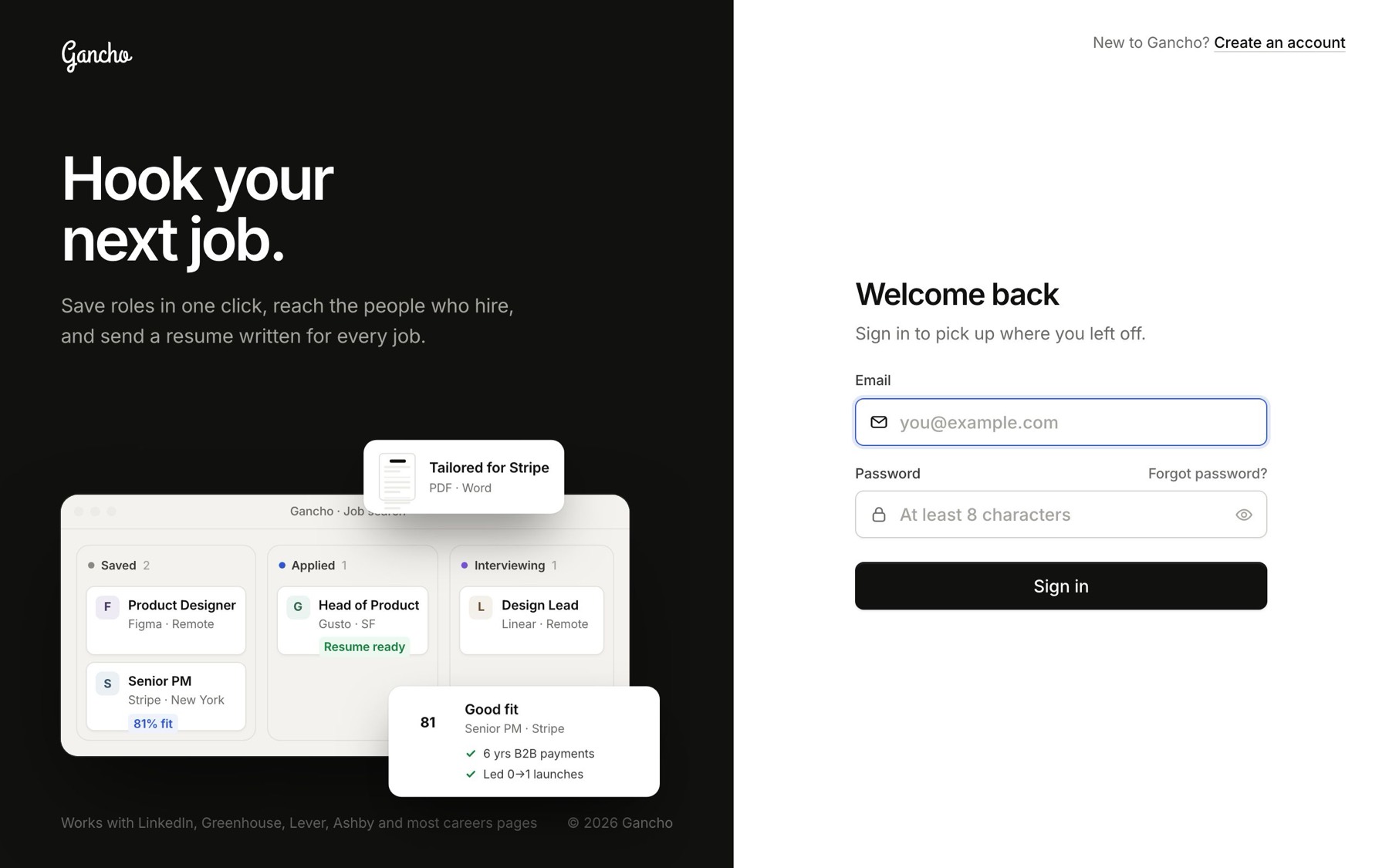
The sign-in form
The sign-in form

You stay signed in on that browser until you sign out, so you will not be asked every visit.

If the password is wrong

The form says so and keeps your email in the box. Try again, or use Forgot password?, right above the password box. Resetting your password →
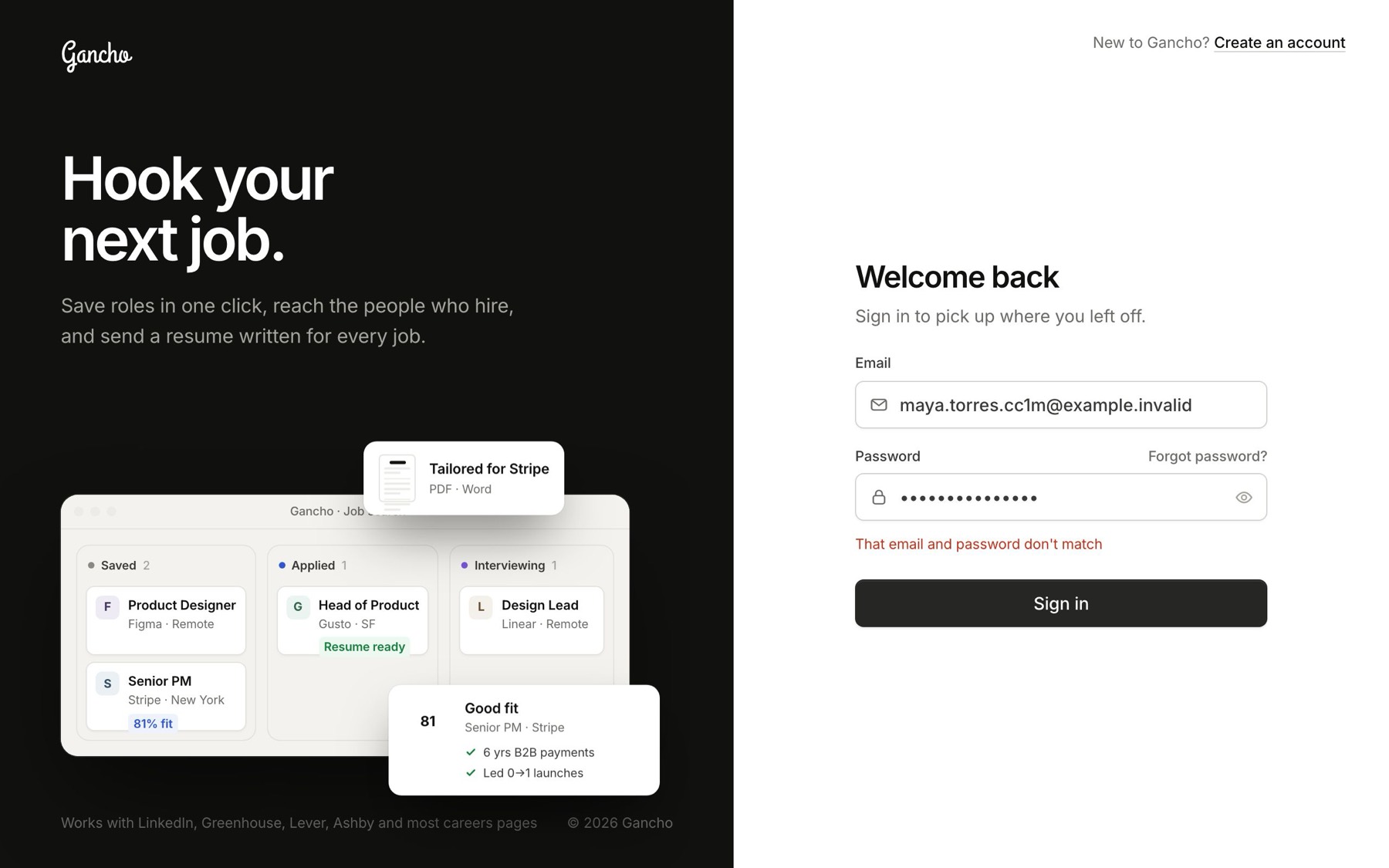
A wrong password
A wrong password

Signing out

Click your name at the bottom of the sidebar, then Sign out.
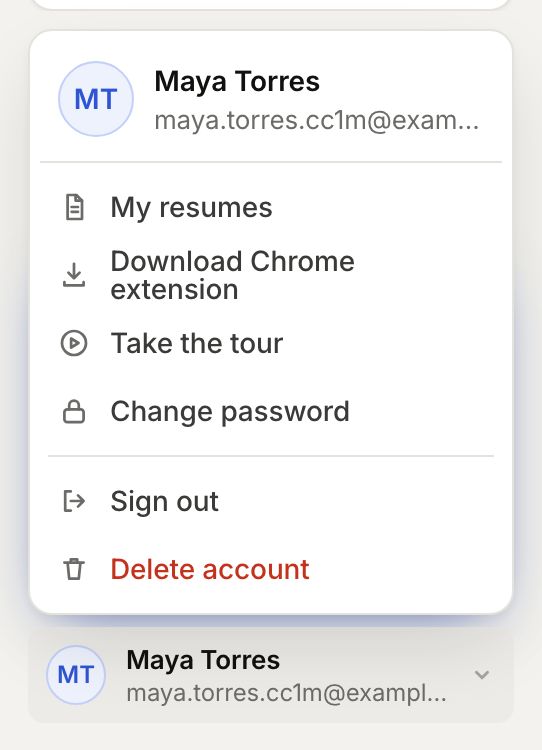
The account menu
The account menu

In the app

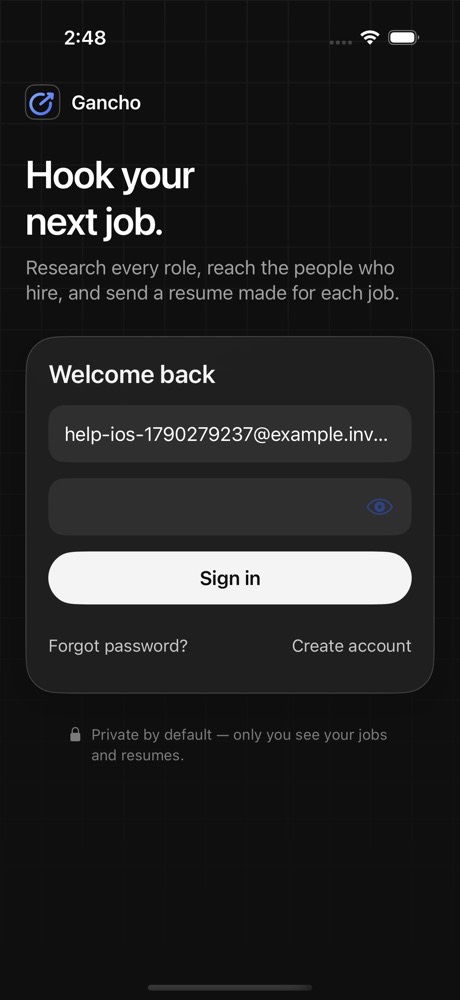
Sign in on iPhone with the same email and password.
Two friends laughing over a laptop in a café

This didn't answer it?

Ask the coach: the round button at the bottom right of the app. It knows your jobs and your resume, and it can walk you through any of this.

Open Gancho