How it works
- On the sign-in form, click Forgot password?
- Type the email you signed up with and click Send reset link.
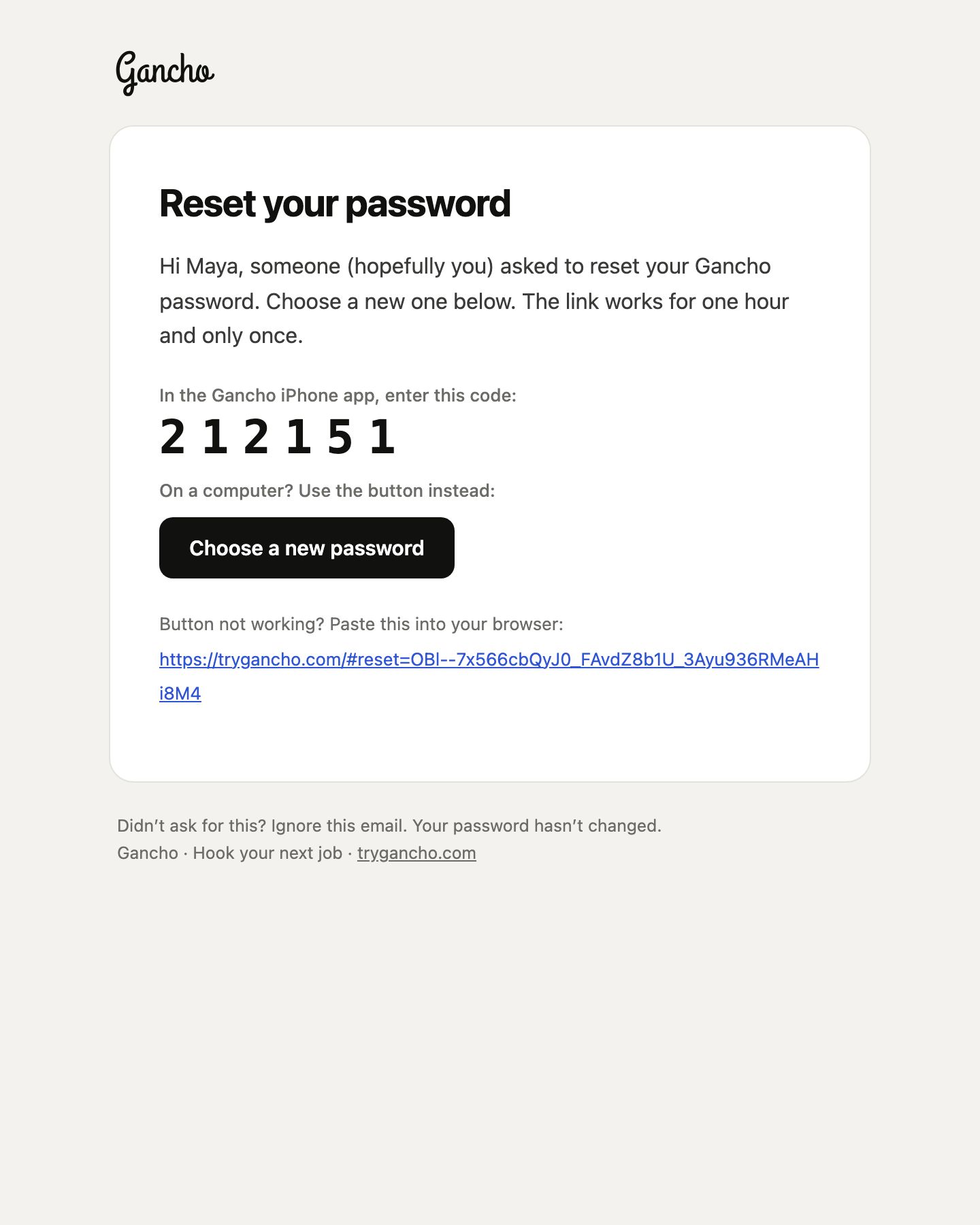
- Open the email and click the button in it.
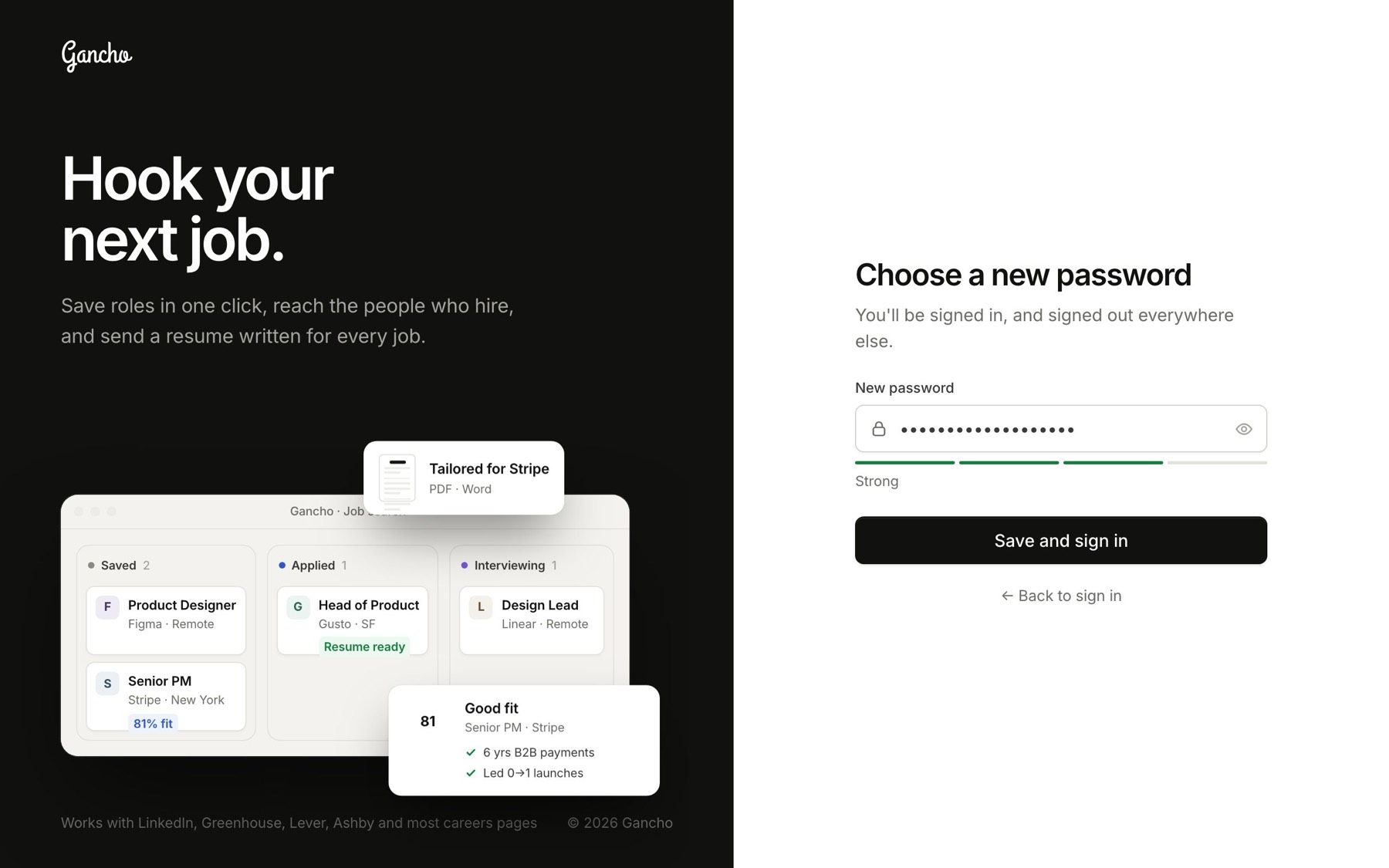
- Choose a new password. You are signed straight in.
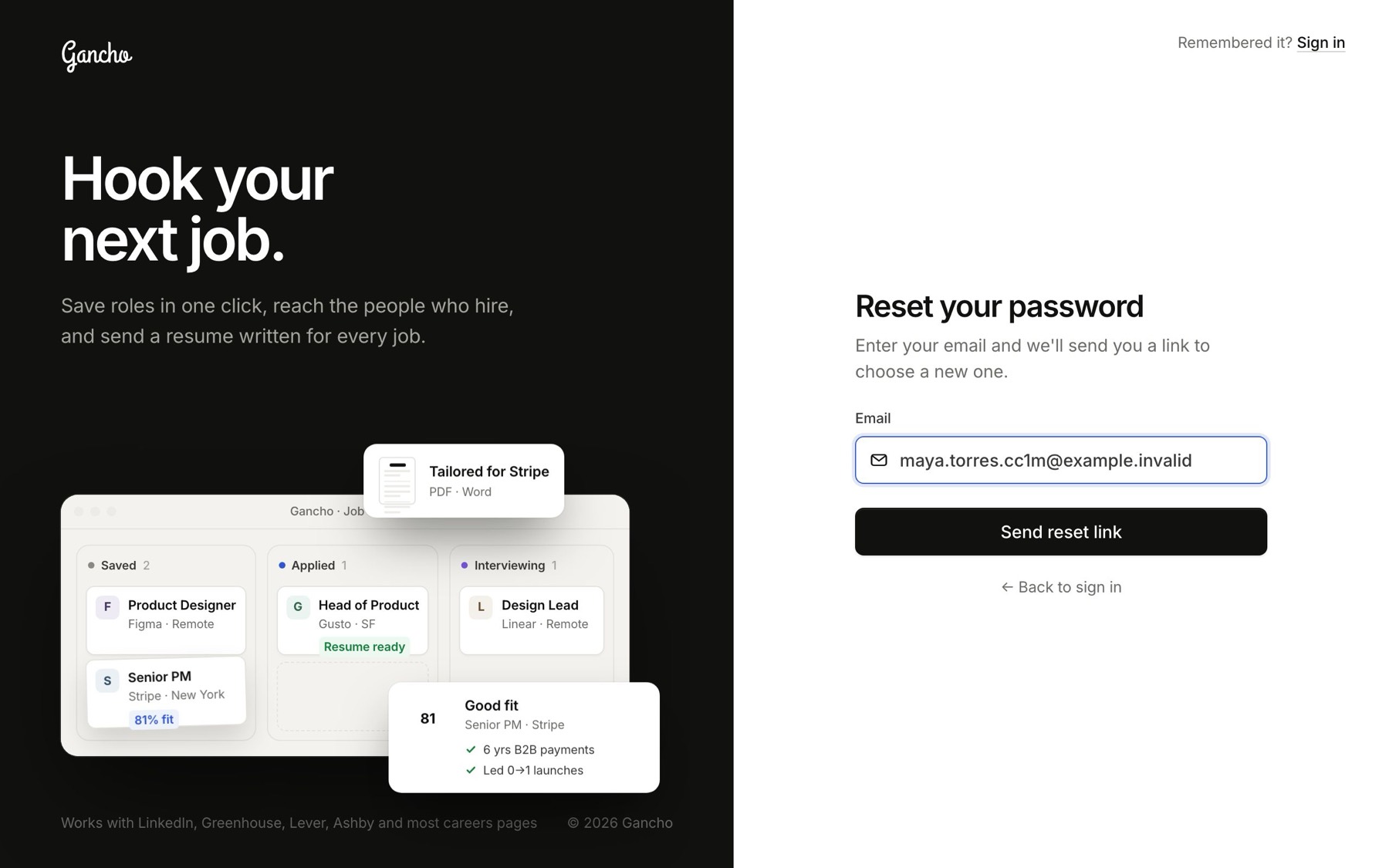
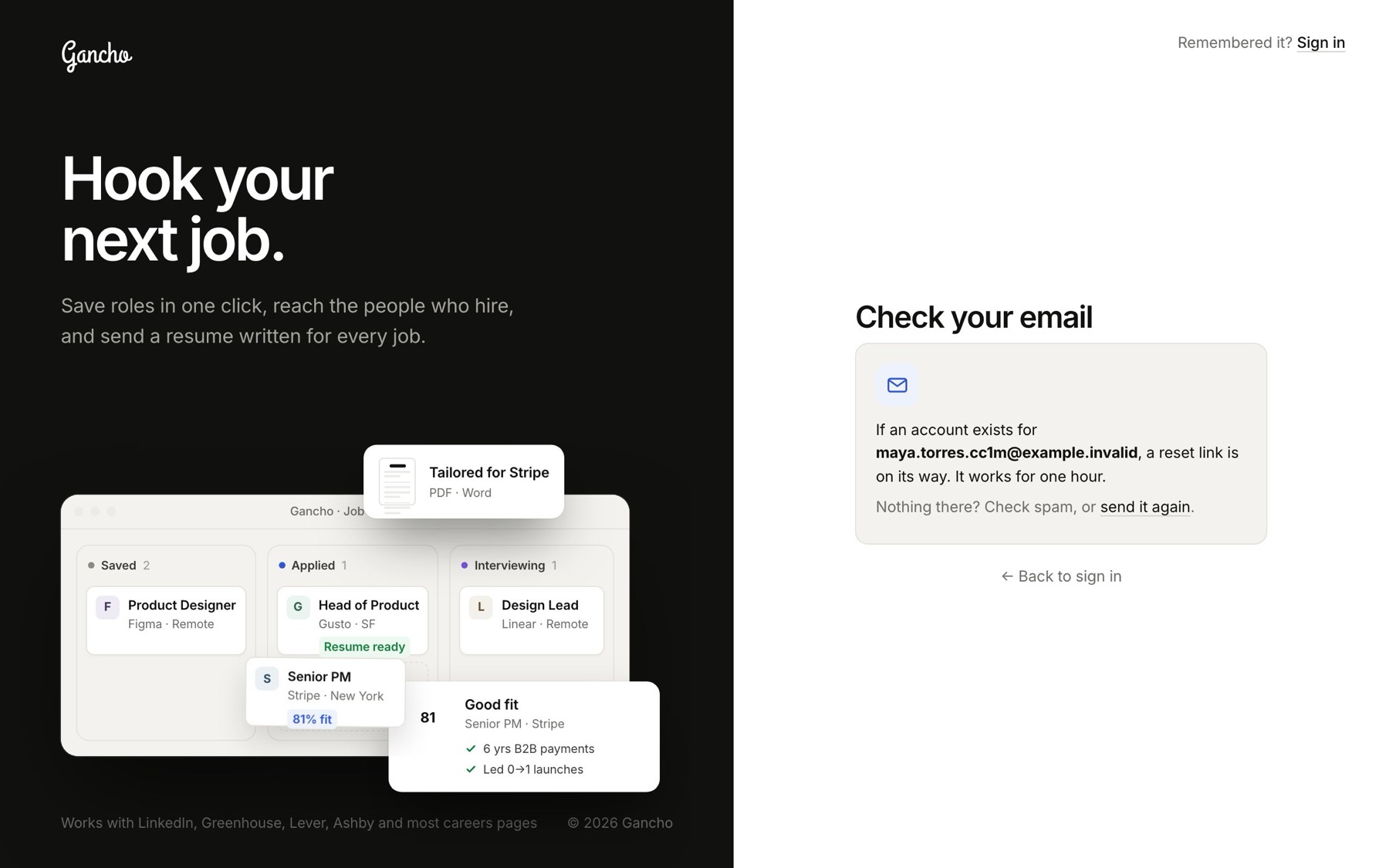
The page says a link is on its way if an account exists for that address. That is on purpose. We never confirm which emails have accounts.
The link, or the code
On a computer, click Choose a new password in the email. In the iPhone app, type the 6-digit code from the same email instead. Either works once, for one hour. After that, ask for a new one. The old one simply stops working.
The new password
At least 8 characters, same as at sign-up. Setting it signs you in here and signs out every other device that was signed in, in case someone else had your old password.
If the email never arrives
- Give it a minute, then check spam and promotions.
- Make sure it is the address you actually signed up with.
- Use send it again on the same screen.
