How it works
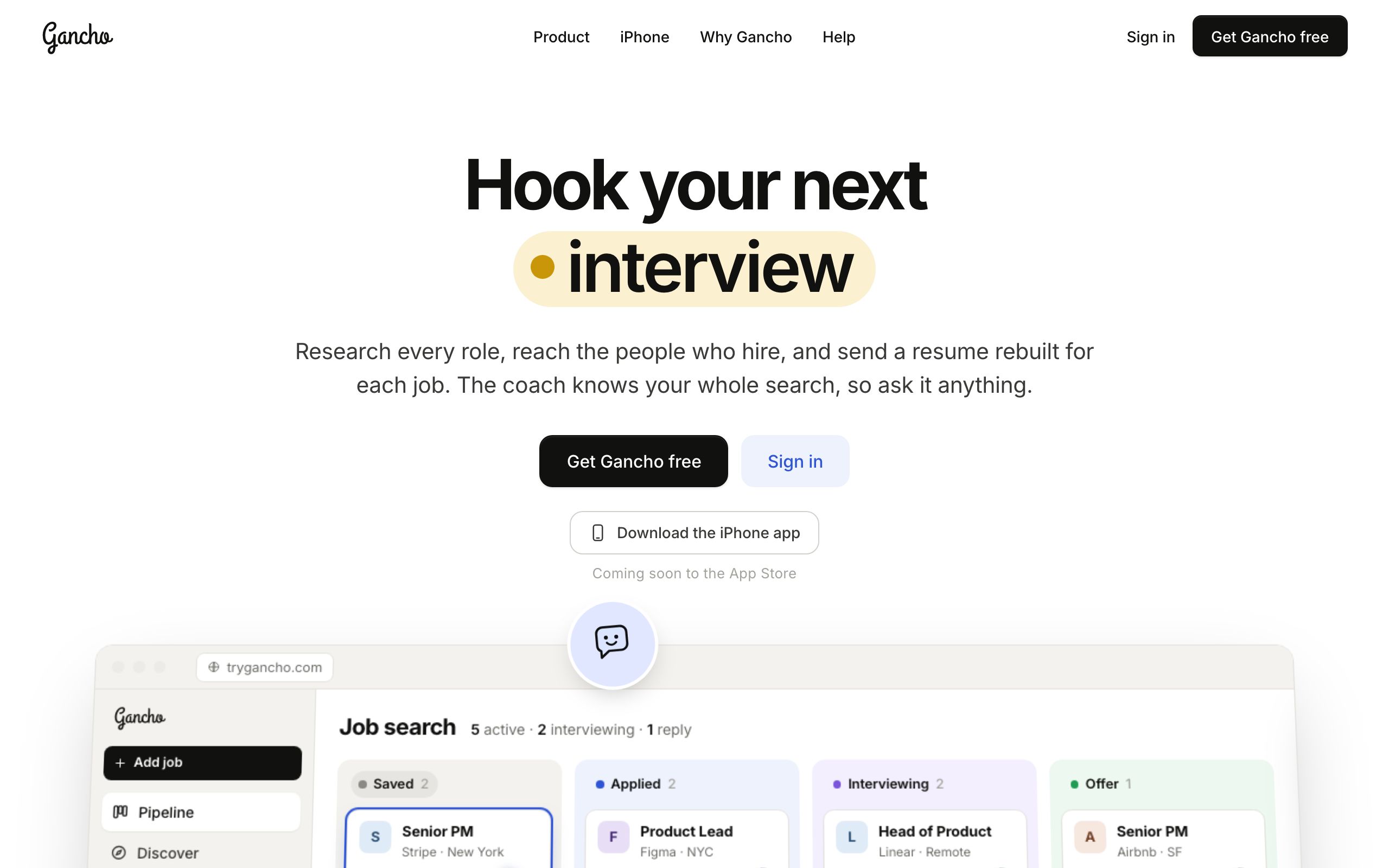
- On the homepage, click Get Gancho free (top right, or under the headline).
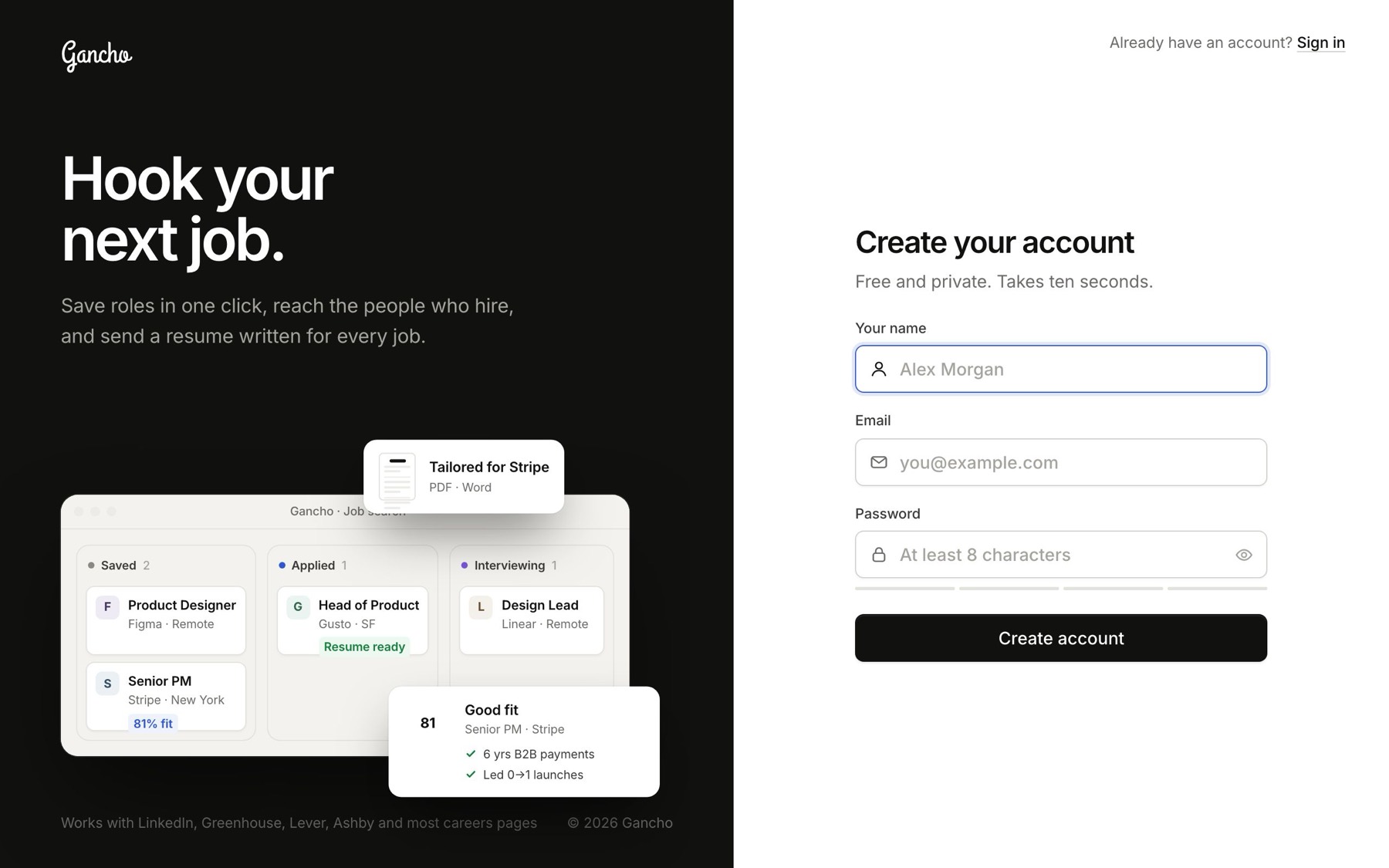
- Type your name, email and a password.
- Click Create account. You are in straight away, with no email to confirm first.
The password
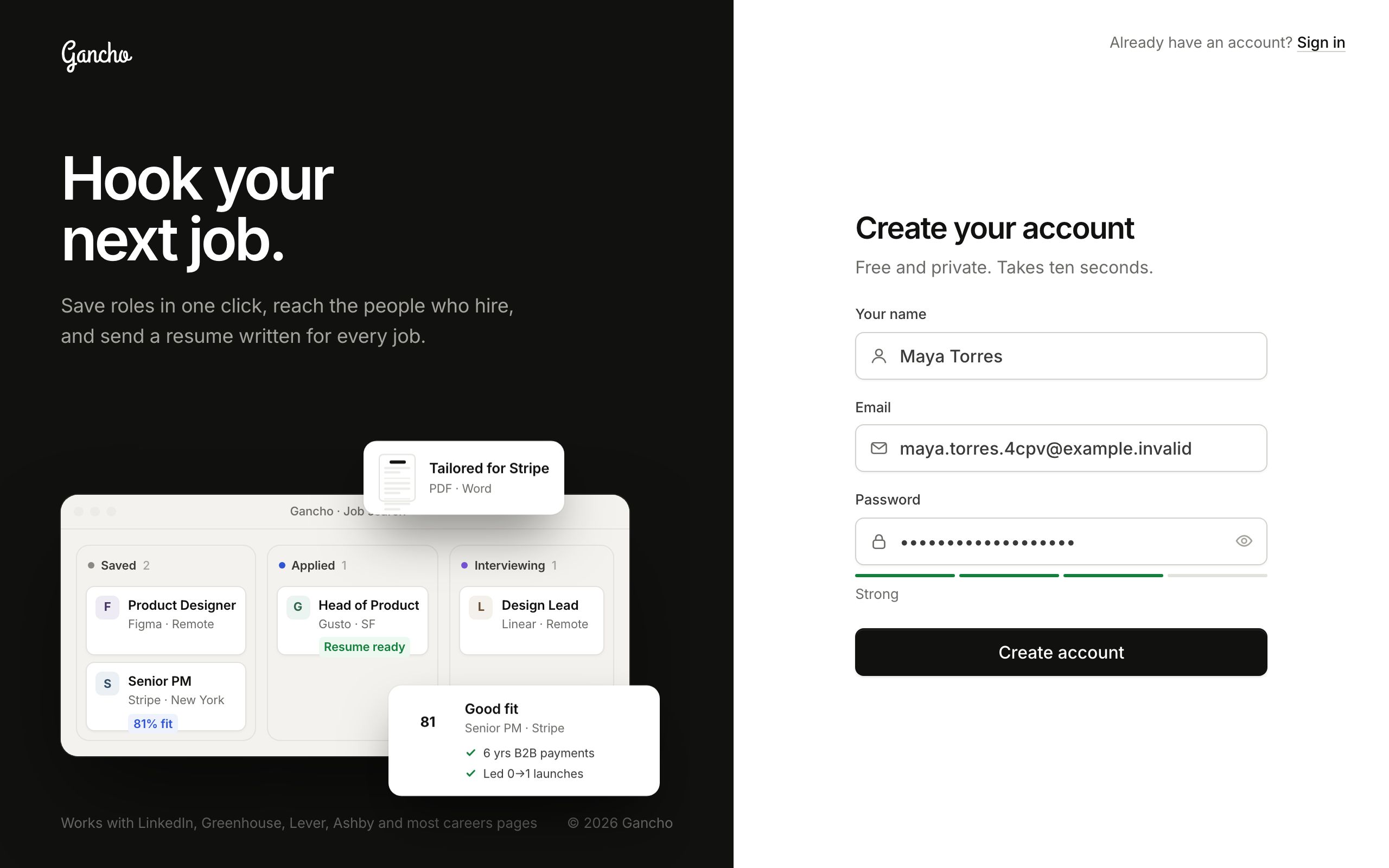
At least 8 characters. That is the only rule. The bar and the word under the box tell you how strong it is as you type, and the eye button at the end of the box shows what you typed so you can check it.
What you land on
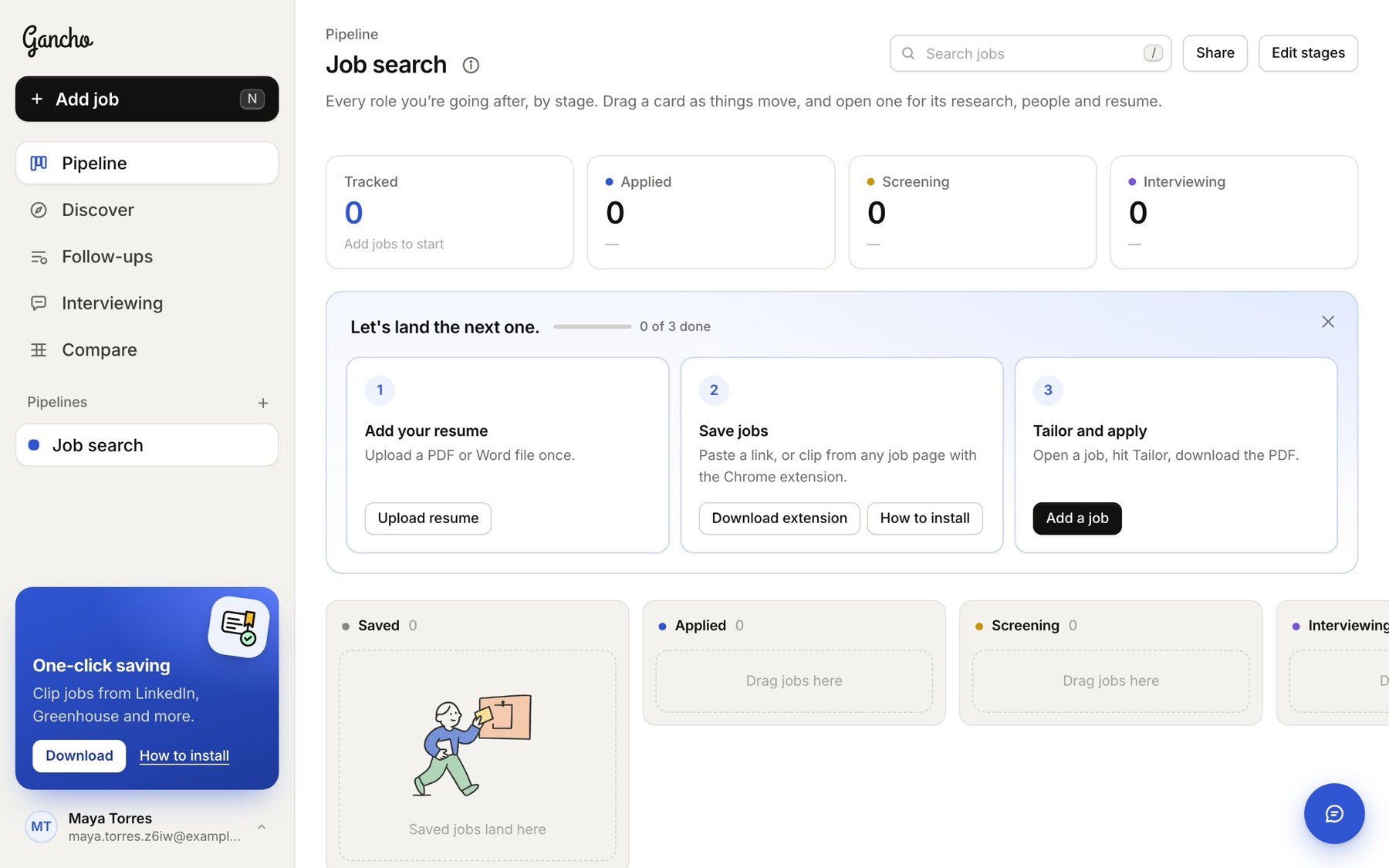
A short welcome first, which ends by asking for your resume. Then a pipeline called Job search with six stages (Saved, Applied, Screening, Interviewing, Offer and Rejected) and a three-step checklist to get you going. What the welcome and the checklist are for →
The emails that follow
A welcome note and a short how-to arrive within a minute; a tips email comes the next day. Every email we send →
In the app
The iPhone app signs in to the same account. Make it on the web or on your phone; it does not matter. The iPhone app →
