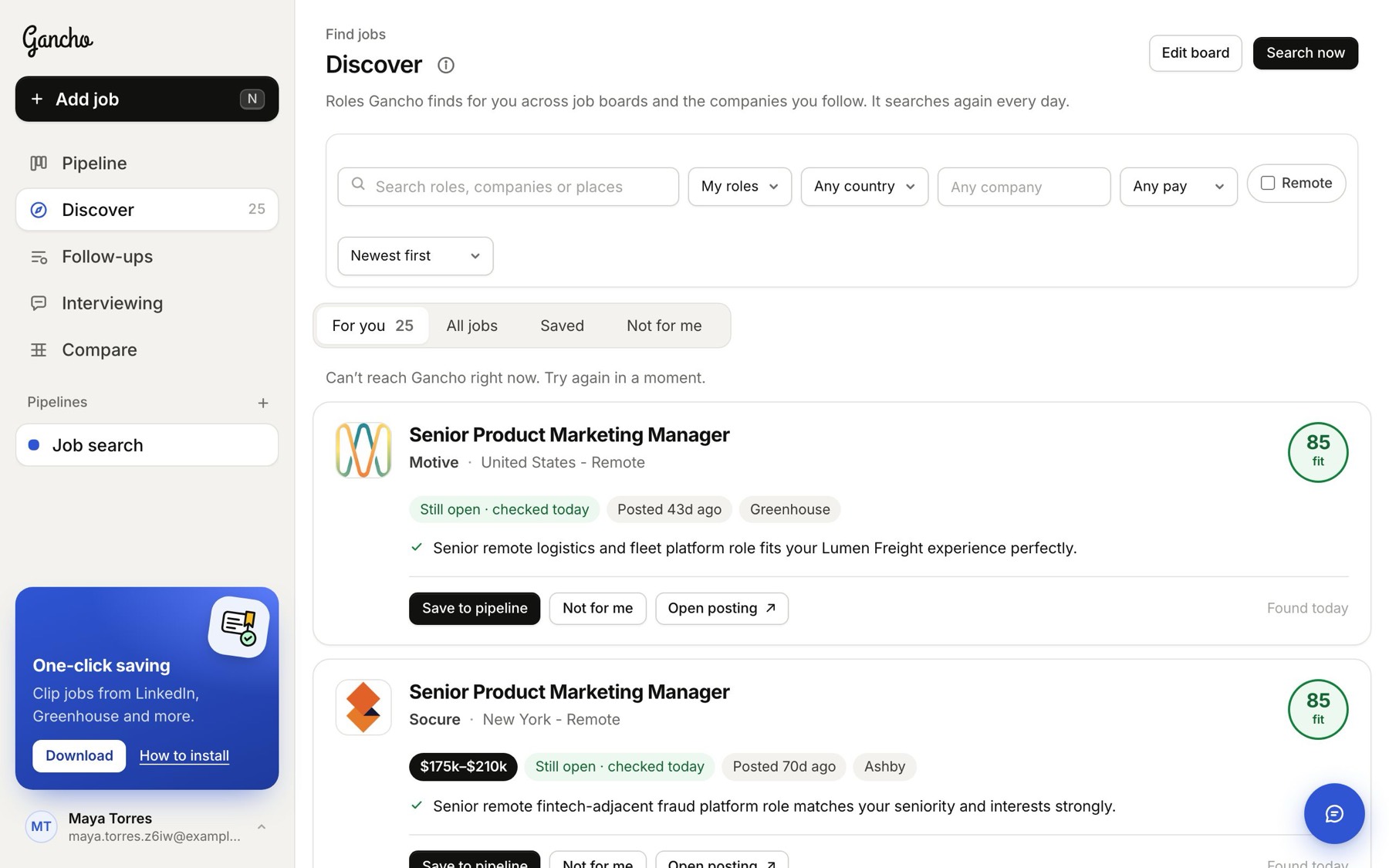
Every way ends the same: the job lands in your pipeline and Gancho researches it: pay, benefits, the company and how well you fit.
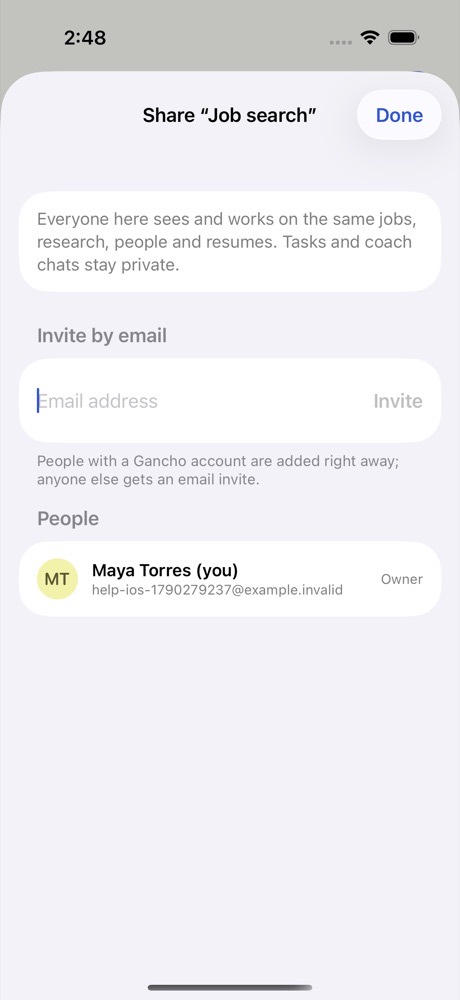
1. On iPhone: Share → Gancho
- Open the job posting in Safari, LinkedIn, Indeed or any other app.
- Tap Share (the square with the arrow).
- Tap Gancho in the row of apps. Done. It is in your pipeline.
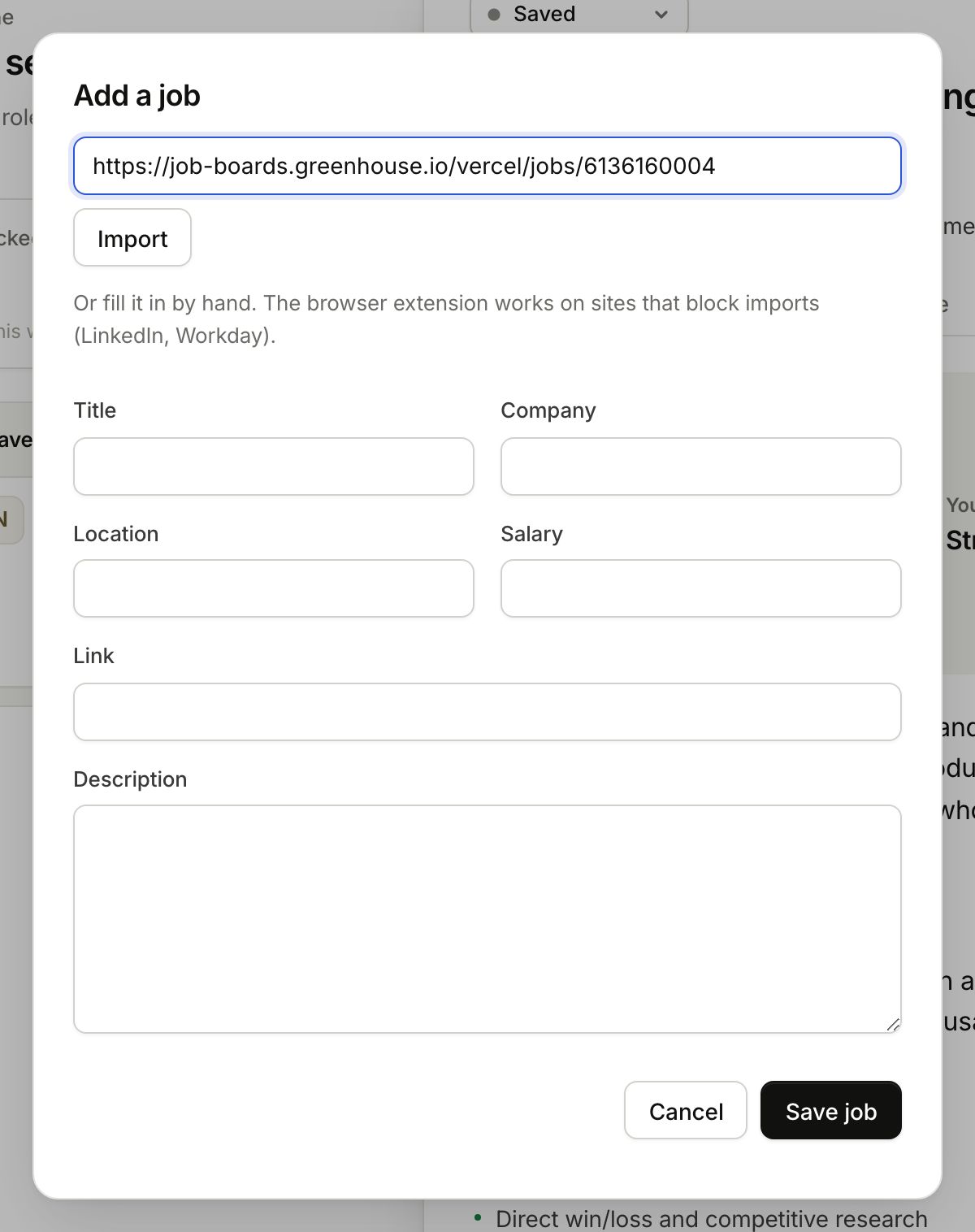
2. Paste a link
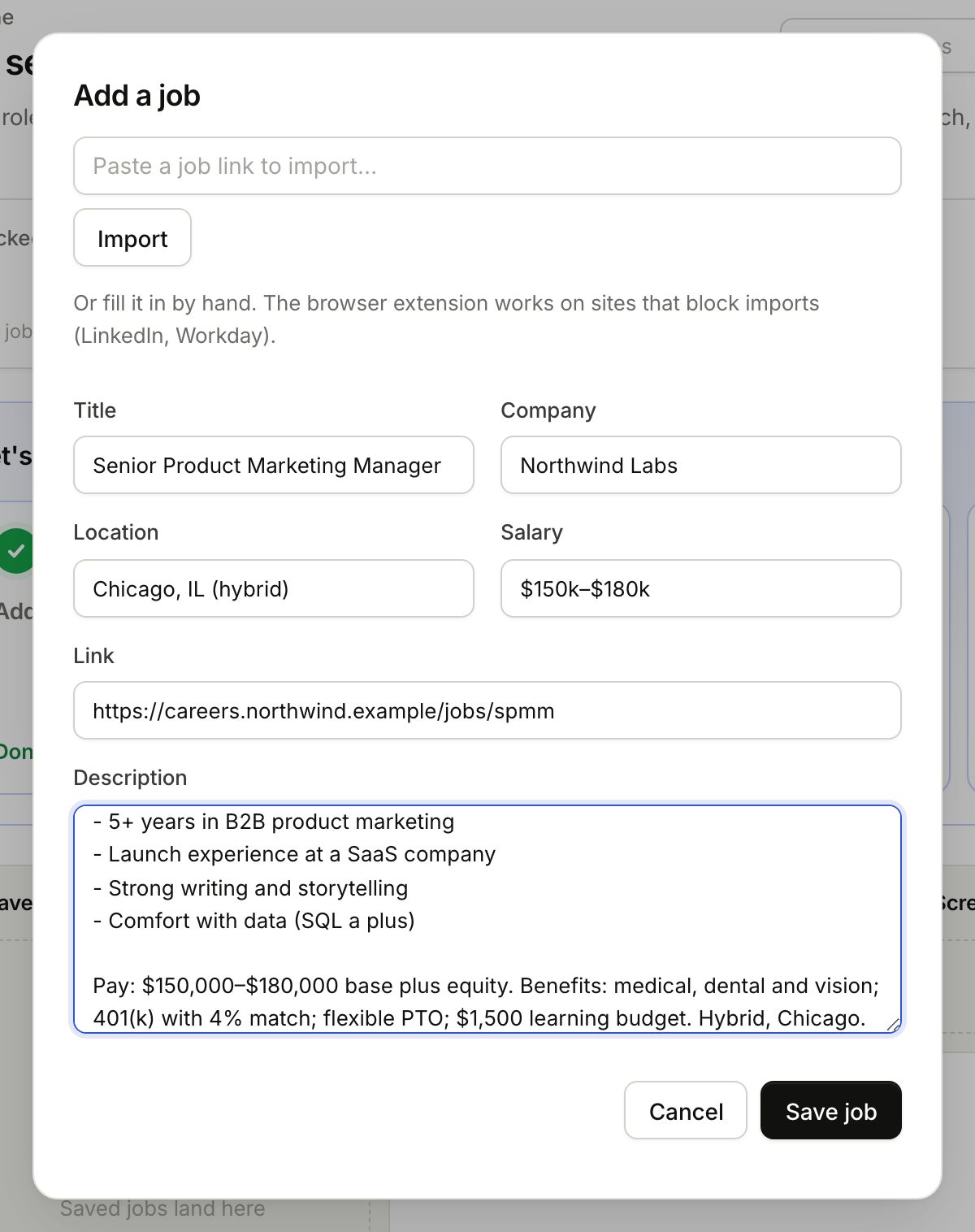
- Click Add job (or press N). On iPhone, tap +.
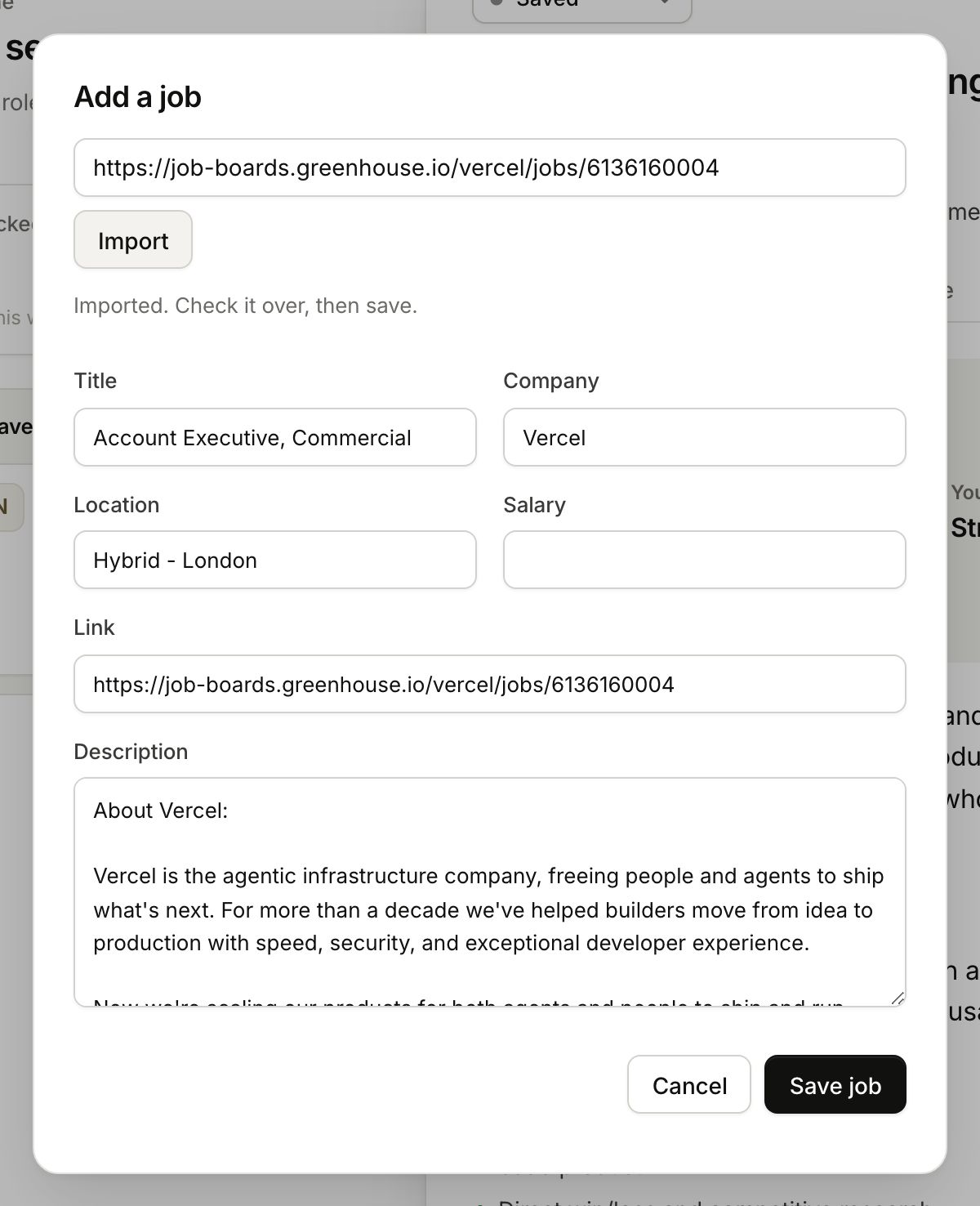
- Paste the posting’s link and click Import.
- Check what came in, then click Save job.
3. One click in Chrome
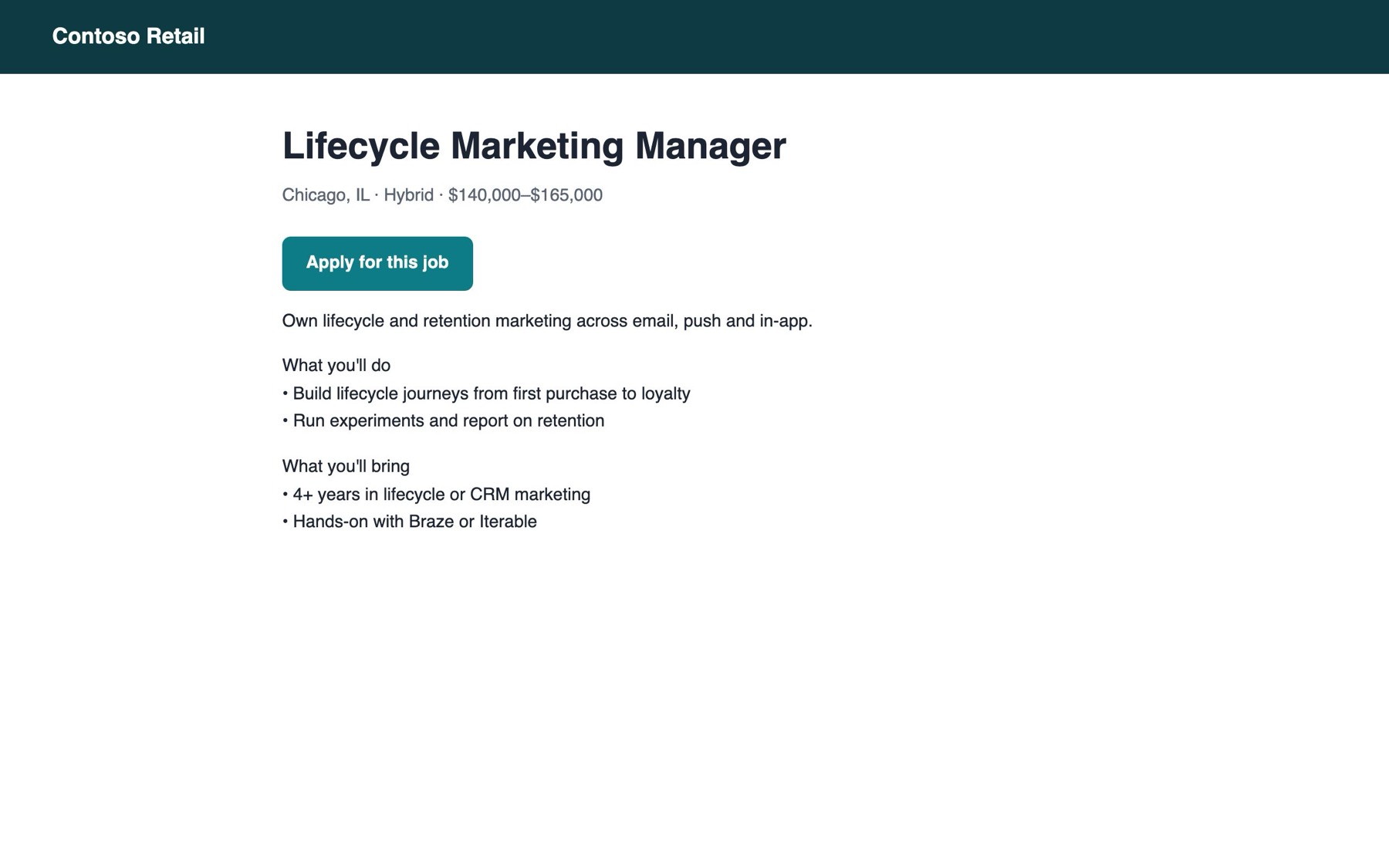
With the Chrome extension, open any job posting and click the Gancho icon in your toolbar. It works on LinkedIn and Workday too, which block imports. Install it in a minute →
Or type it in
No link? Fill in the title and company by hand. Adding a job by hand →
Or let Gancho find them
Tell Discover what you're after and it searches every day, lining up roles that fit your resume. Or search every open job in its database yourself. One click on Save to pipeline adds any of them. How Discover works →