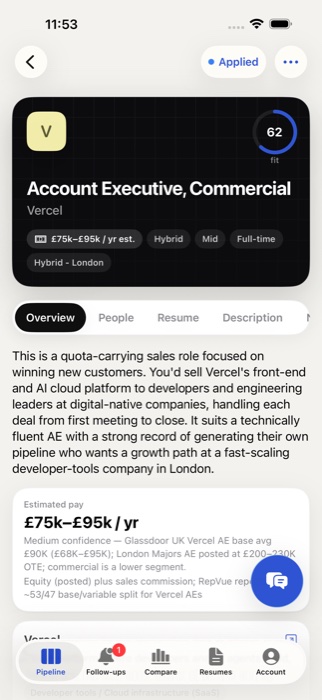
Senior Product ManagerStripe · New York · Hybrid
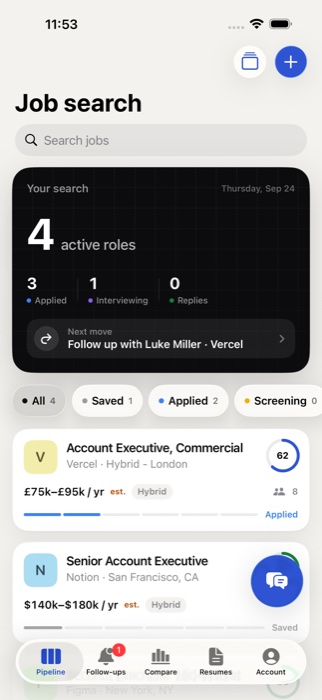
Job search5 active · 2 interviewing · 1 reply
Saved 1
N
Senior PMNotion · SF
Applied 2
F
Product LeadFigma · NYCResume ready
P
Staff PMPlaid · RemoteFollow up Thu
Interviewing 2
L
Head of ProductLinear · RemoteMaya replied
R
Group PMRamp · NYC
Offer 1
A
Senior PMAirbnb · SFOffer · decide Fri
S
Senior Product ManagerStripe · New York · Hybrid
0
OverviewPeopleResume
Pay$210k–$250kPosted · matches Levels.fyi
CompanyStripePayments · 8,000 people
Fit81 · Strong2 gaps to address
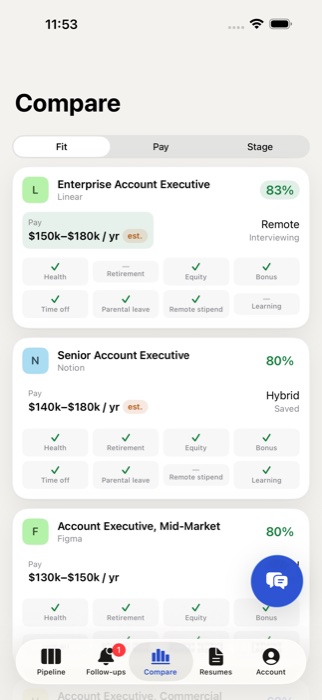
Top-tier healthEquity401k match20 wks parental
- 6 yrs B2B payments
- Led 0→1 launches
- !Hybrid 3 days in NYC. You’re in Chicago
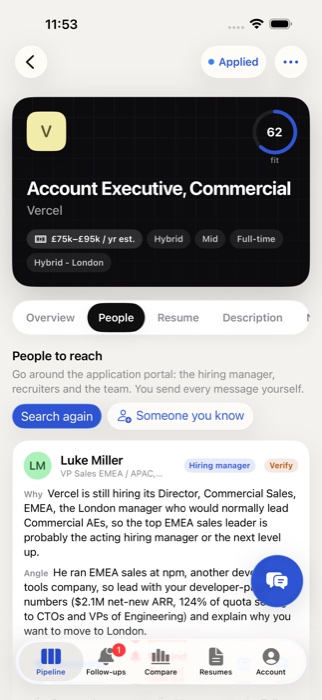
Searching the web for the hiring team…
MC
Maya ChenDirector of Product · hiring manager for this team
Hiring managerSO
Sam OrtizTechnical Recruiter · posted the role
RecruiterPN
Priya NairPM, Merchant Experience · you both went to UIUC
Warm intro Connection note for Maya · AI draft
Your directionLead with numbersEmphasize leadership
Tailoring your resume…
- Payments & merchant platforms
- Led cross-functional teams of 6+
- Enterprise dashboards at scale
- !SQL: mention your Looker work
Stripe resume.pdf Cover letter
Find peopleTailor resume
Moved to Applied · follow up with Maya on Tue