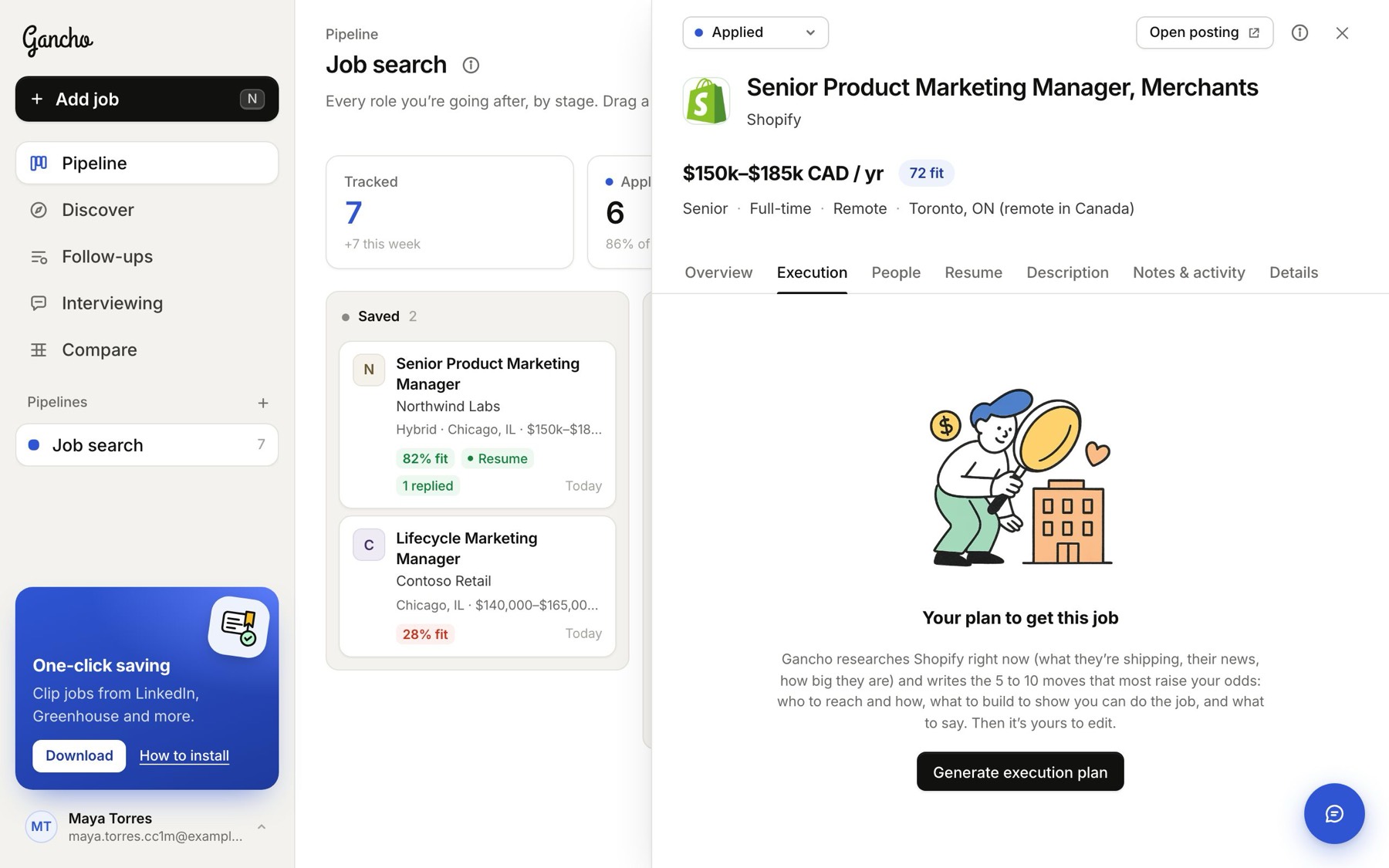
Applying and waiting is the slowest way to get a job. The Execution tab turns a job you want into a short list of moves: who to reach and how, what to build to show you can do the work, and what to say.
Make the plan
- Open the job and click the Execution tab.
- Click Generate execution plan.
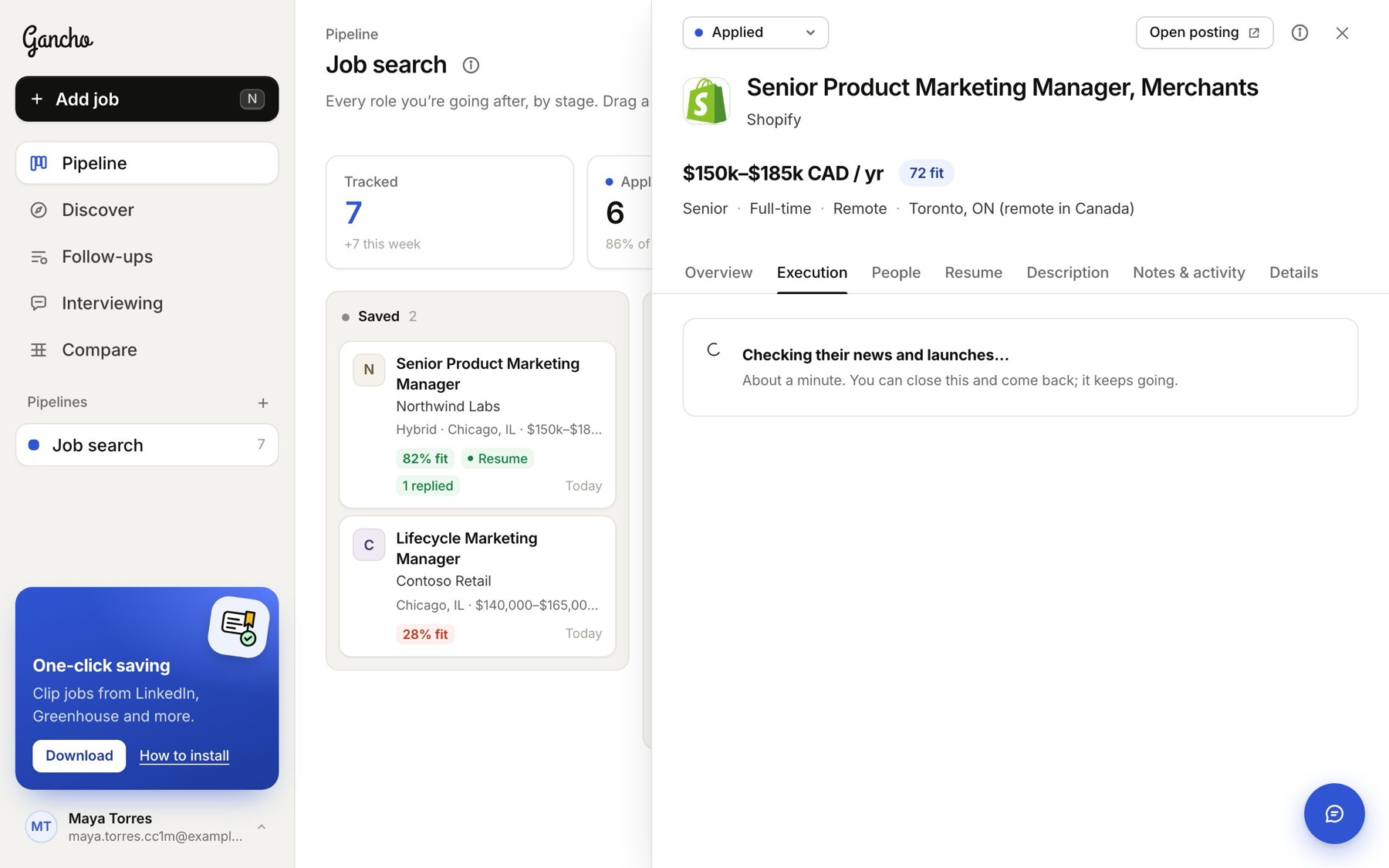
- Wait about a minute. You can close the job and come back; it keeps going.
What you get
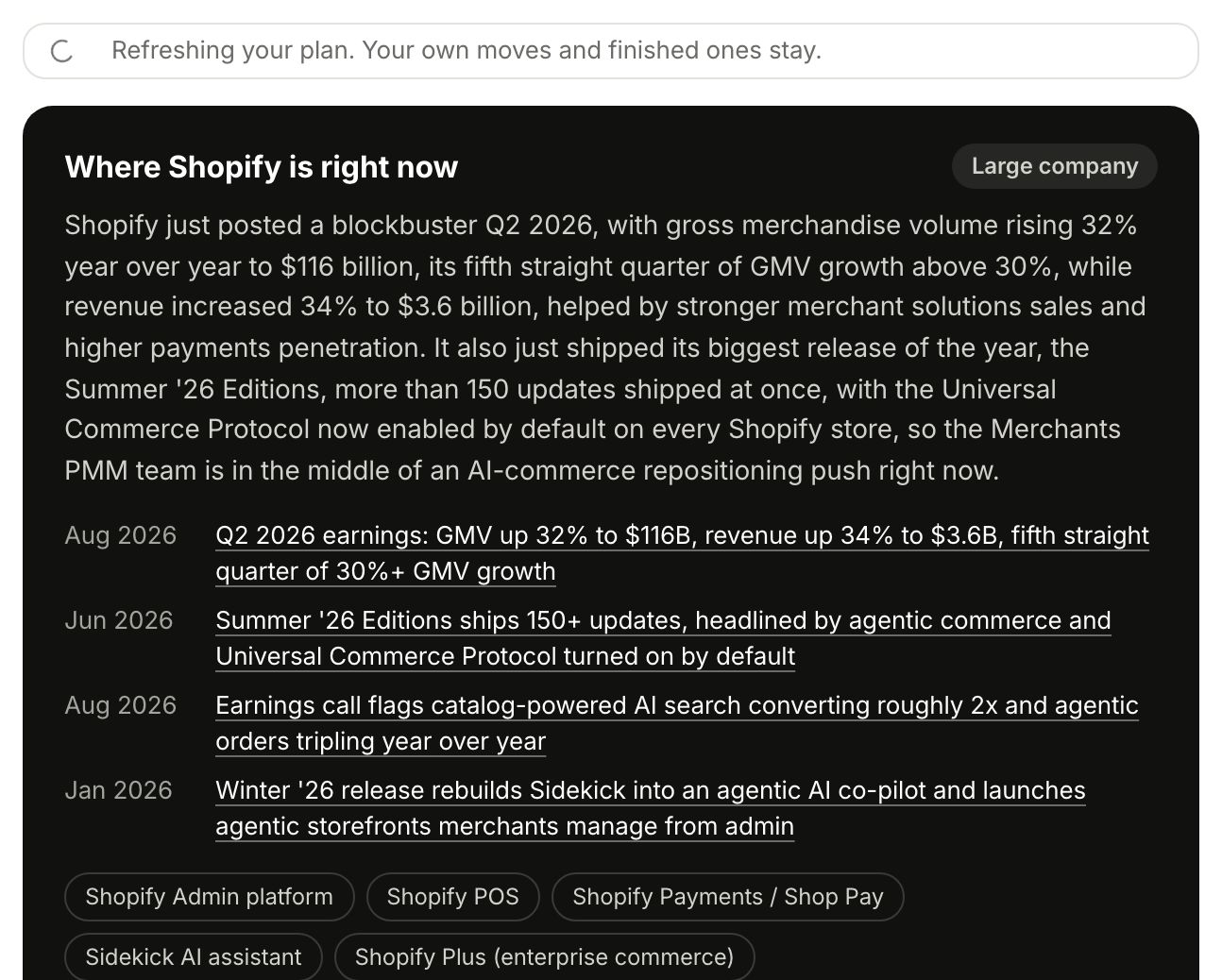
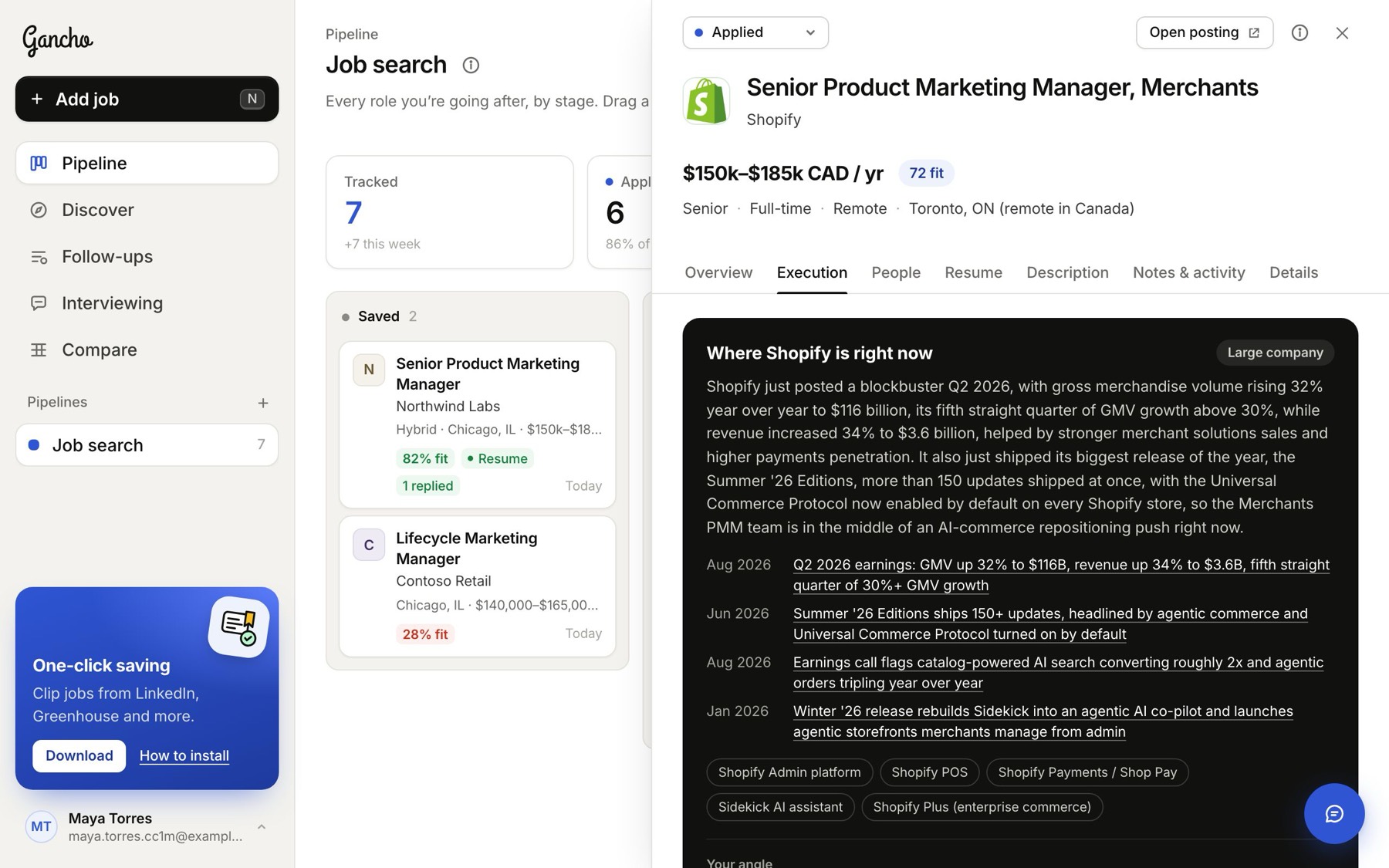
First, Where the company is right now: two sentences on the company today, its size, its latest news and launches (each links to its source), its main products, and Your angle: the one story to tell them.
Then Your moves, the most useful first. Each move says what kind it is (research, outreach, build, write, apply or interview), how long it takes, whether it is high impact, and who it involves. Under the title: why it helps here, then the steps.
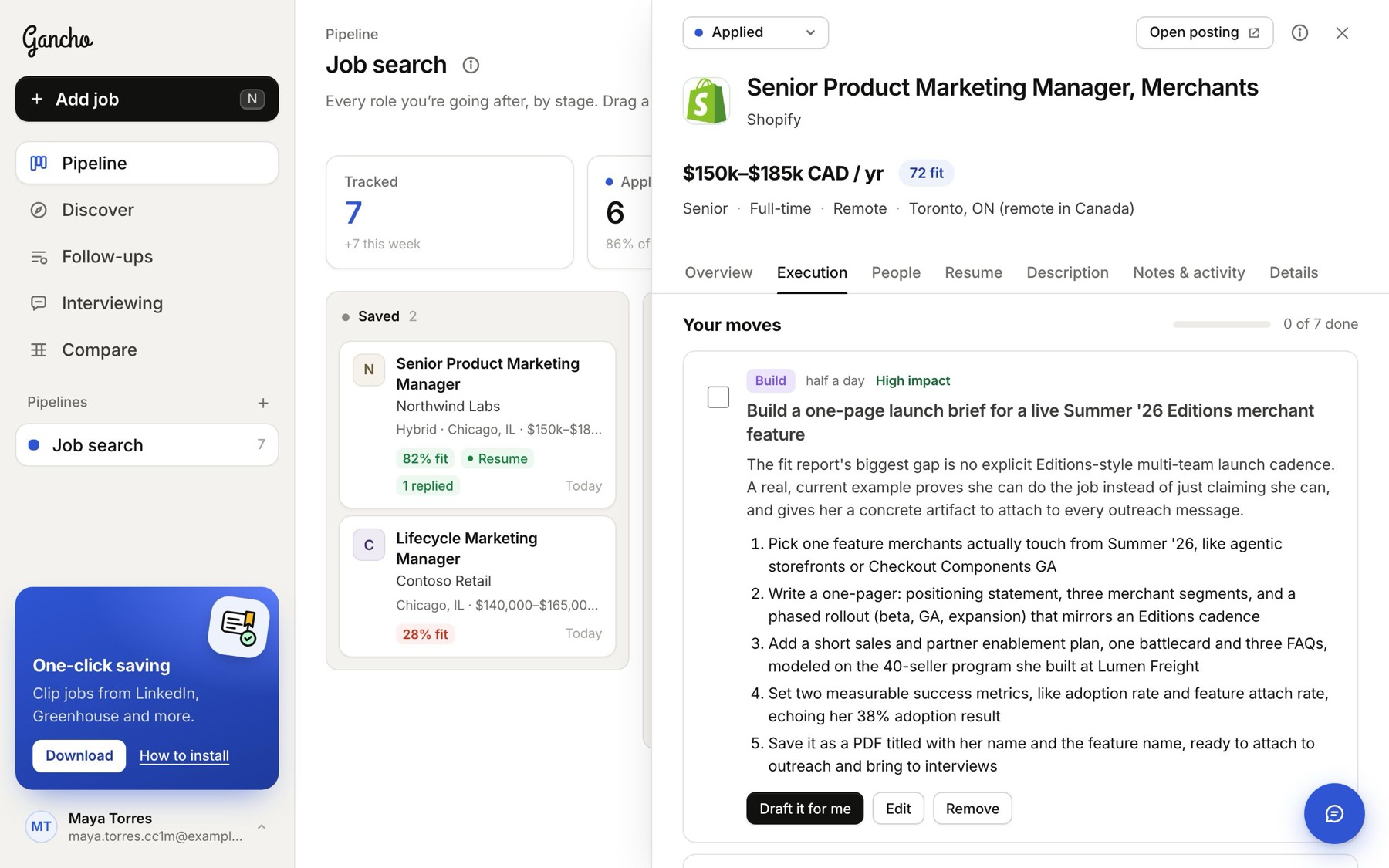
The plan fits the company. At a small company, going straight to a founder with something useful is often the best move. At a large one, it works through the hiring manager, the team and warm introductions instead. It uses the people you have already found on the People tab by name, and never invents anyone.
Tick moves off
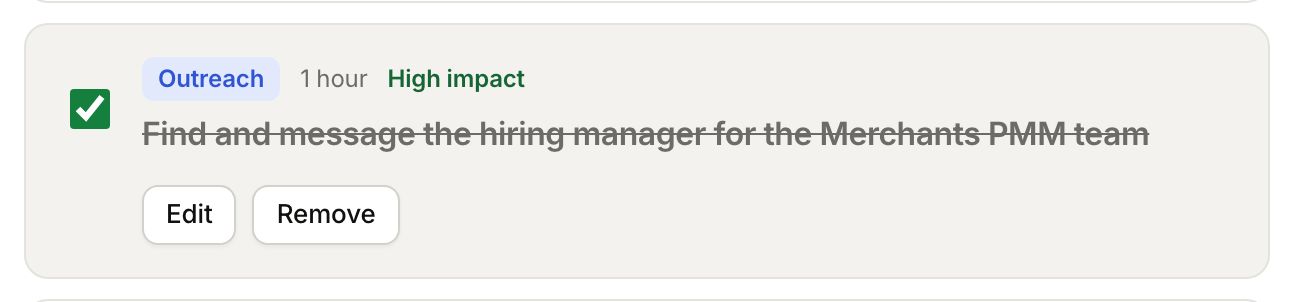
Tick the box next to a move when it is done. It folds away to its title, and the bar above your moves counts how far along you are.

Make it yours
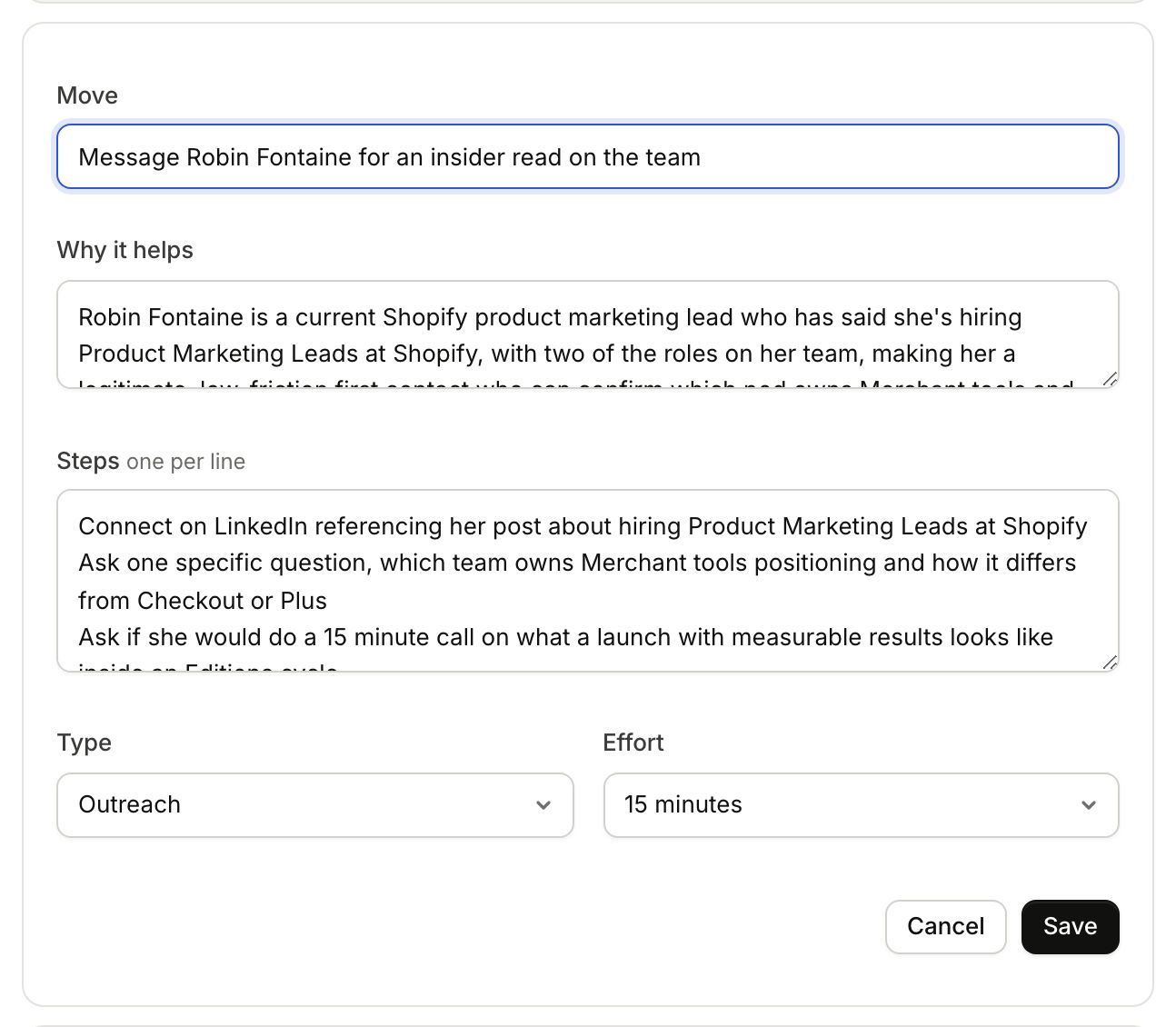
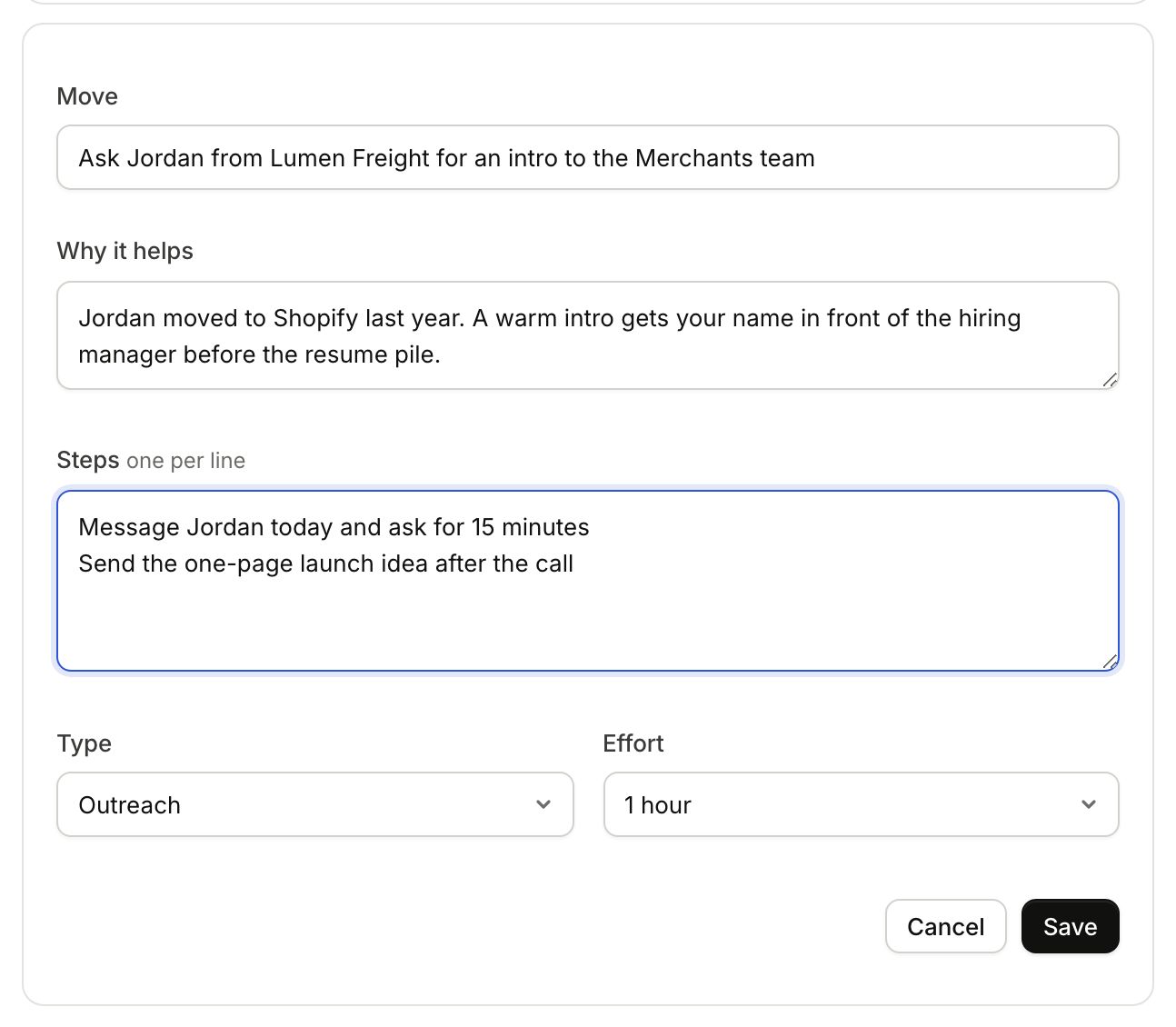
- Edit changes a move: its title, why it helps, the steps (one per line), the type and the effort.
- Remove takes a move out.
- Add your own move, under the list, adds one of yours. It is marked Yours.
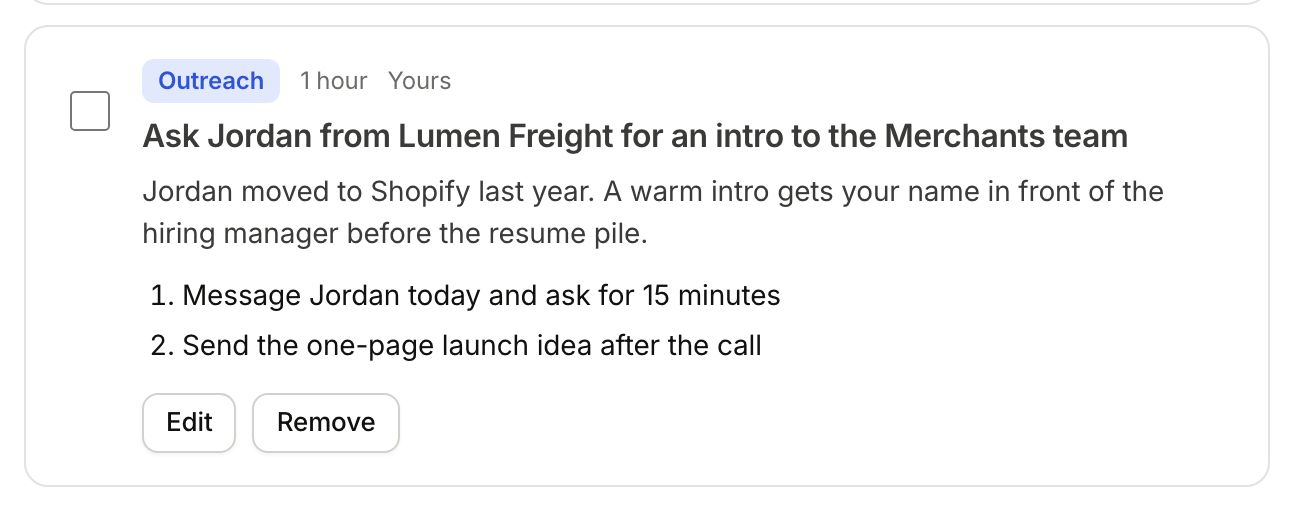
Draft it for me
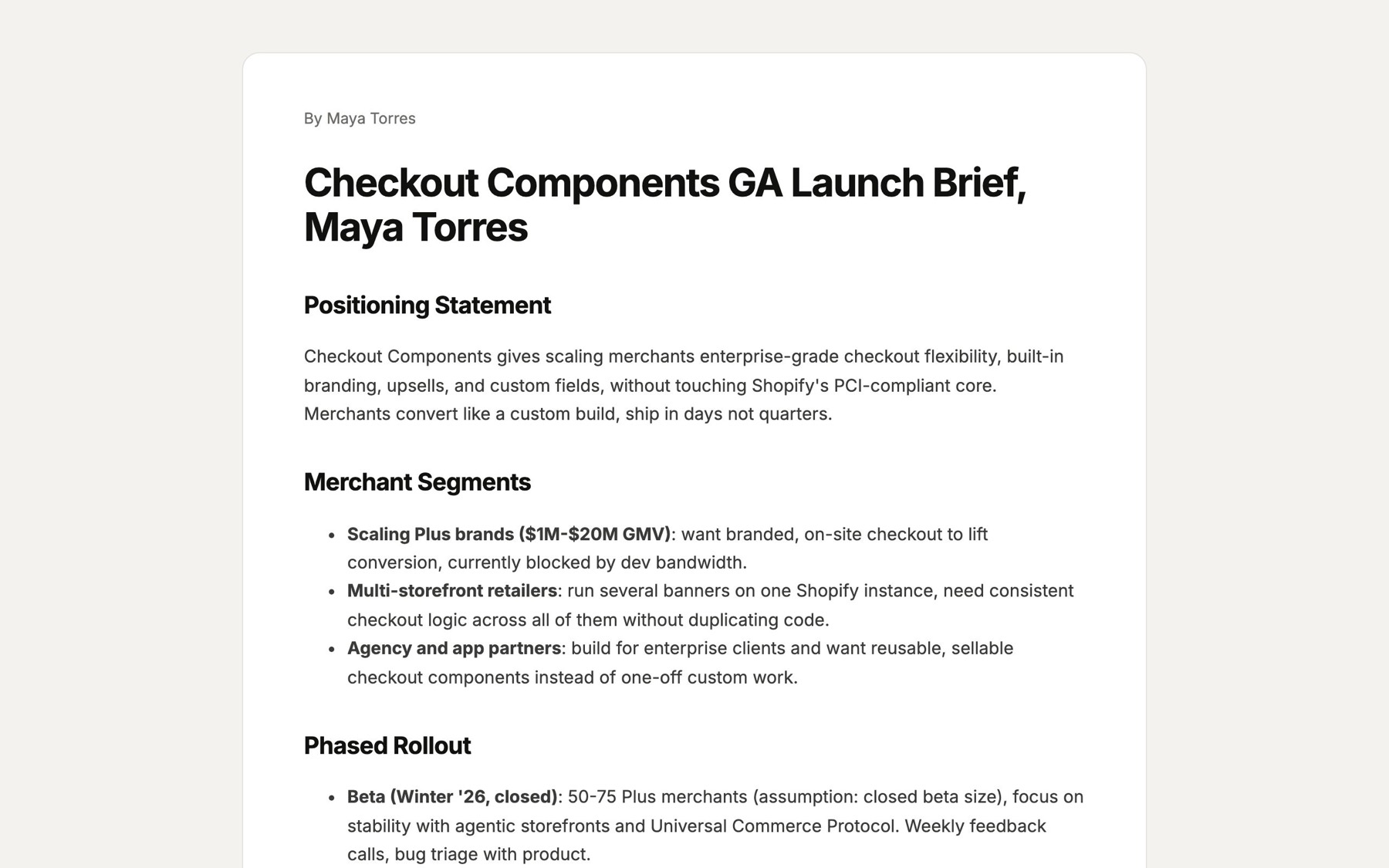
Moves where you make something, like a one-page product idea or a 30-60-90 day plan, have a Draft it for me button. Gancho writes the real document from the research and your resume, in about a minute, and ends it with a short note in your voice on why you made it.
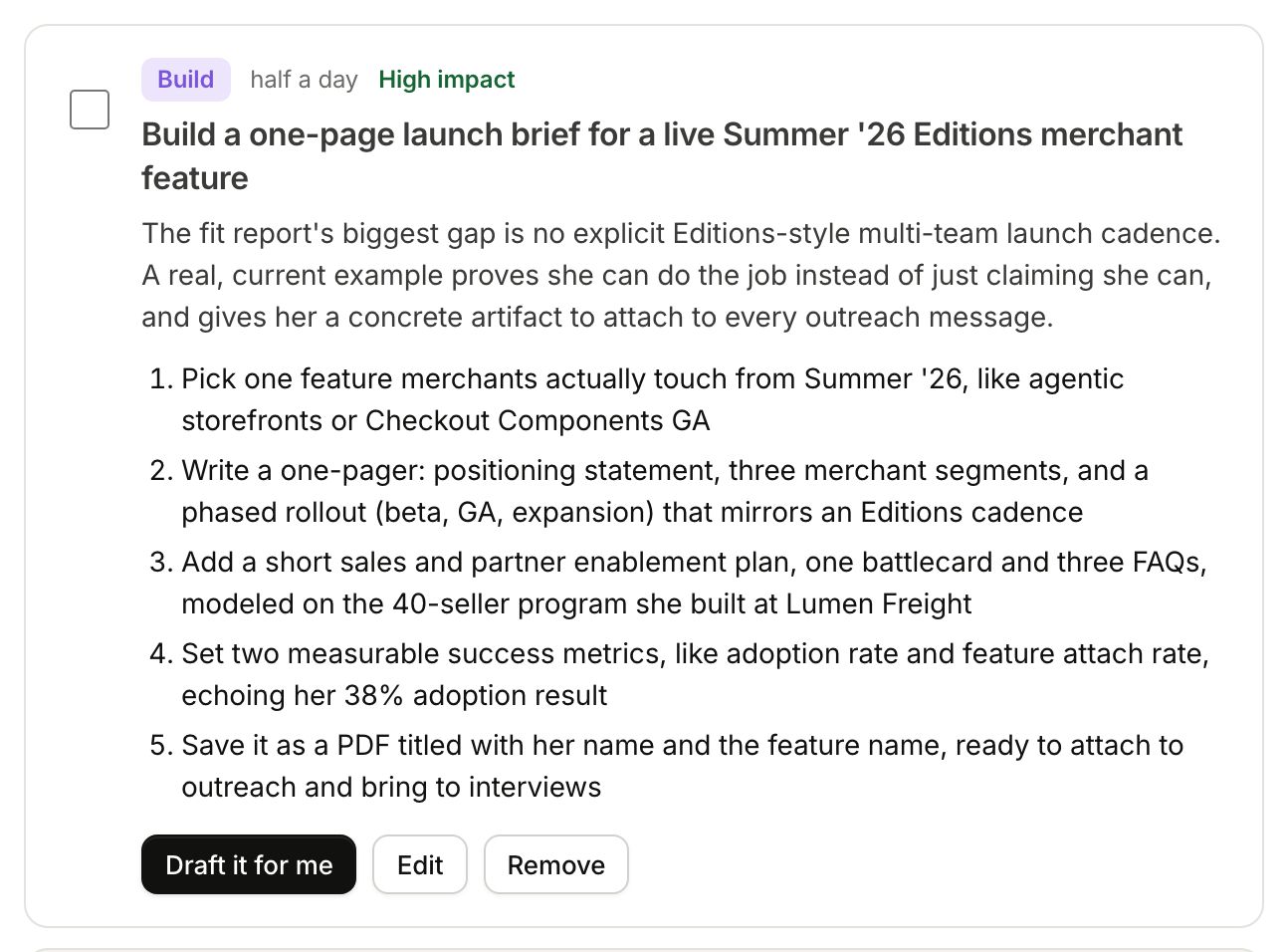
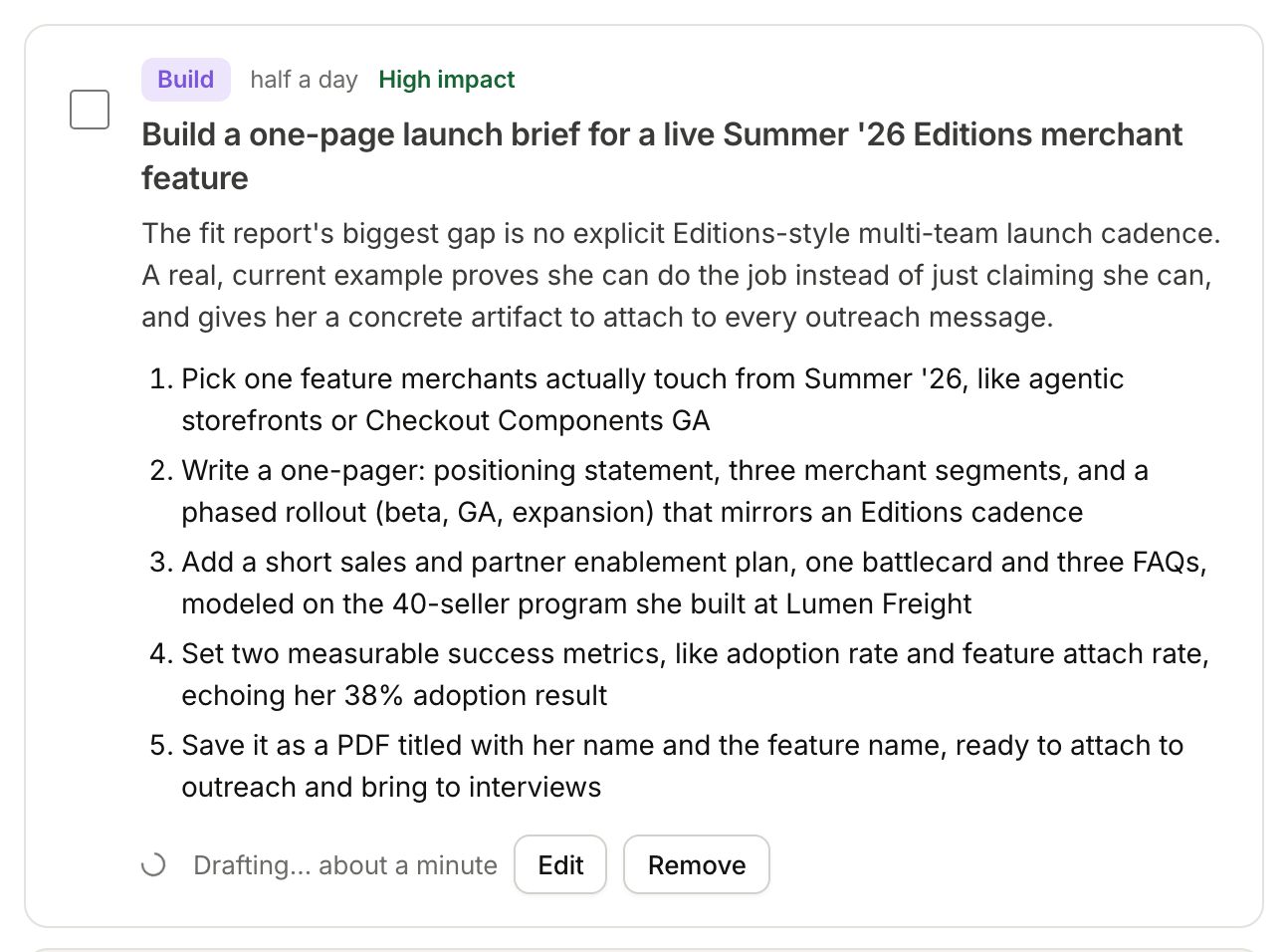
When it is ready, the move has three buttons: Open the draft, Copy link and Edit draft.
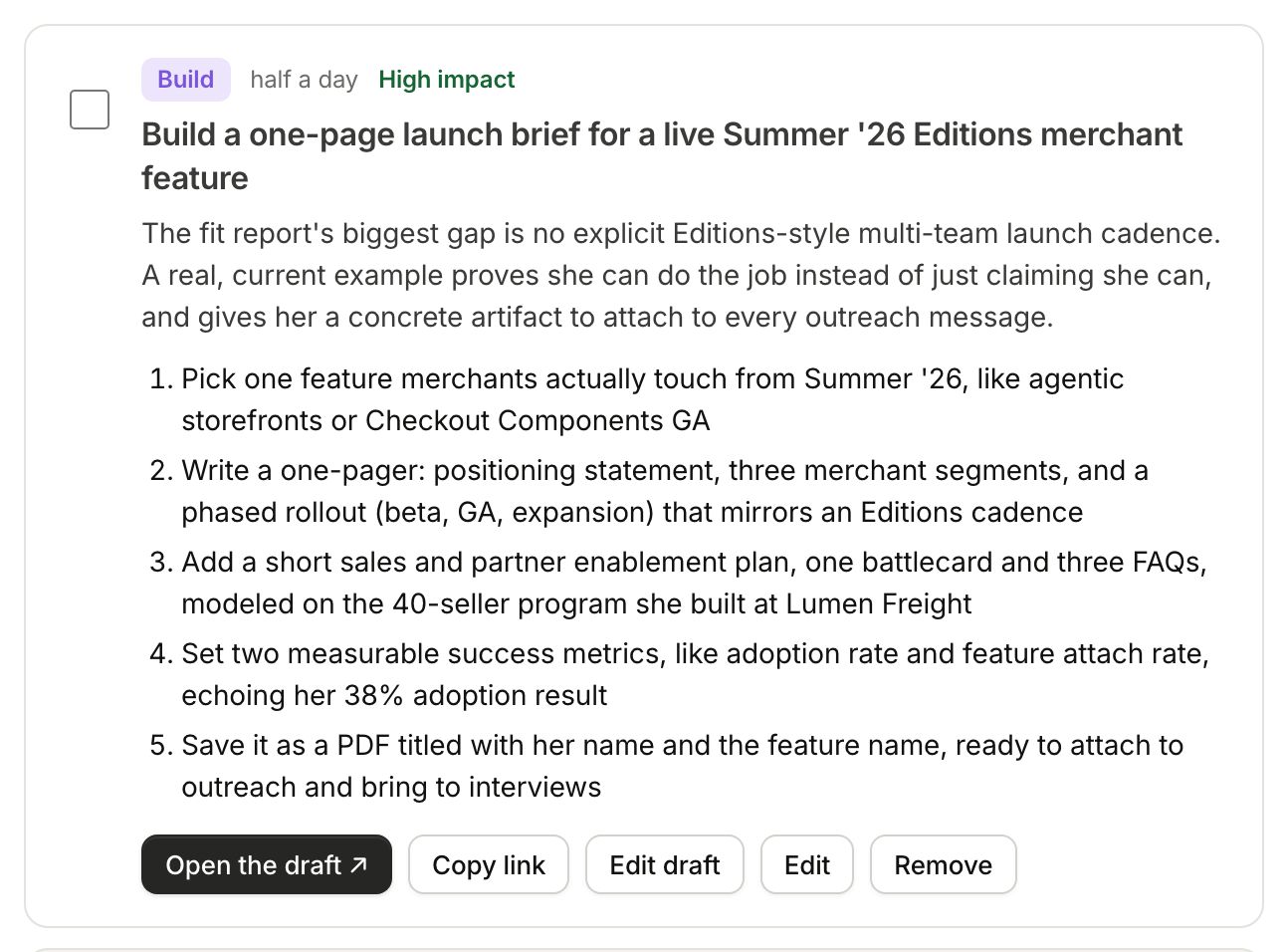
Share the draft
Each draft has its own private link. Anyone you send it to can read it without an account; nobody can find it without the link. Read it through before you send it.
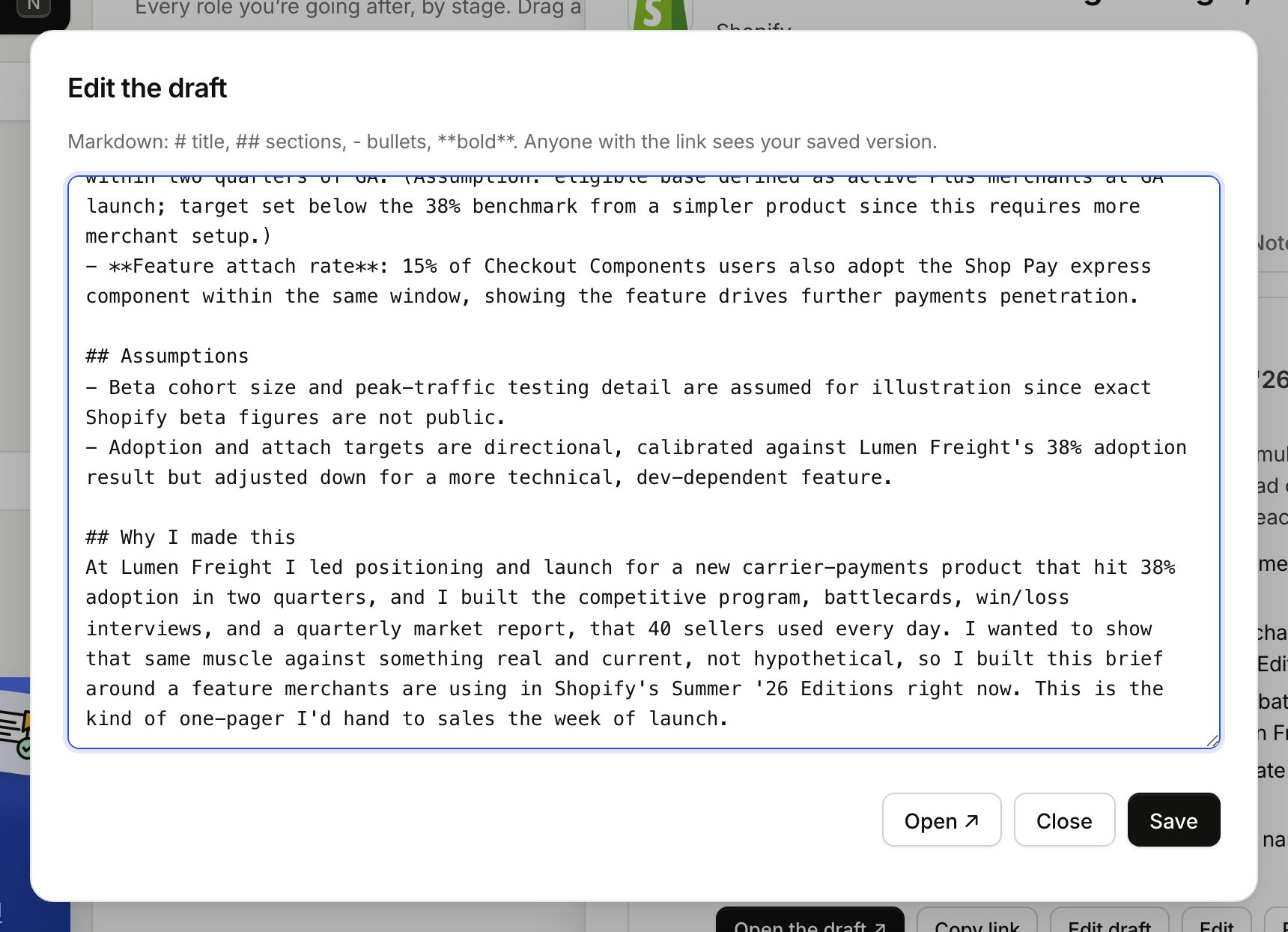
Edit draft opens the text. Use # for the title, ## for sections, - for bullets and ** around words for bold. Click Save, and anyone with the link sees your saved version.
Refresh the plan
Things change: you found new people, or the company announced something. Refresh the plan, under the list, researches again and replaces the moves you have not touched. Moves you added, edited or finished stay.