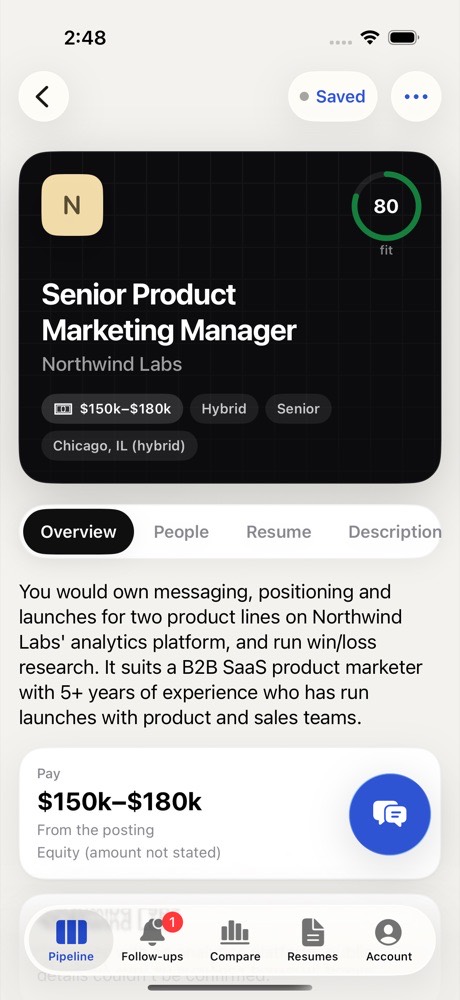
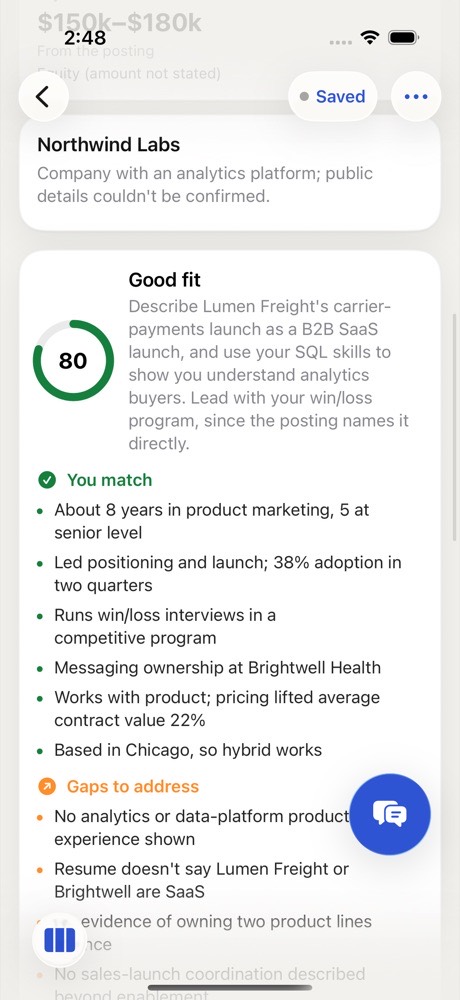
It starts on its own
Save a job and Gancho reads the posting and searches the web for the company. It takes about a minute, sometimes a few. If your resume is uploaded, it also scores how well you fit.
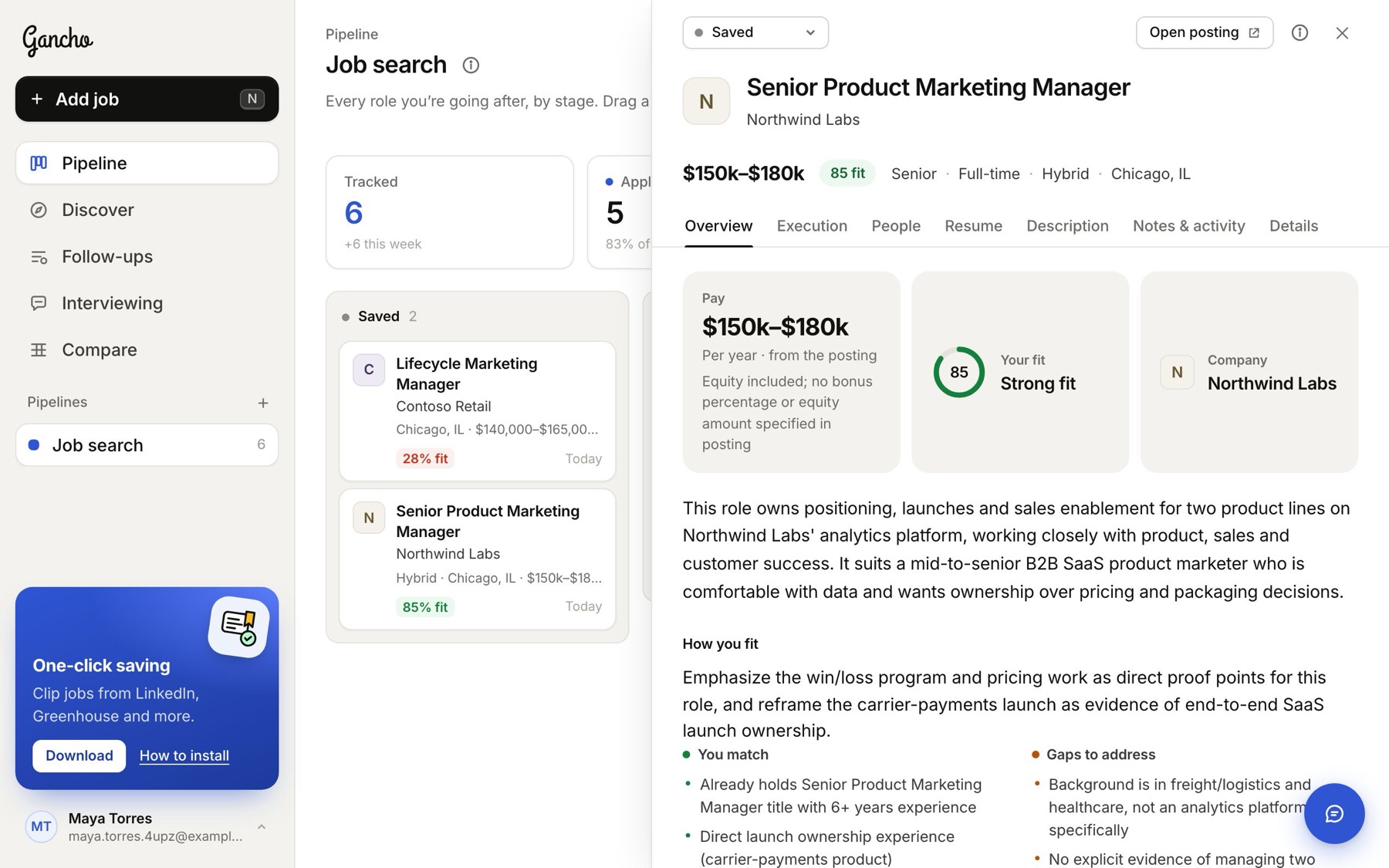
The three tiles
- Pay: the range from the posting, or Estimated pay marked est., with how sure Gancho is. Pay always shows with a $ sign; Canadian and Australian pay add the currency, like $150k–$185k CAD.
- Your fit: a score from 0 to 100 against your default resume, and a one-line verdict.
- Company: its logo, name and size.
How you fit
One piece of advice, then two lists: You match and Gaps to address. The gaps are what to cover in your resume, your message and your interview.
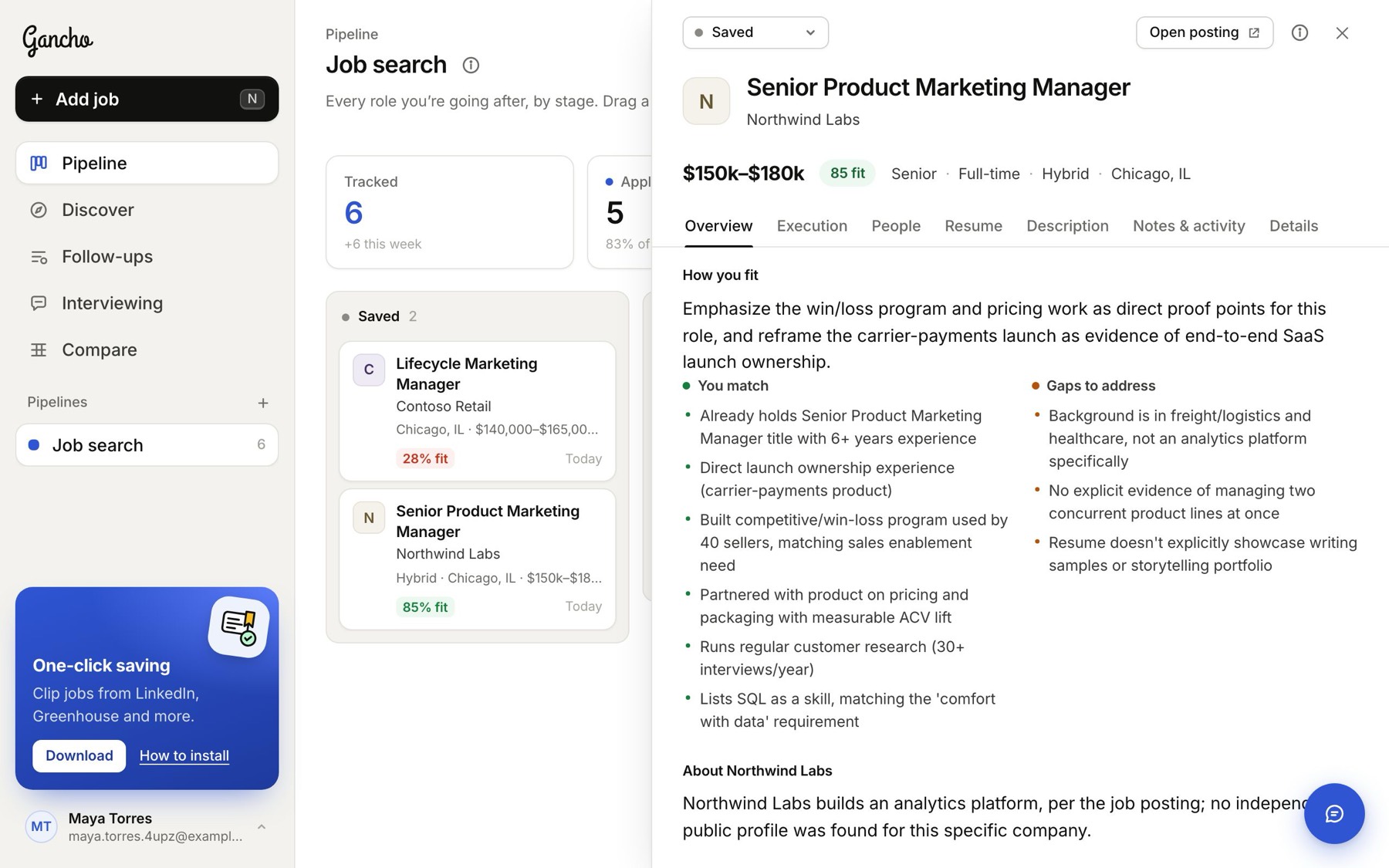
About the company
What the company does in a line, with its industry, size, stage, headquarters and the year it was founded, when those are known. The ↗ next to the name opens its website.
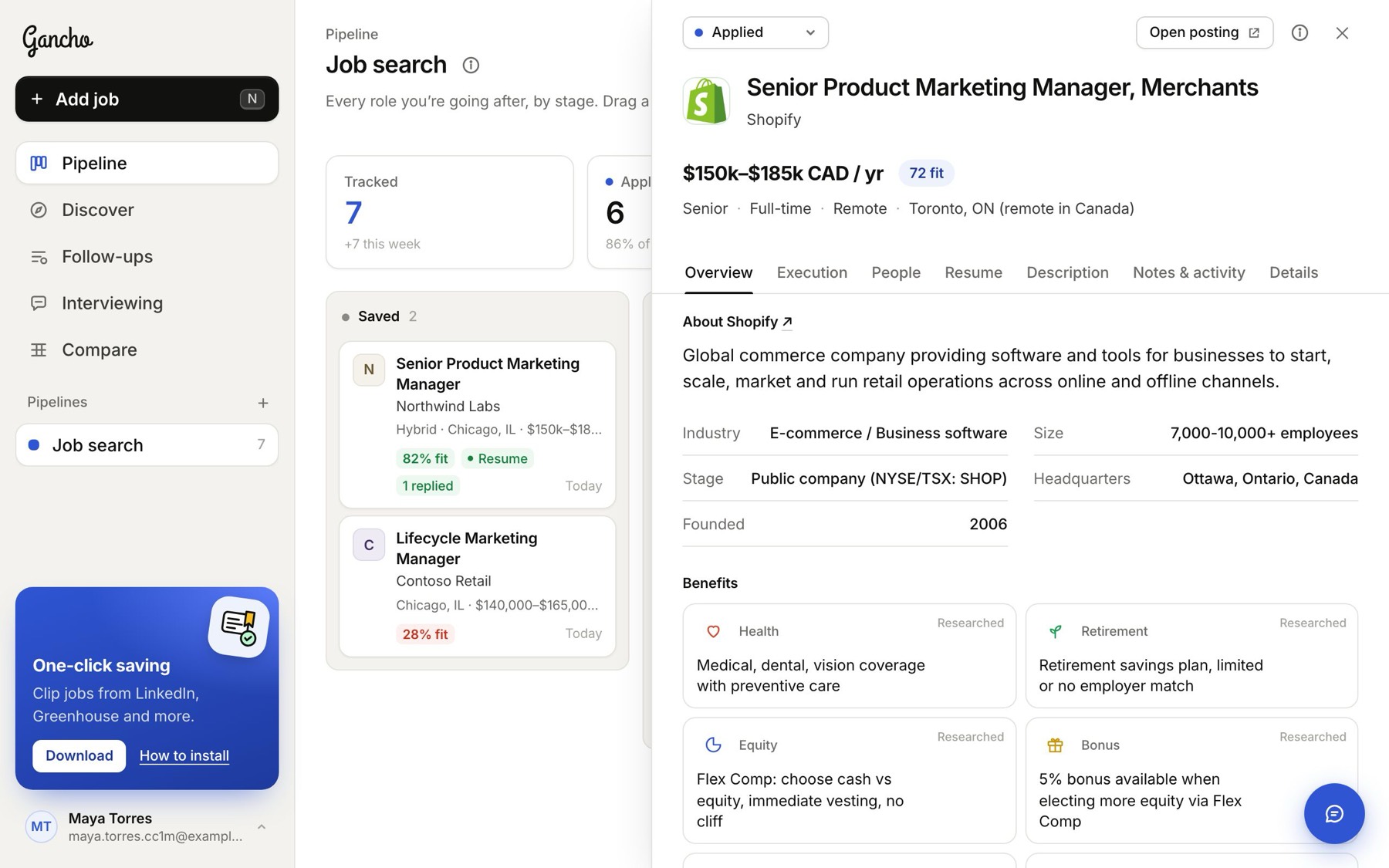
Benefits and the job itself
Benefits covers health, retirement, equity, bonus, time off, parental leave, a remote stipend and learning, and says whether each came from the posting or from research, including what the posting does not mention. Worth checking flags anything that looks off. Then what you would do, the must-haves, the nice-to-haves, and the skills and keywords to use.
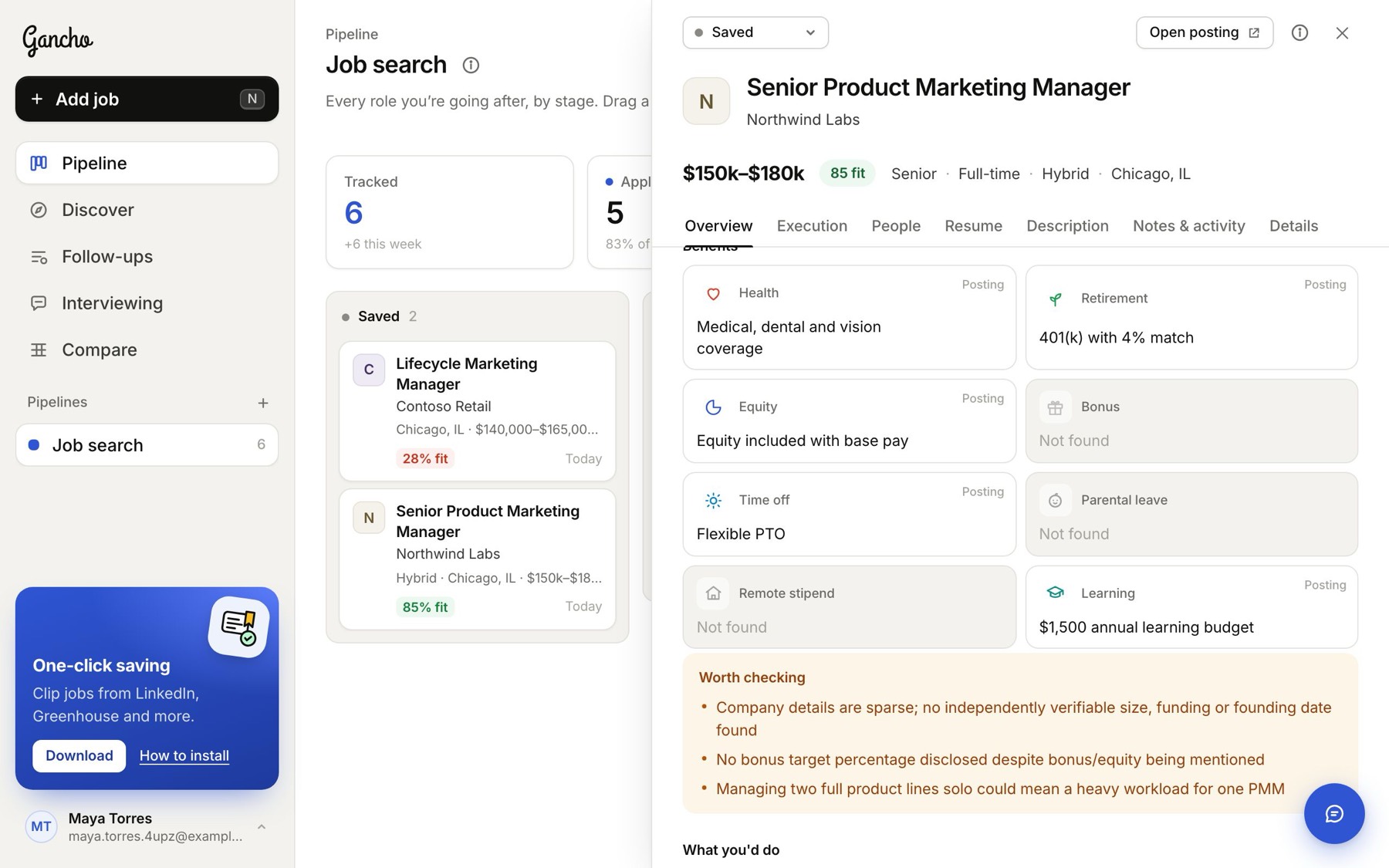
Where it came from
The Sources list links every page the research used, so you can check anything that matters. Refresh insights, at the very bottom, runs it again. Do that after uploading a new resume.
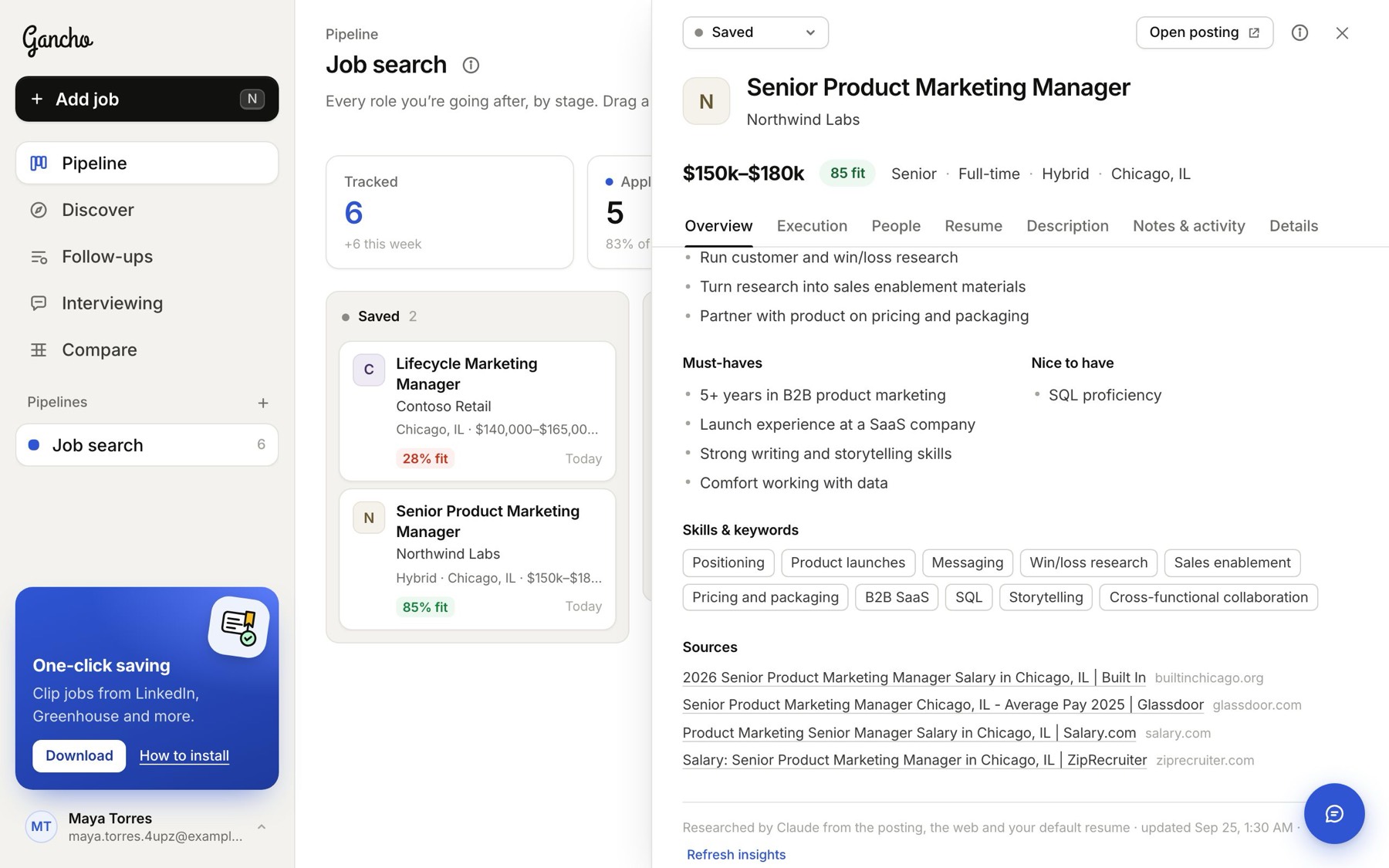
Want to know what to do with all this? Your execution plan →
In the app