Gancho
Get Gancho free

Uploading your resume

Upload it once. Every job is scored against it, and every tailored version starts from it.

1 min read

How it works

  1. Click Resumes in the sidebar.
  2. Click Upload resume and pick the file (PDF, Word or text).
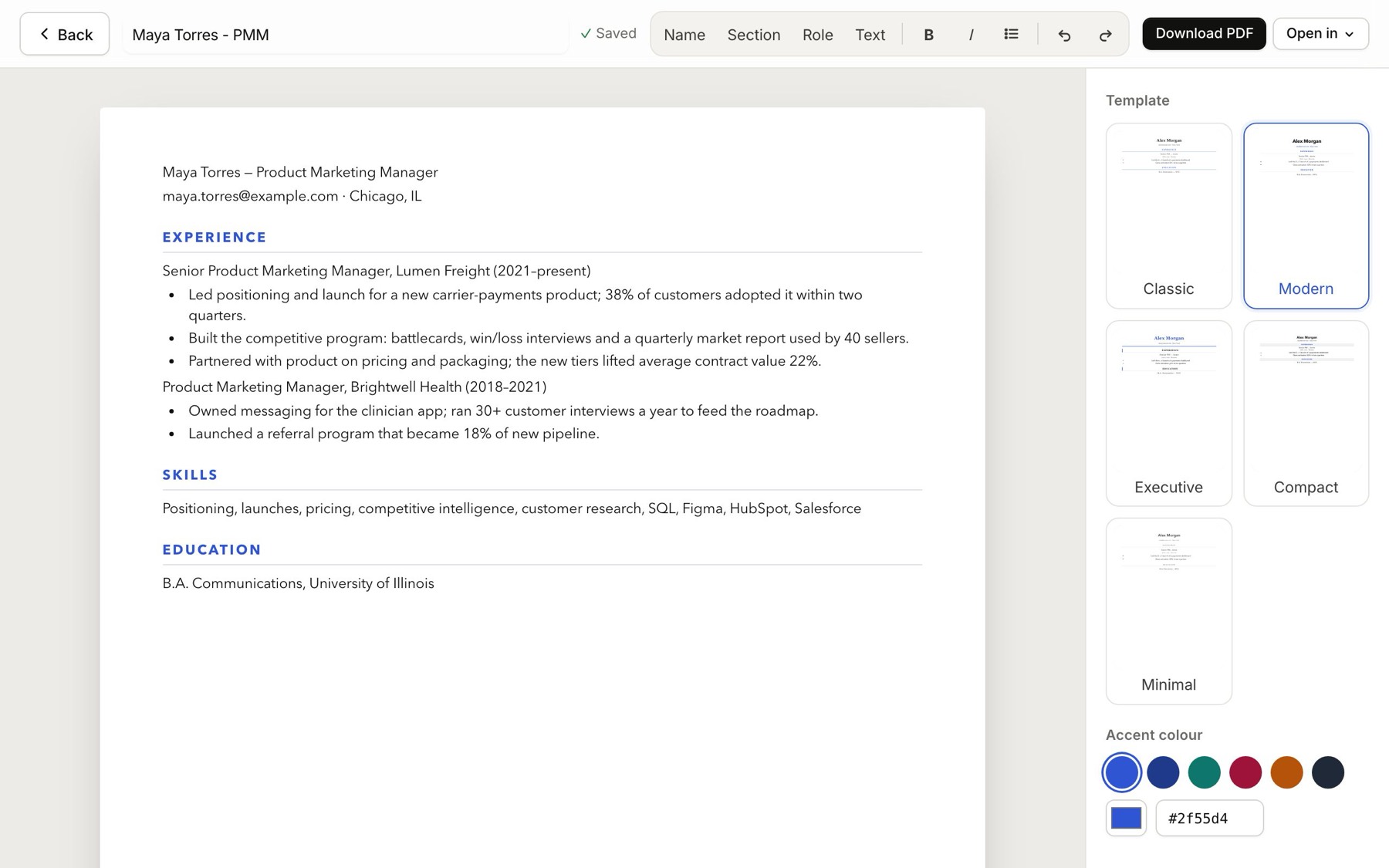
  3. Check the text: click Open editor and fix anything the upload mangled. The editor opens full page and saves as you type. Click Back when you are done.
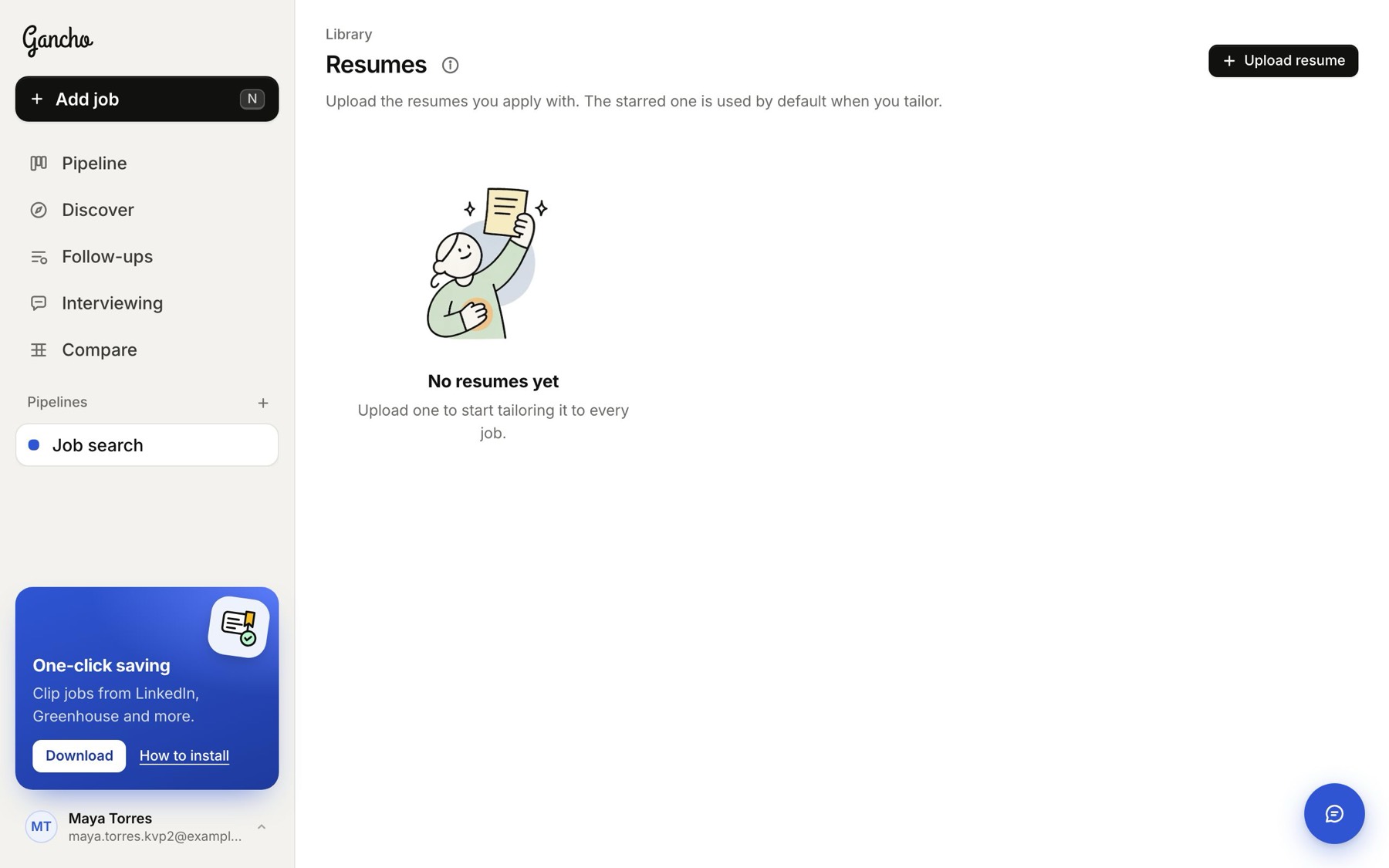
No resumes yet
No resumes yet
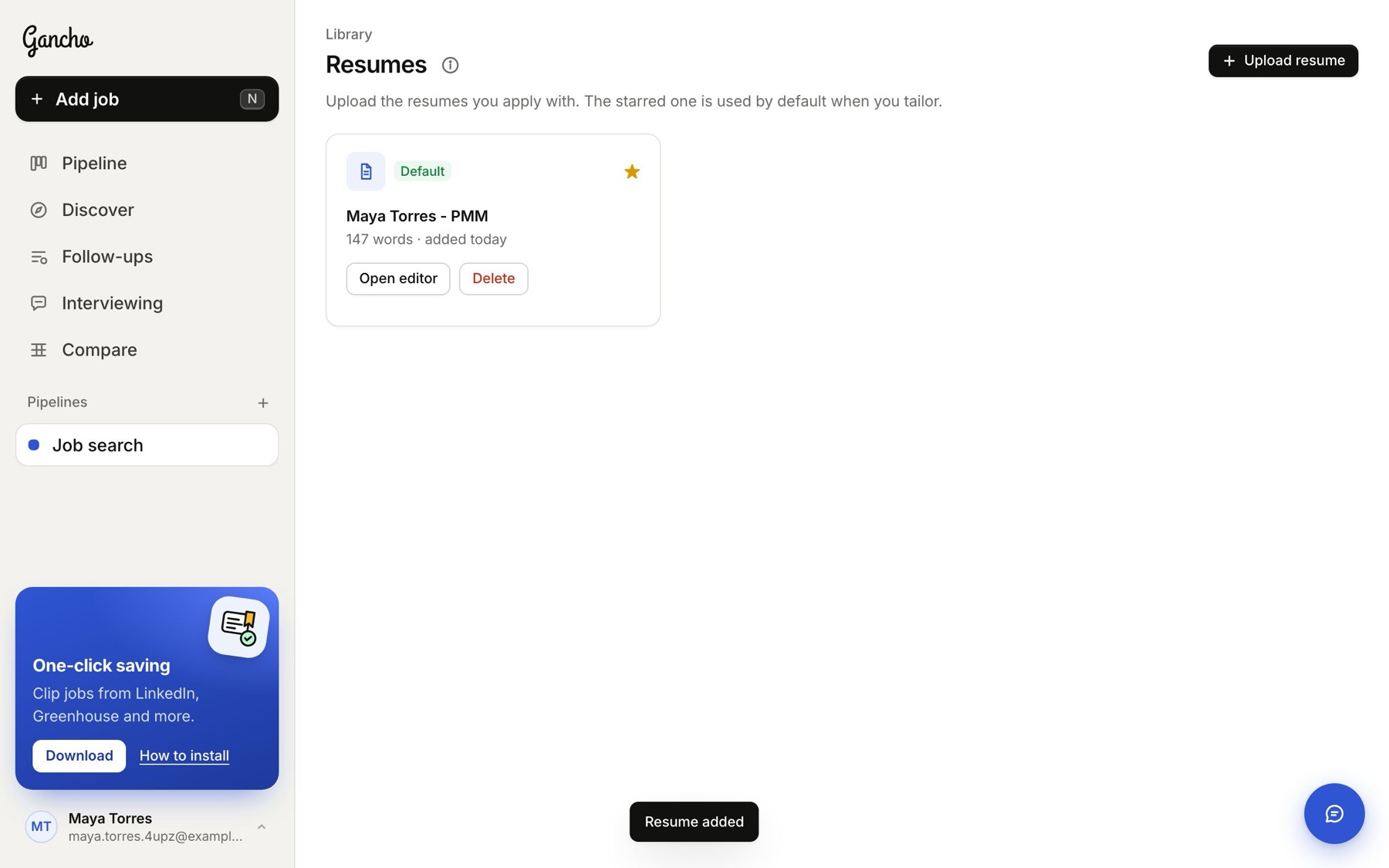
Uploaded. Your first one becomes the default
The full-page editor. Fix anything that came out jumbled.

More than one

Keep a version per direction, like a “marketing” resume and a “product” one. The Default is the one every job is scored against; click the star on another to make it the default.

If the upload finds no text

The file is probably a scanned picture. Export a PDF from Word or Google Docs instead, or upload anything and paste your text into Open editor.

In the app
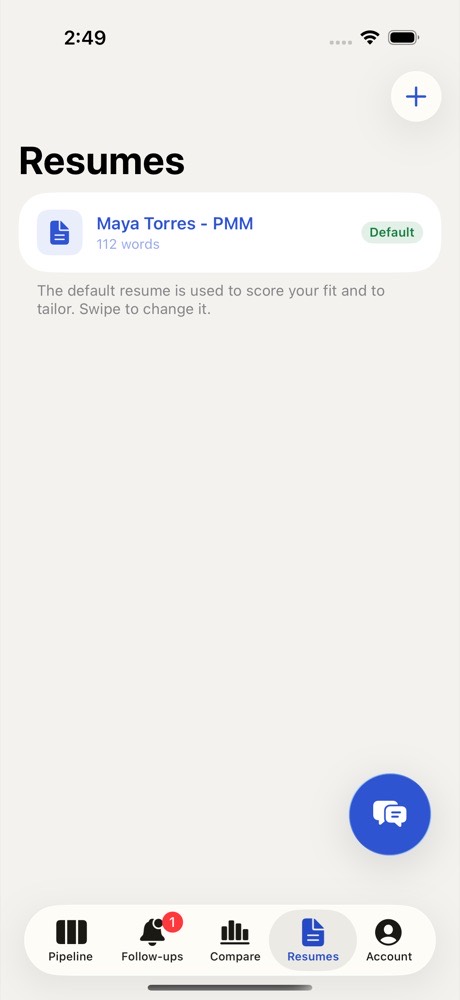
Resumes on iPhone. Upload from Files.
Two friends laughing over a laptop in a café

This didn't answer it?

Ask the coach: the round button at the bottom right of the app. It knows your jobs and your resume, and it can walk you through any of this.

Open Gancho