Gancho
Get Gancho free

Moving jobs through stages

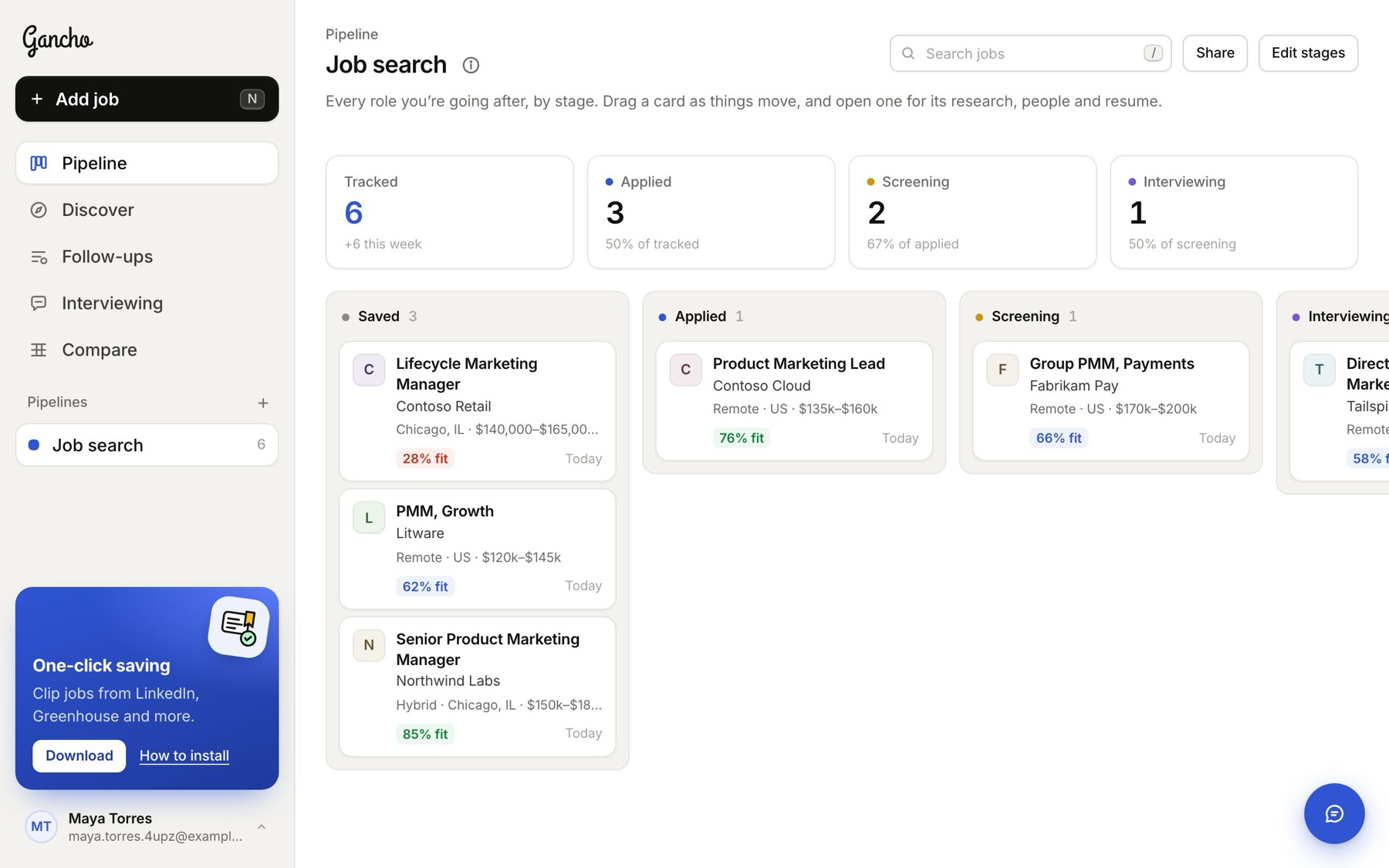
Drag a card, or pick a stage from inside the job. Every move is dated, so you know when you applied.

1 min read
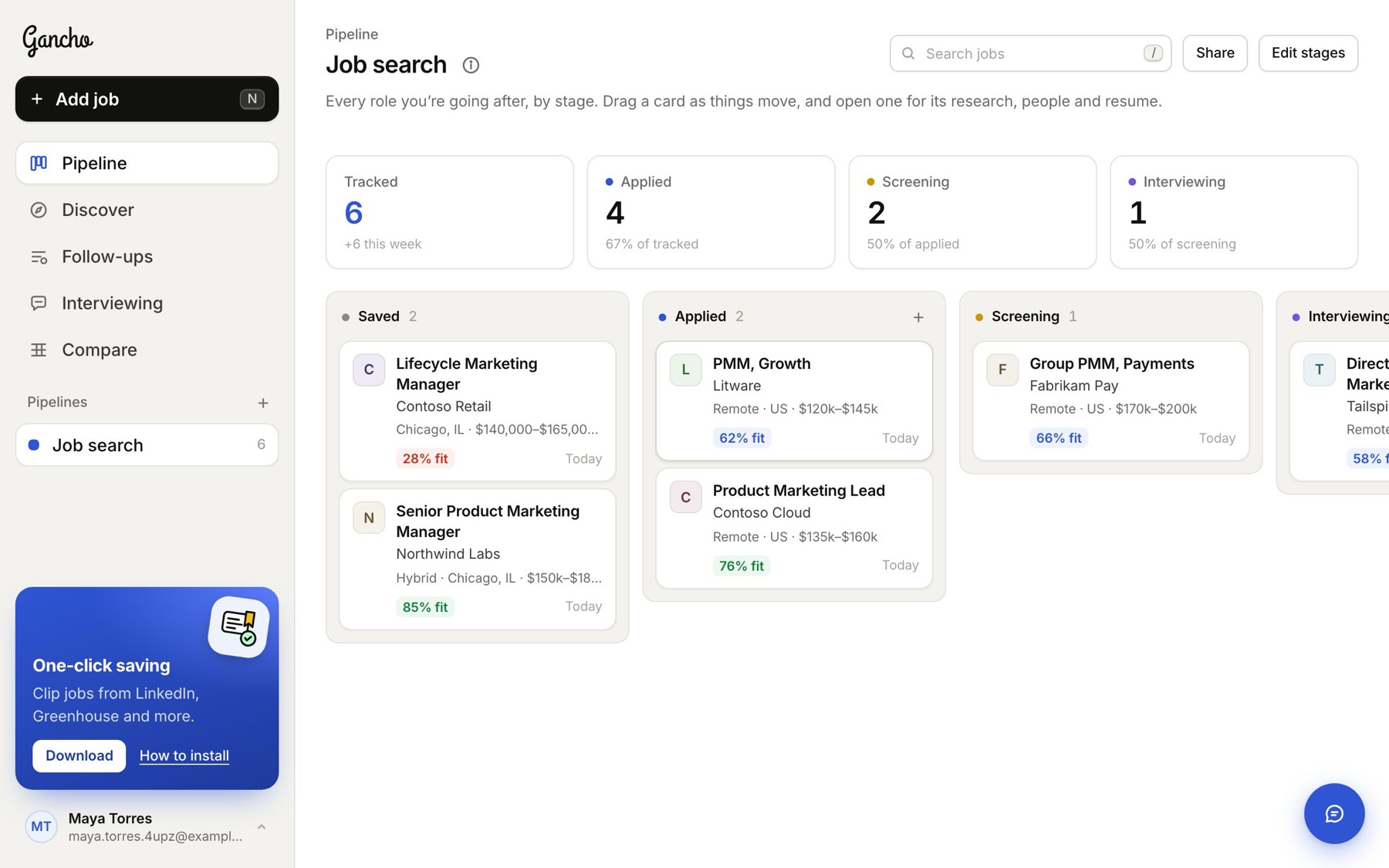
Your pipeline: a column per stage, jobs as cards, totals at the top

Reading a card

The company's logo, the role, the company, where and how much. Then what is going on: the fit score once research is done, and how many people you have found and contacted.
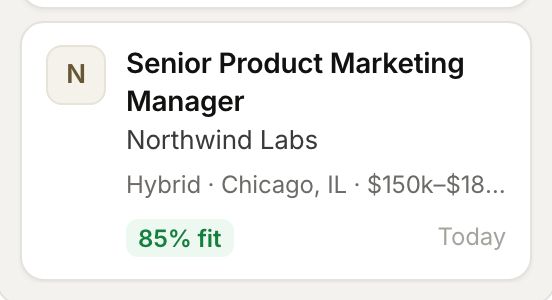
A job card: the company, the role, where and how much, and an 84% fit

Drag it

Pick a card up and drop it in another column, say from Saved to Applied.
Dropped into Applied

Or change it from inside the job

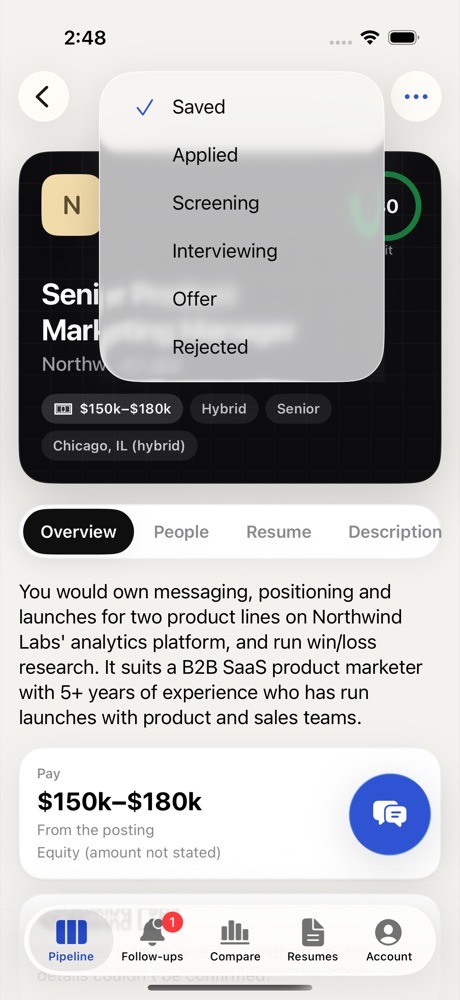
Open the job; the stage menu is at the top left of its panel. This is the easy way on a small screen.
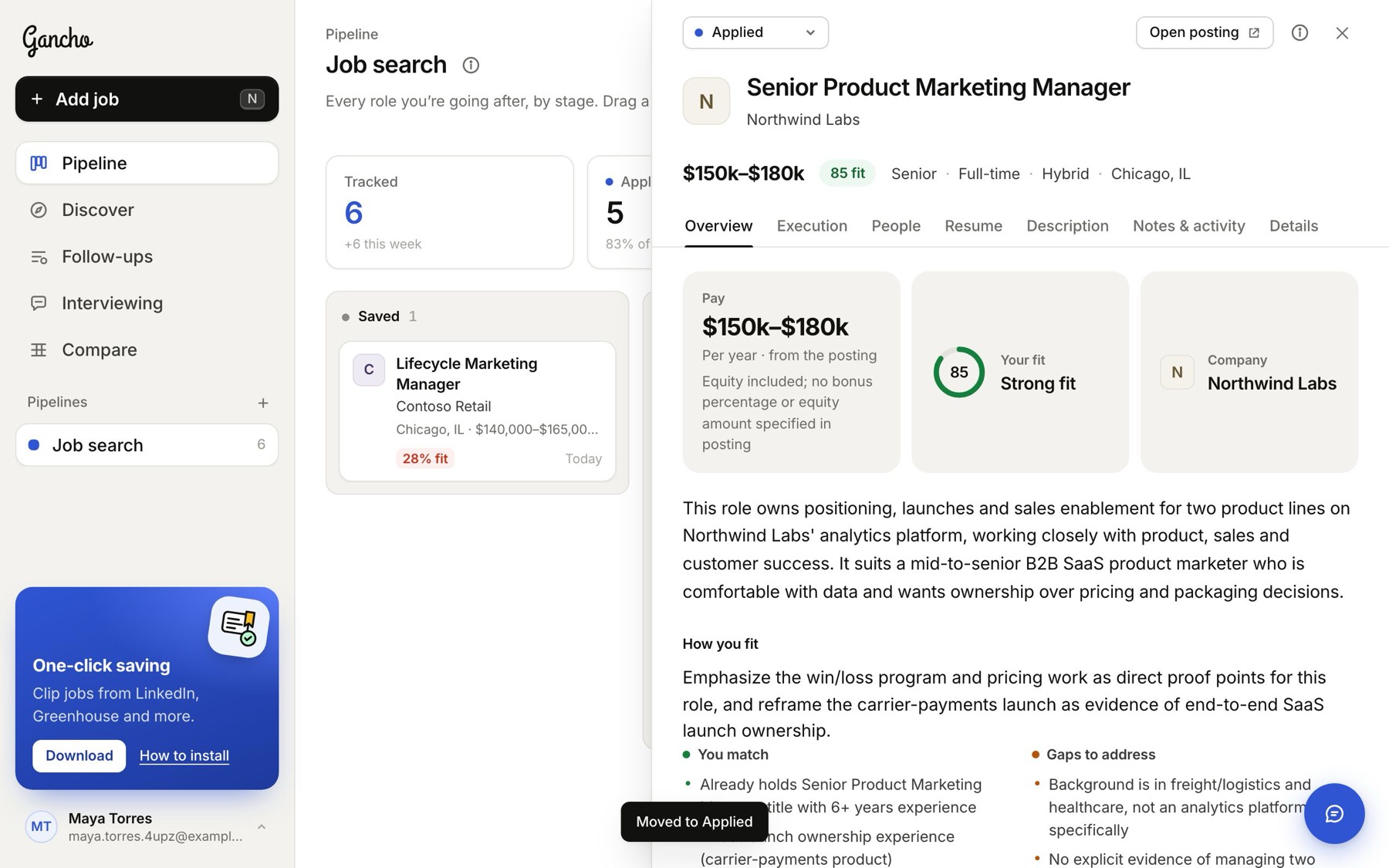
Moved to Applied from the stage menu

The history

Each move is written to the job's Notes & activity tab with the date, so you can always see when you applied or heard back.

Finding a job fast

Type in the search box above the board to narrow the cards to a title or company.
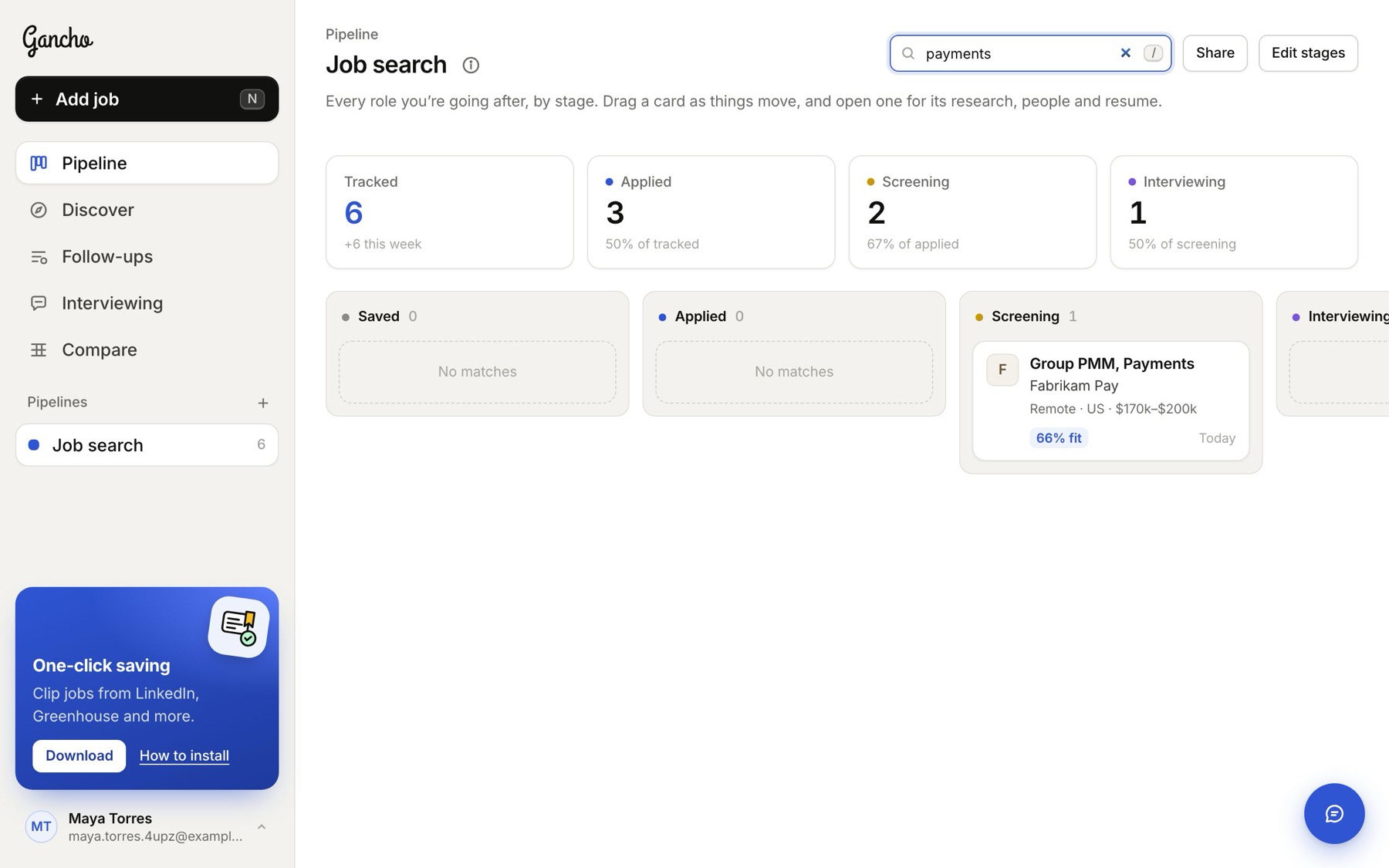
Searching the board
Searching the board

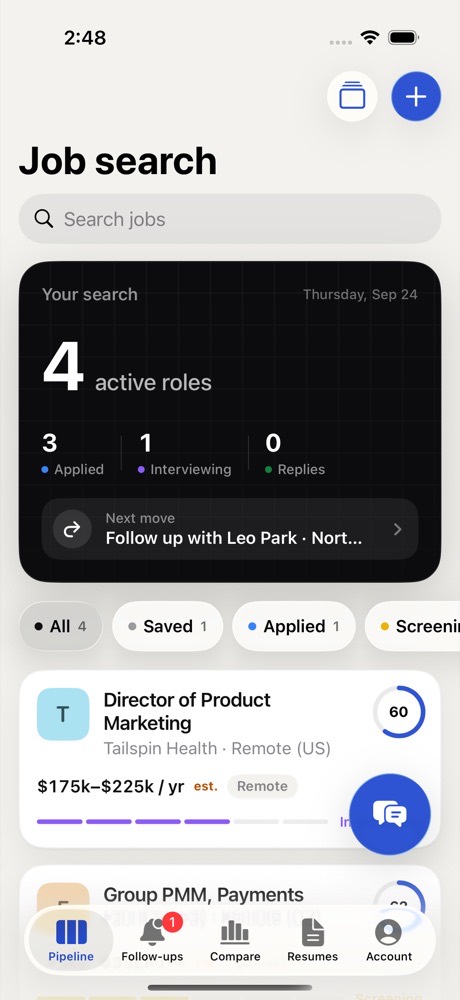
In the app

The board on iPhone, and the stage menu inside a job.
Two friends laughing over a laptop in a café

This didn't answer it?

Ask the coach: the round button at the bottom right of the app. It knows your jobs and your resume, and it can walk you through any of this.

Open Gancho