How it works
- On a job's People tab, set someone to Messaged after you reach out.
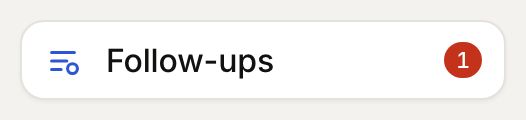
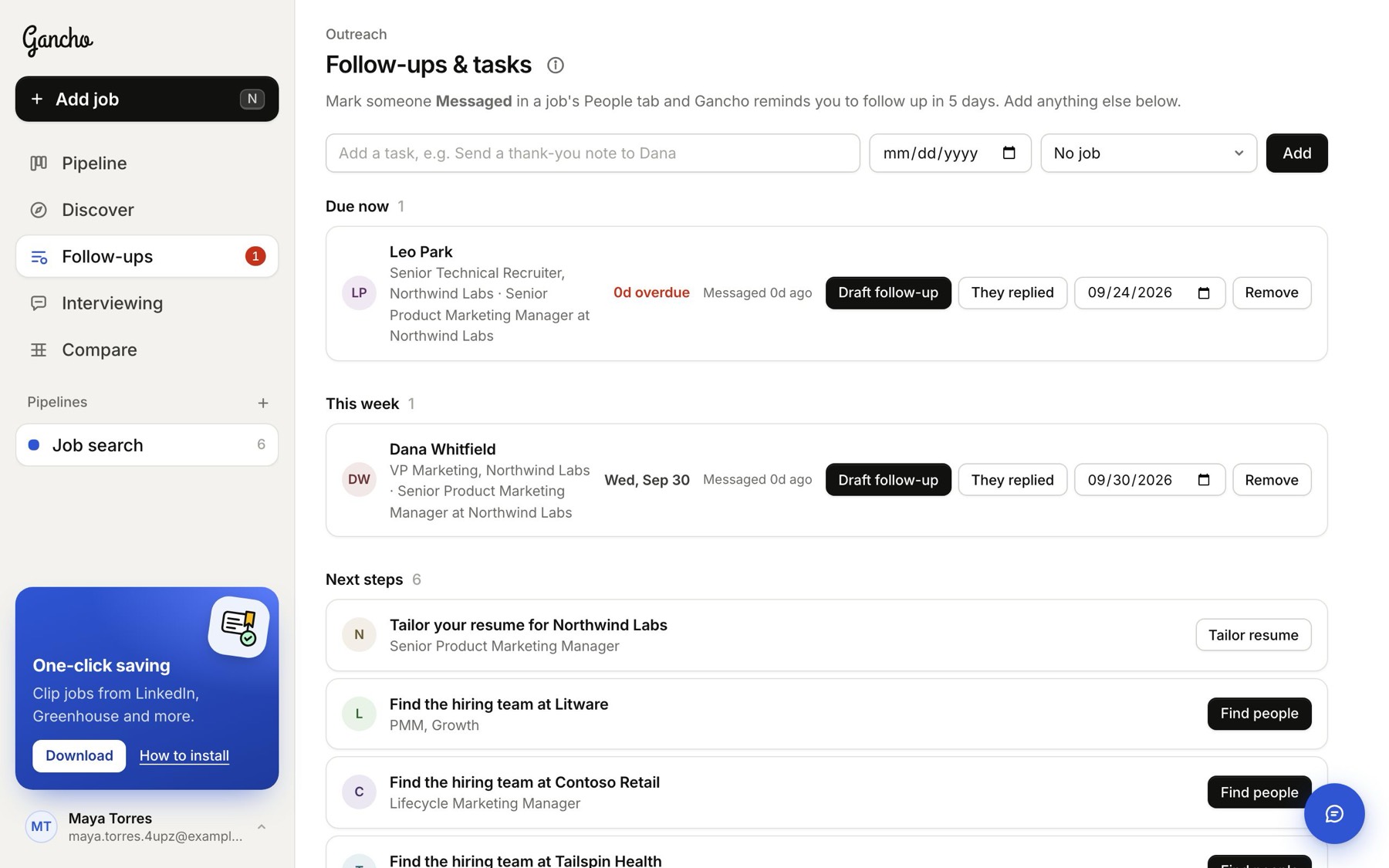
- Five days later, if they have not replied, they appear under Due now on the Follow-ups page. The red number in the sidebar counts what is due.
- Click Draft follow-up for a ready-to-send nudge, They replied when they get back to you, or Remove to drop it.
Drafting the nudge
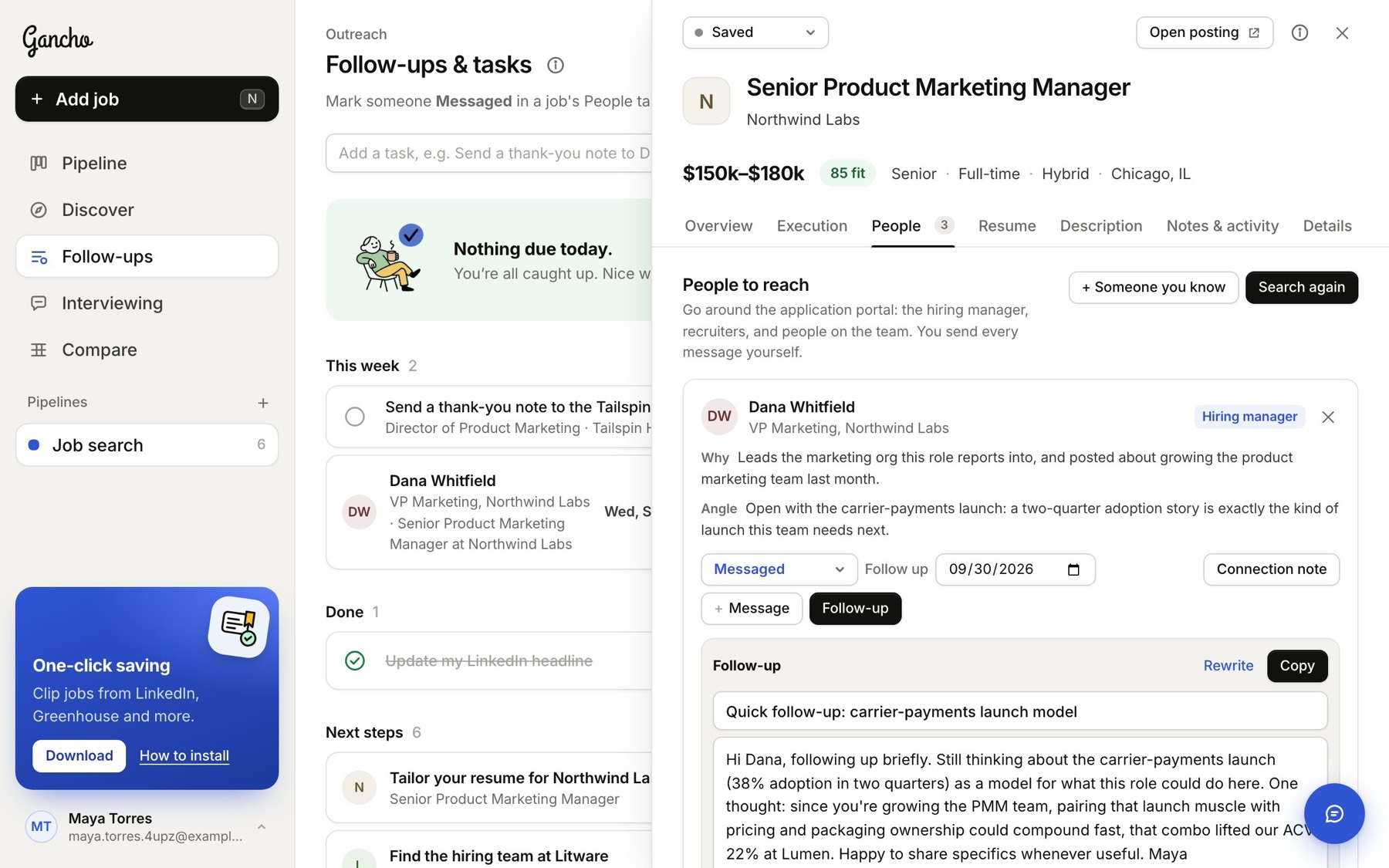
Draft follow-up opens the job's People tab with a short follow-up already written. It is polite, specific and aware of what you sent the first time.
When they reply
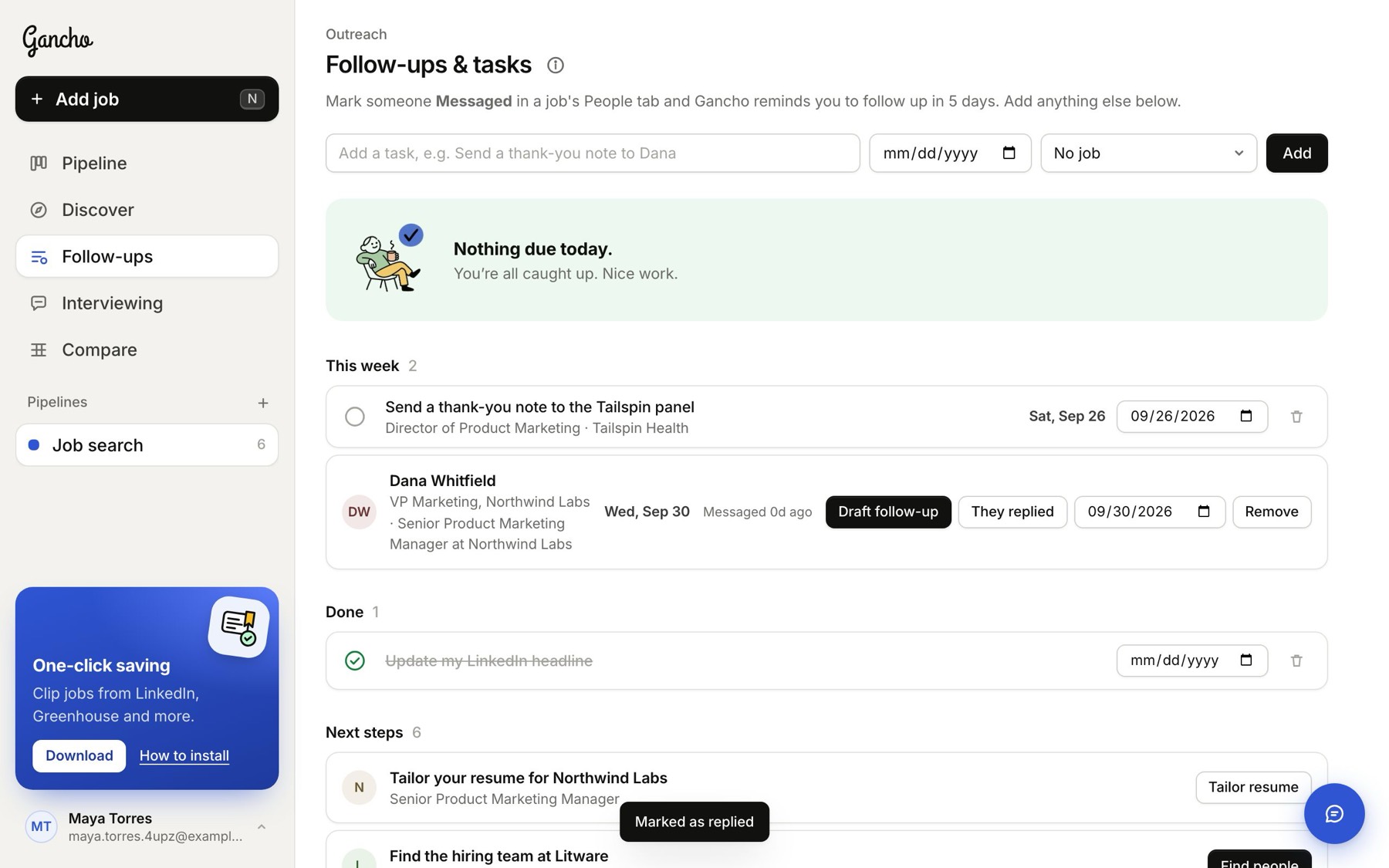
Click They replied. The reminder goes, and their status becomes Replied.
Moving a reminder
Change the date on the row itself, or on the person in the People tab.
In the app
See Follow-ups on iPhone. It also sends you a notification on the day.
