Getting it
- On your iPhone, open Gancho: Land the Job on the App Store, or search the App Store for Gancho.
- Tap Get. It is free.
- Sign in the way you do on the web: Google, Apple, or your email and password.

The tabs
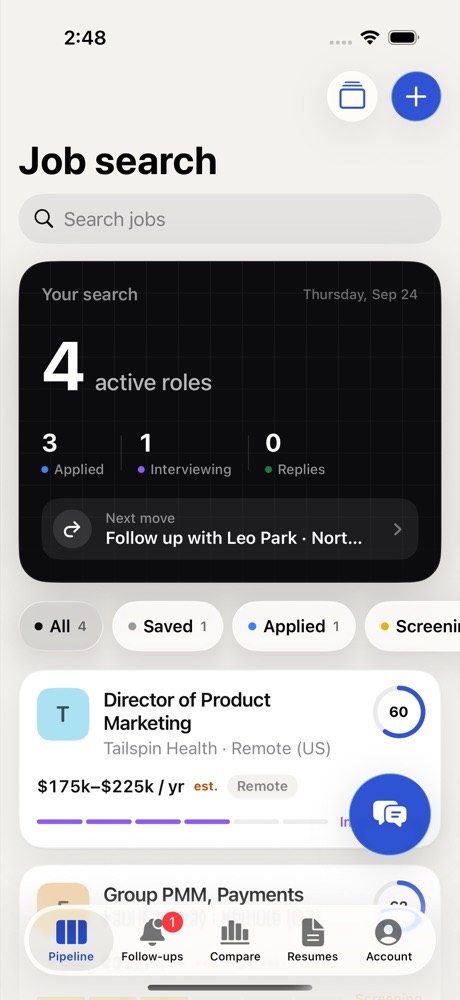
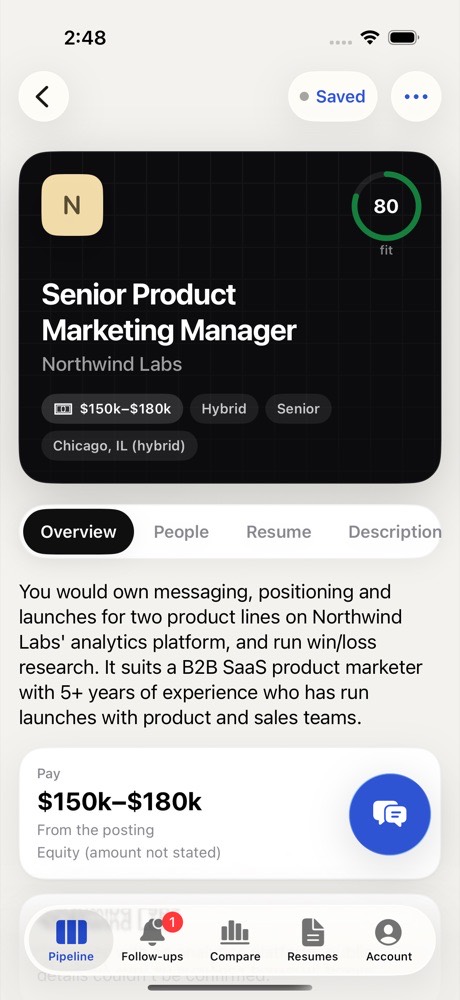
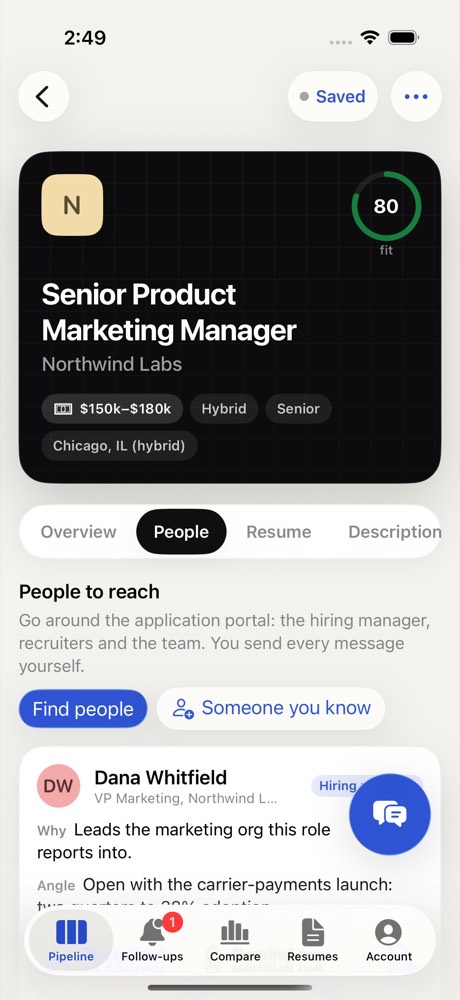
- Pipeline: your board. Tap a job for Overview, People, Resume and more; + adds a job.
- Discover: roles Gancho finds for you.
- Follow-ups: who to nudge, and your tasks.
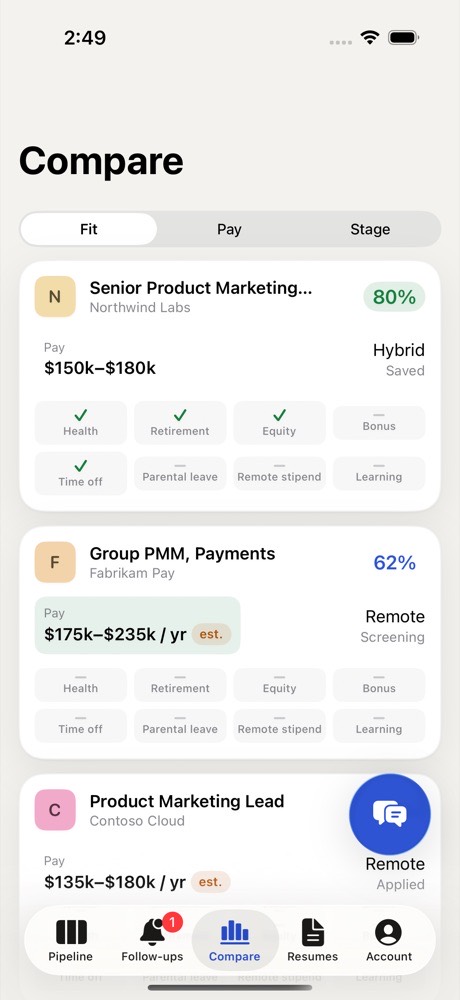
- Compare: jobs side by side.
- Resumes: upload from Files, choose your default.
Your account (password, sign out, delete account) is behind your initials at the top left of Pipeline.
The first time
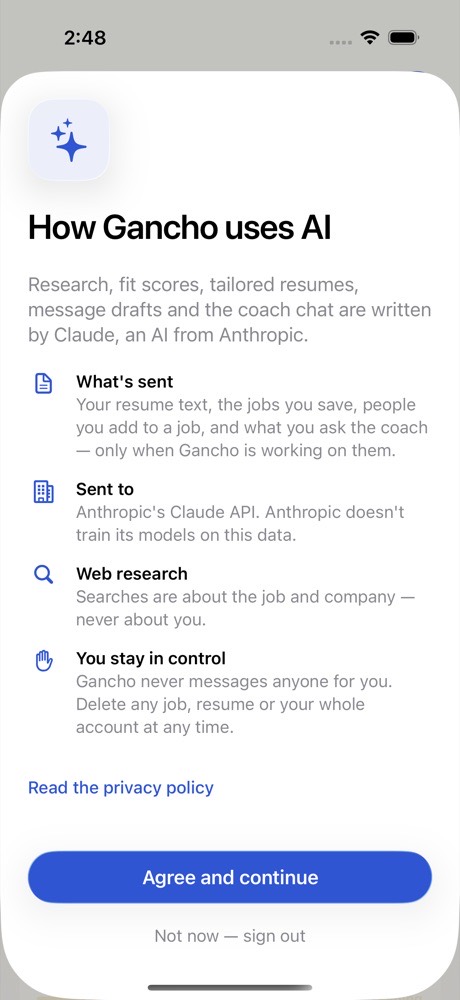
Gancho explains how it uses AI: research, fit scores, tailored resumes, message drafts and the coach are written with AI. Tap Agree and continue.
Saving from other apps
Share → Gancho, from Safari, LinkedIn or anywhere. Saving jobs on iPhone →