How it works
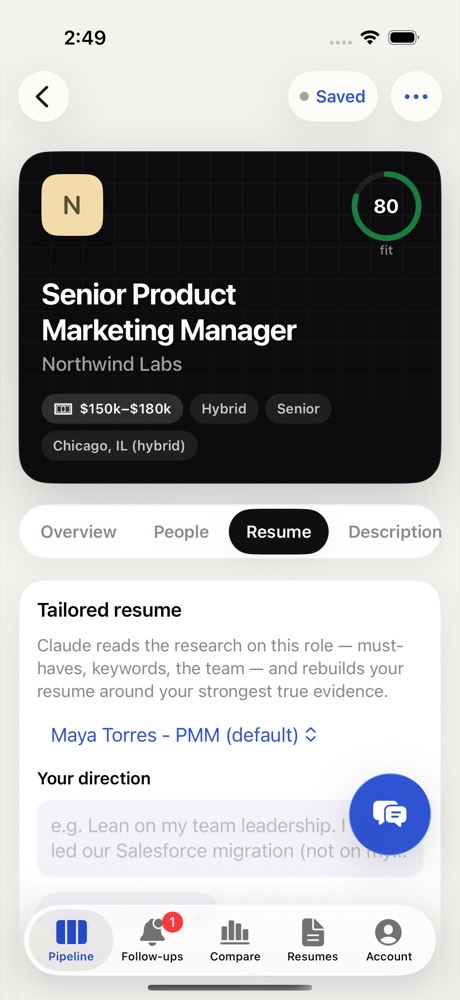
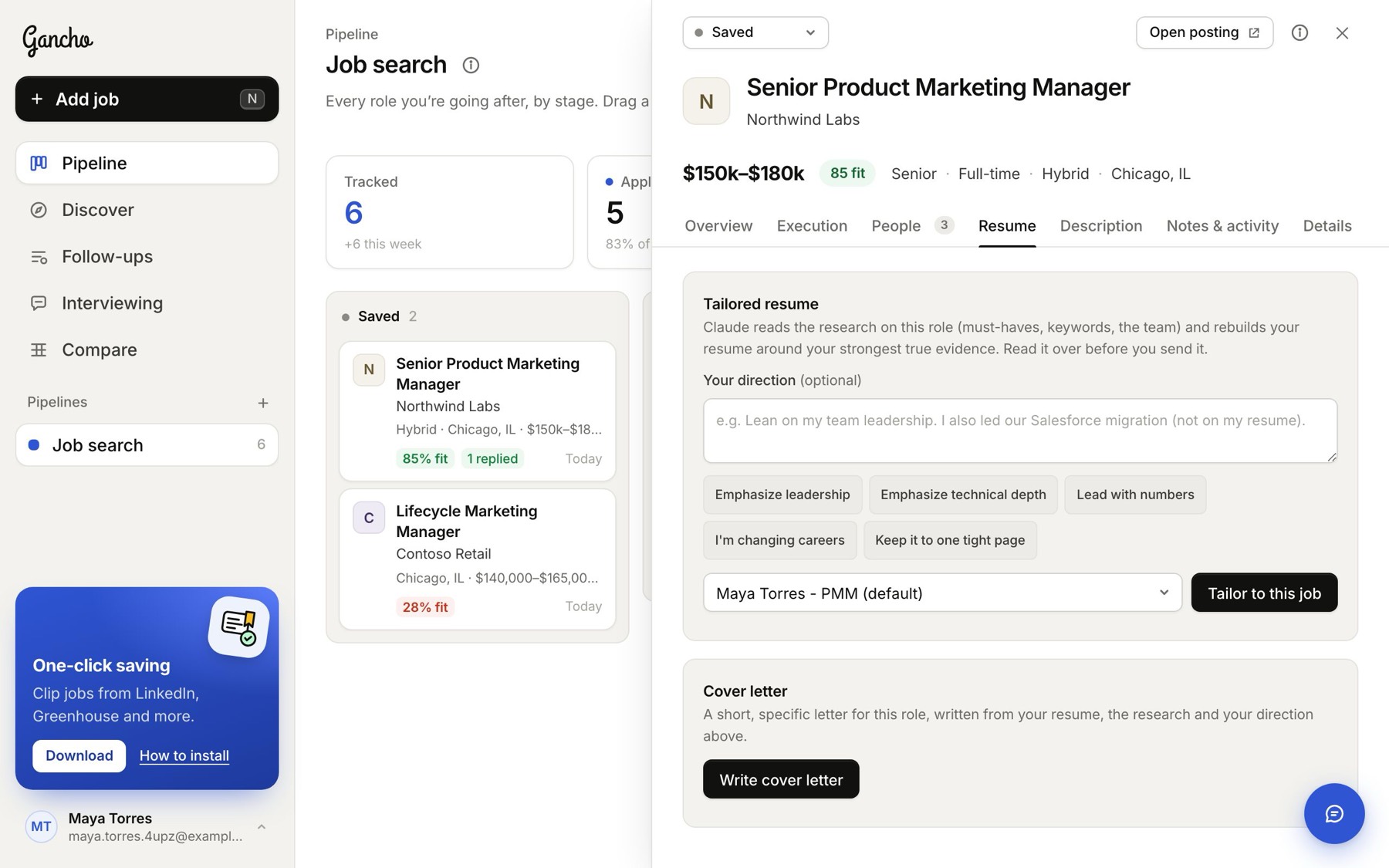
- Open the job and go to Resume.
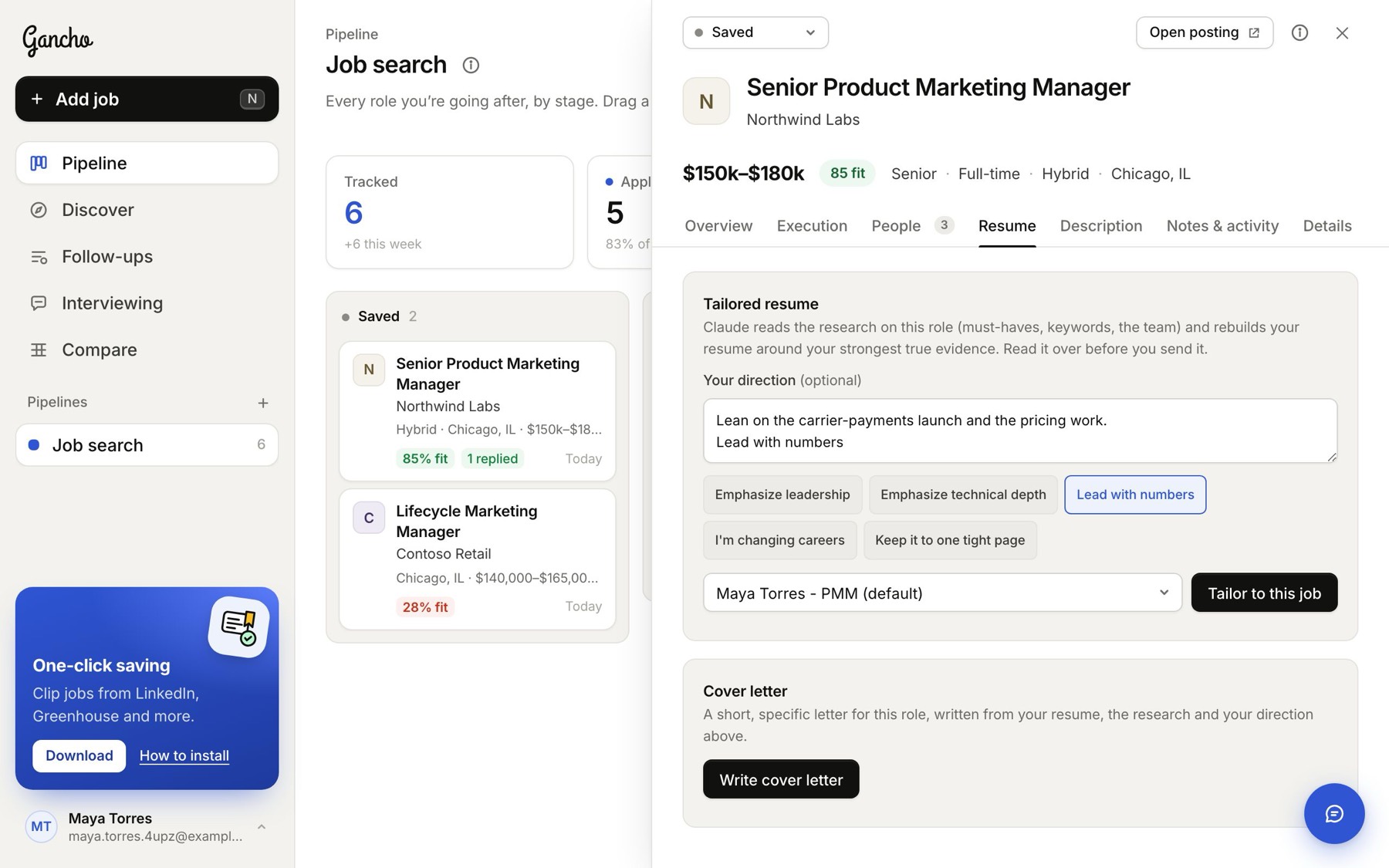
- Optional: tell it what to lean on. Type a direction, or tap a quick one: Emphasize leadership, Emphasize technical depth, Lead with numbers, I'm changing careers, Keep it to one tight page.
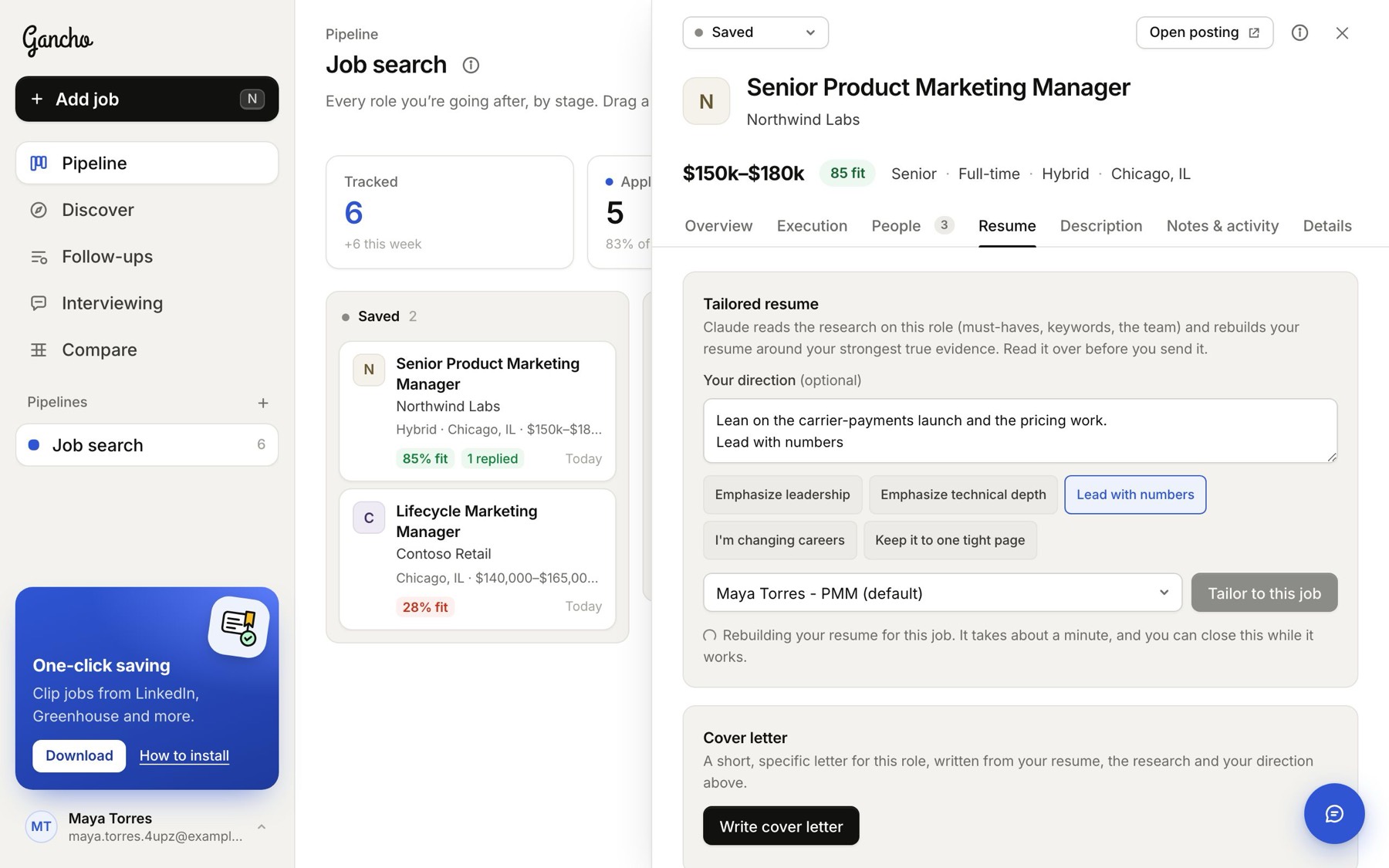
- Pick the base resume and click Tailor to this job. It takes a minute or two.
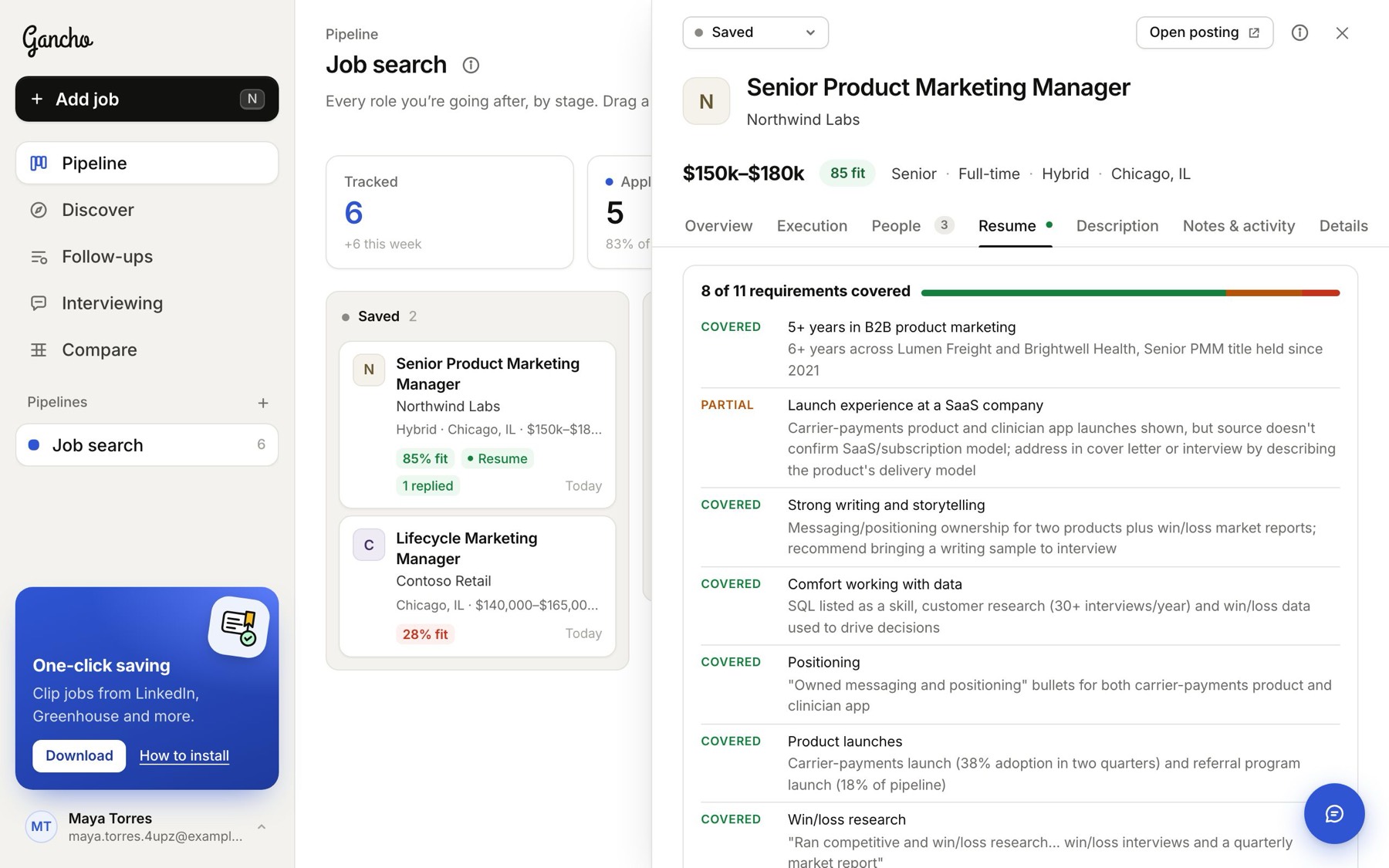
- Check the coverage, then download.
The coverage
A bar and a list of the job's requirements, each marked covered or not, with notes on what changed and why. Gaps here are worth covering in a cover letter or your first message.
Downloading
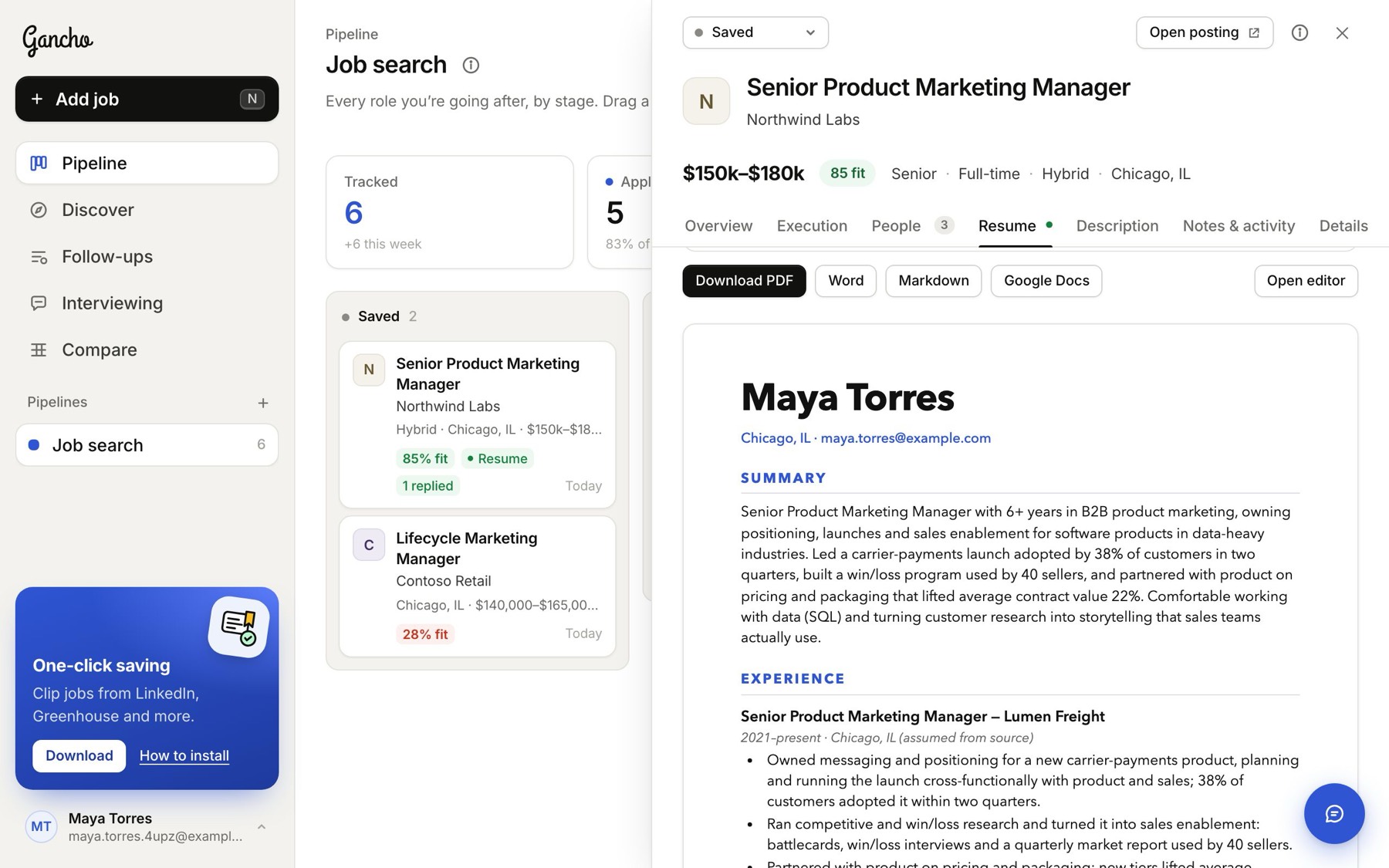
Download PDF is ready to send. Word, Markdown and Google Docs are there to edit elsewhere, and Open editor opens it full page to change it right here.
In the app