Search
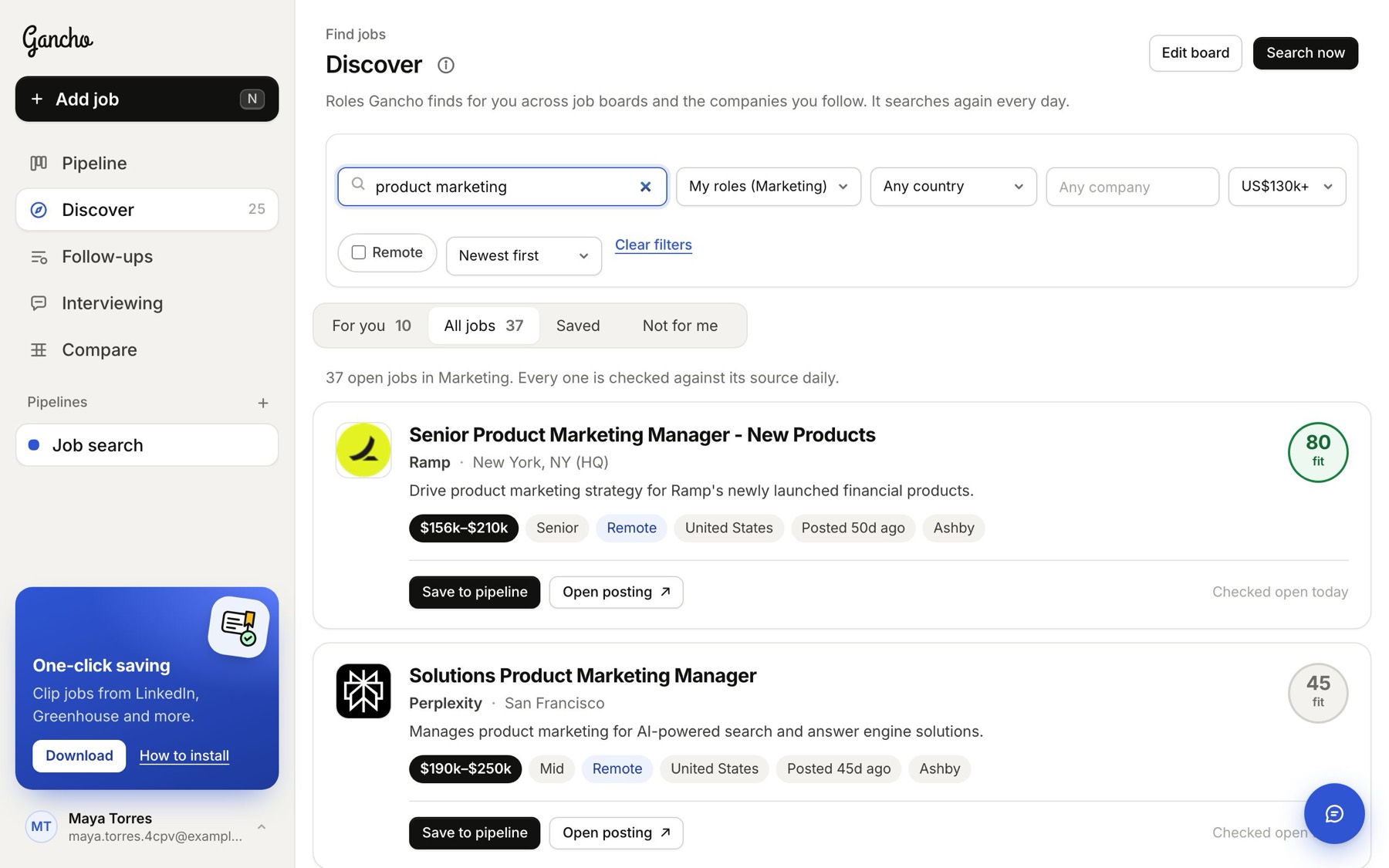
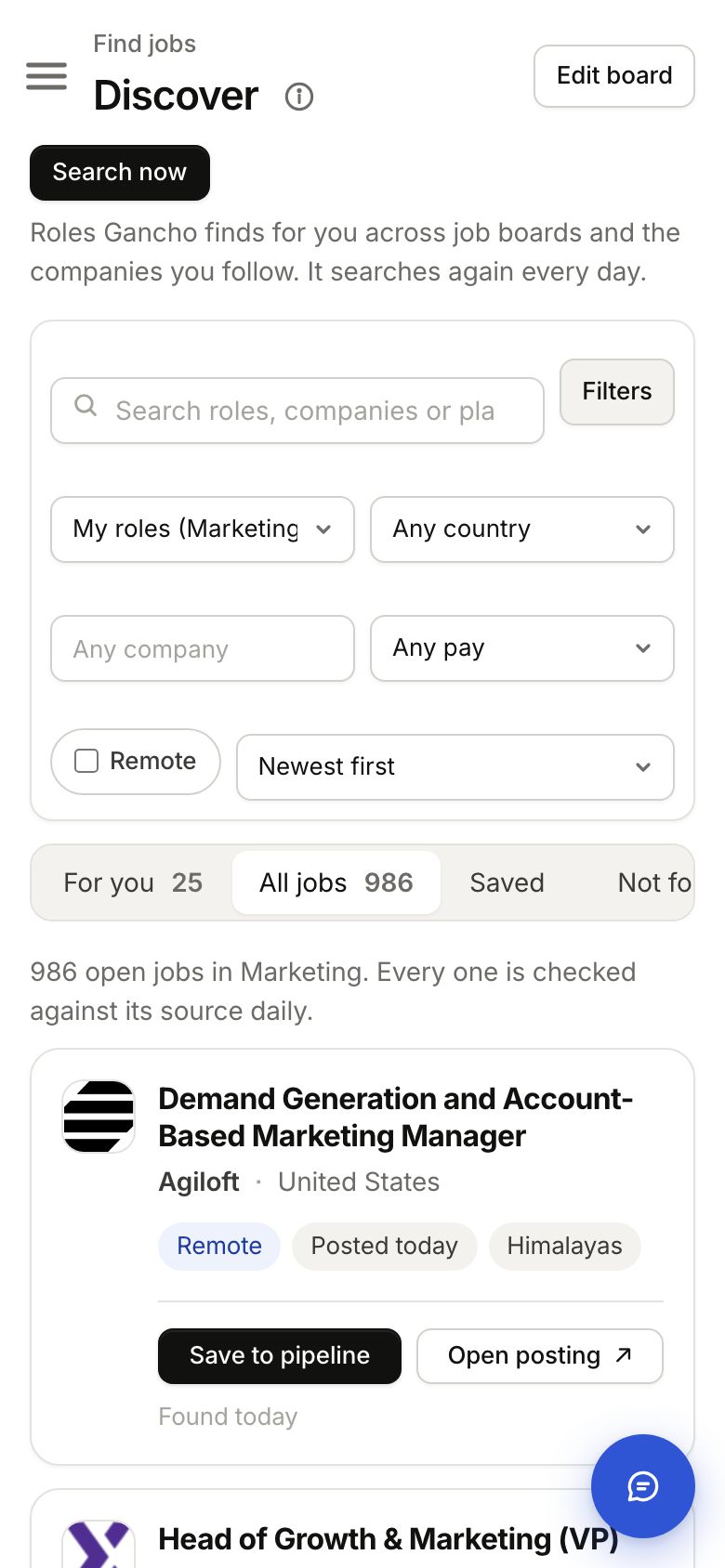
- Open Discover and pick the All jobs tab.
- Type in the search box: a role, a company or a place, like product marketing or Toronto. The list updates as you type.
- Click Save to pipeline on any job you want, or Open posting to read the original.
The same box and filters narrow the For you tab too, so you can find one of your matches fast.
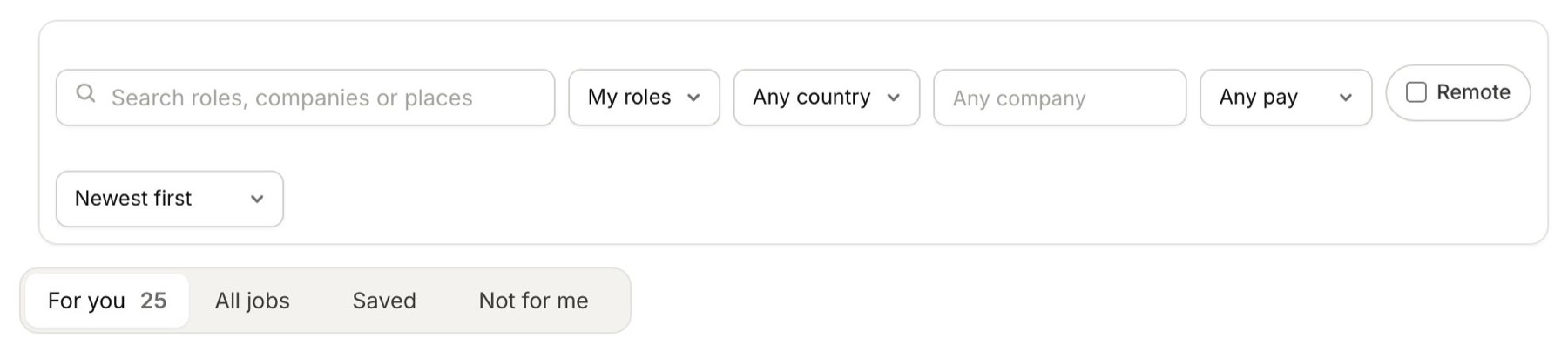
The filters
- Role type: My roles (jobs like the ones on your board, the starting point), All roles, or one kind of role, like marketing or engineering.
- Country: each country shows how many open jobs it has.
- Company: start typing and pick a company from the list.
- Minimum pay: only jobs whose pay starts at or above it. Jobs that do not say what they pay drop out when this is on.
- Remote: only jobs you can do from home.
- Sort: newest first, highest pay first, or company A to Z.
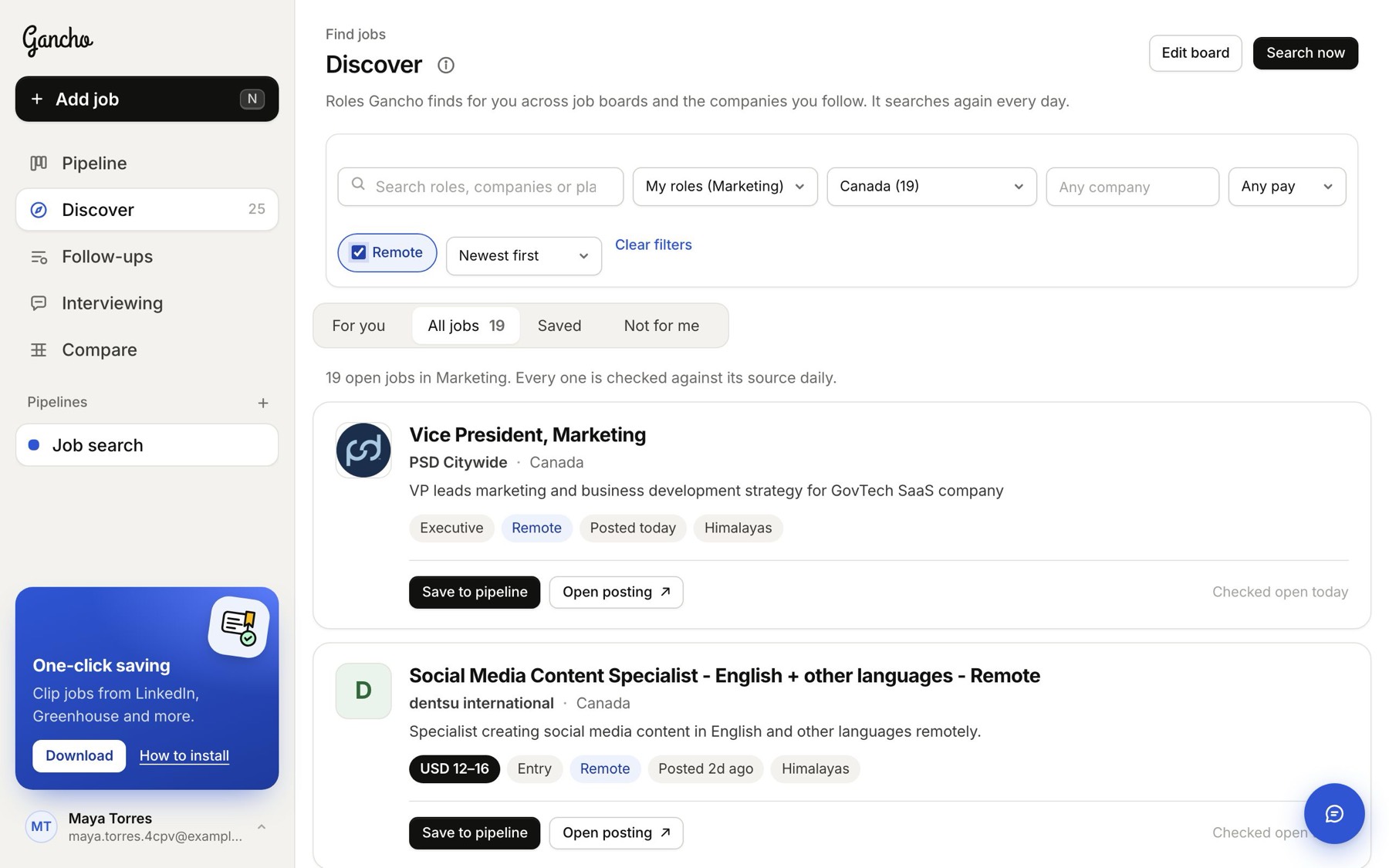
Clear filters puts everything back. If nothing matches, the list says so and offers the same button.
Keep or share a search
Your search and filters are part of the page address. Bookmark a filtered view to come back to it, or send the link to someone who uses Gancho.
On a phone
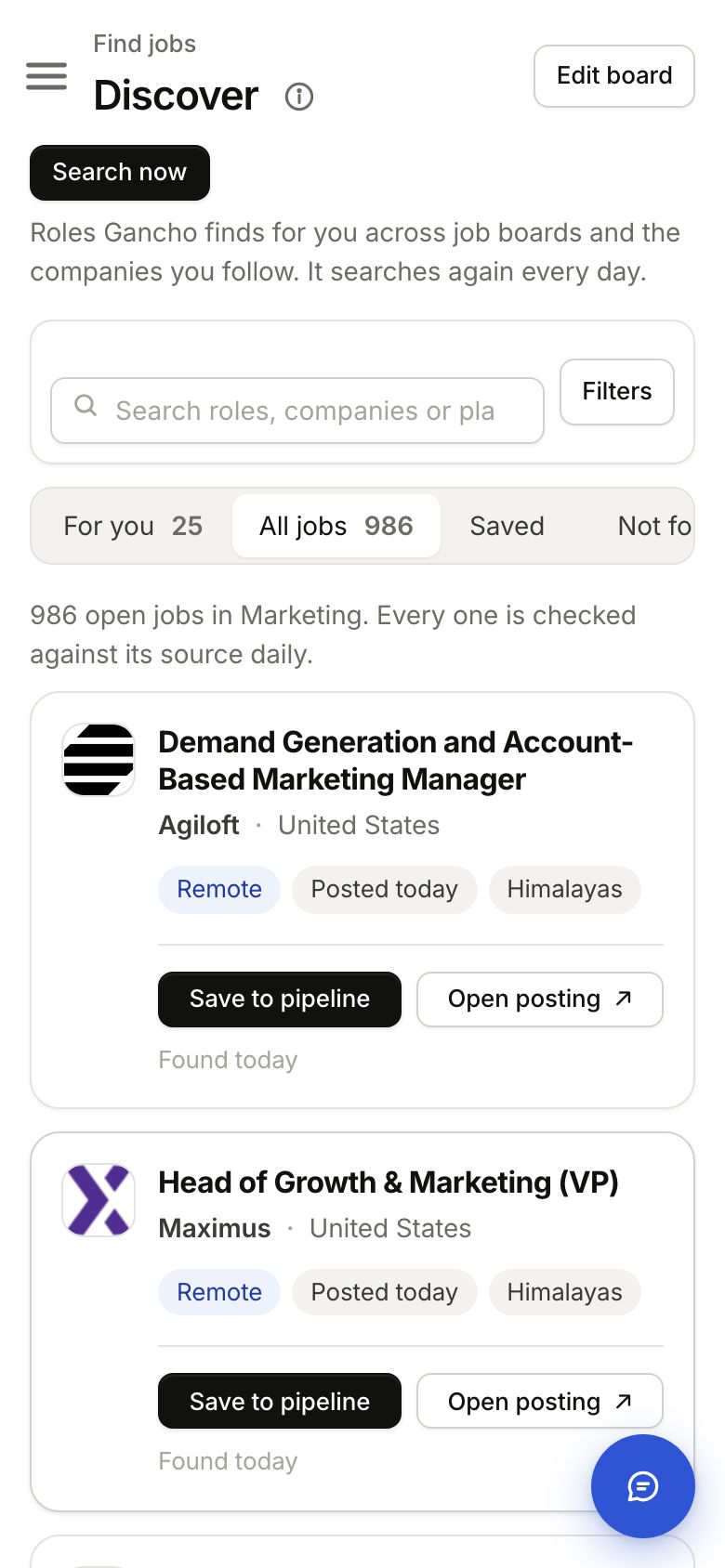
The filters fold away behind a Filters button next to the search box, so the jobs get the screen. Tap it to open them. When filters are on, the button shows how many, like Filters (2).
Back to how Discover works →
