How it works
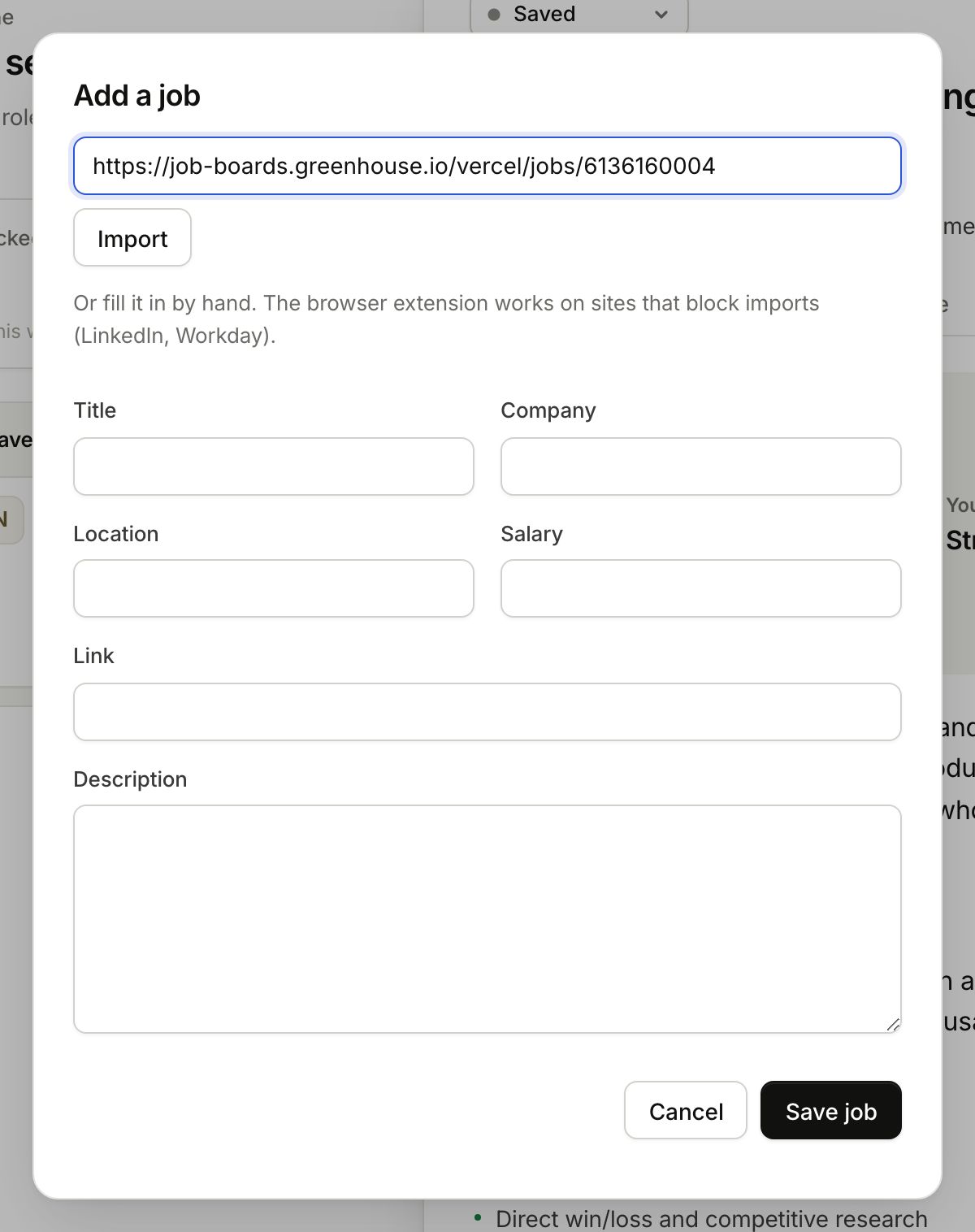
- Click Add job at the top of the sidebar (or press N).
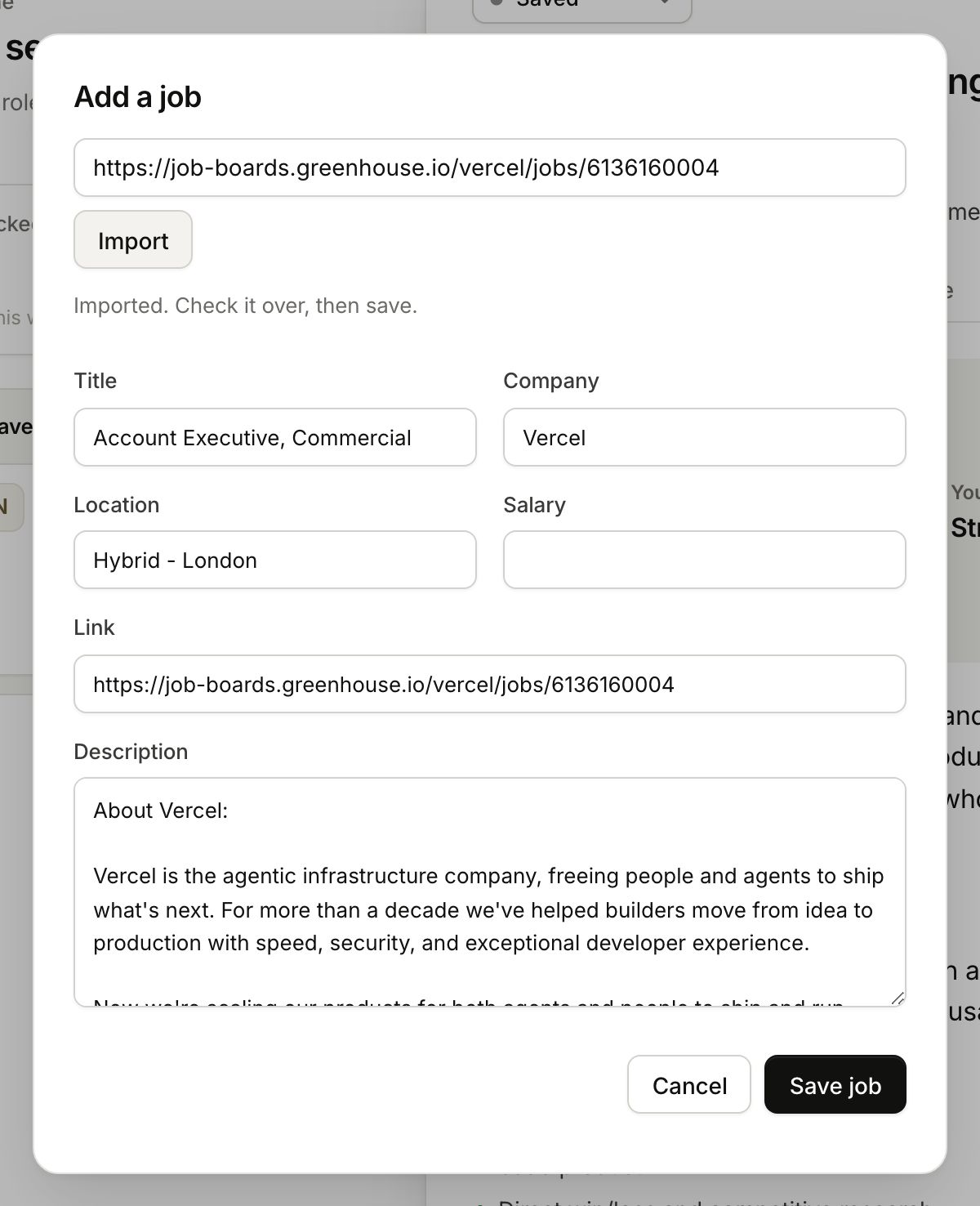
- Paste the link into the box at the top and click Import.
- Check what it filled in, then Save job.
What happens next
The job lands in the first stage of your pipeline and research starts on its own. It takes about a minute. What the research gives you →
Sites that block imports
LinkedIn, Workday and a few others do not let other sites read their pages. On those, the Chrome extension works, because it reads the page you are already looking at. Or fill the job in by hand.
Saving the same job twice
If the posting is already in that pipeline, Gancho updates the job you have instead of making a copy.
