Gancho
Get Gancho free

Saving jobs on iPhone

Share a posting straight from Safari or LinkedIn, or paste a link.

1 min read

From any app

  1. Open the job posting in Safari, LinkedIn, or any app.
  2. Tap Share, then Gancho.
  3. It is saved to your pipeline, research and all.
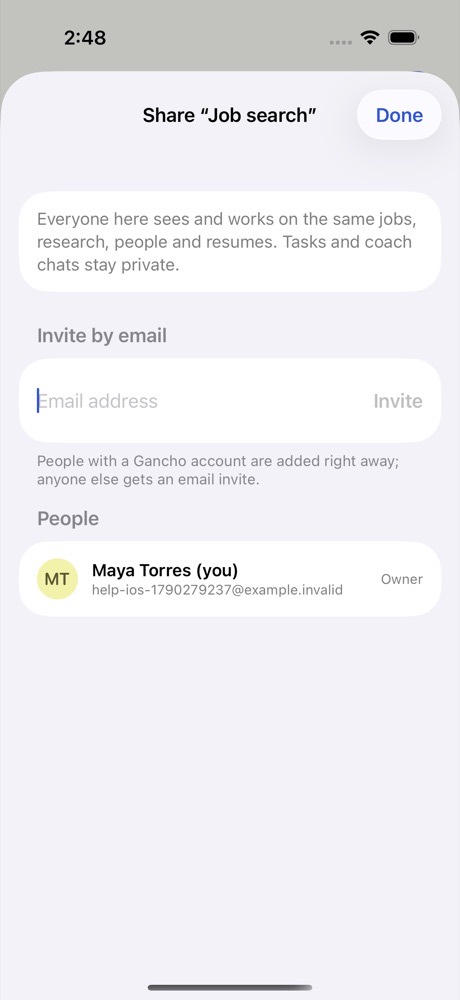
Share → Gancho from a job posting

From inside Gancho

  1. On the Pipeline tab, tap +.
  2. Paste a link and import it, or type the job in yourself, then Save.
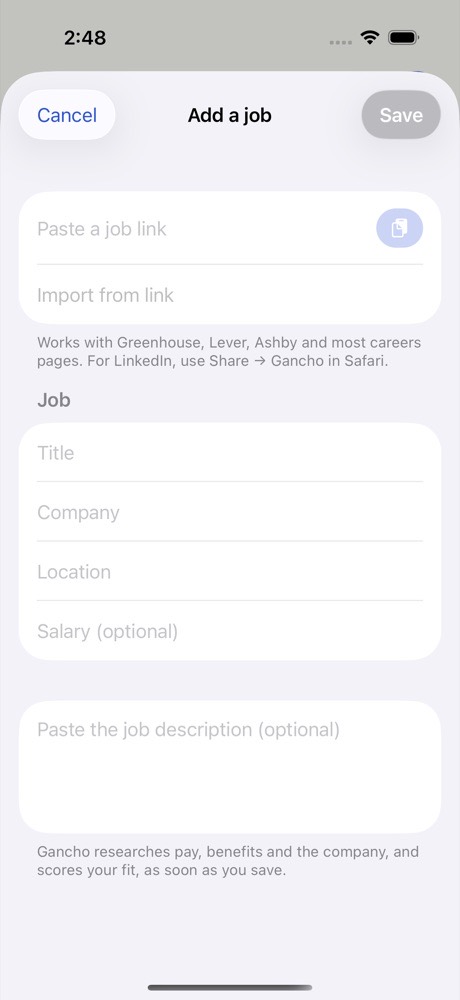
Adding a job on iPhone
Two friends laughing over a laptop in a café

This didn't answer it?

Ask the coach: the round button at the bottom right of the app. It knows your jobs and your resume, and it can walk you through any of this.

Open Gancho
