How it works
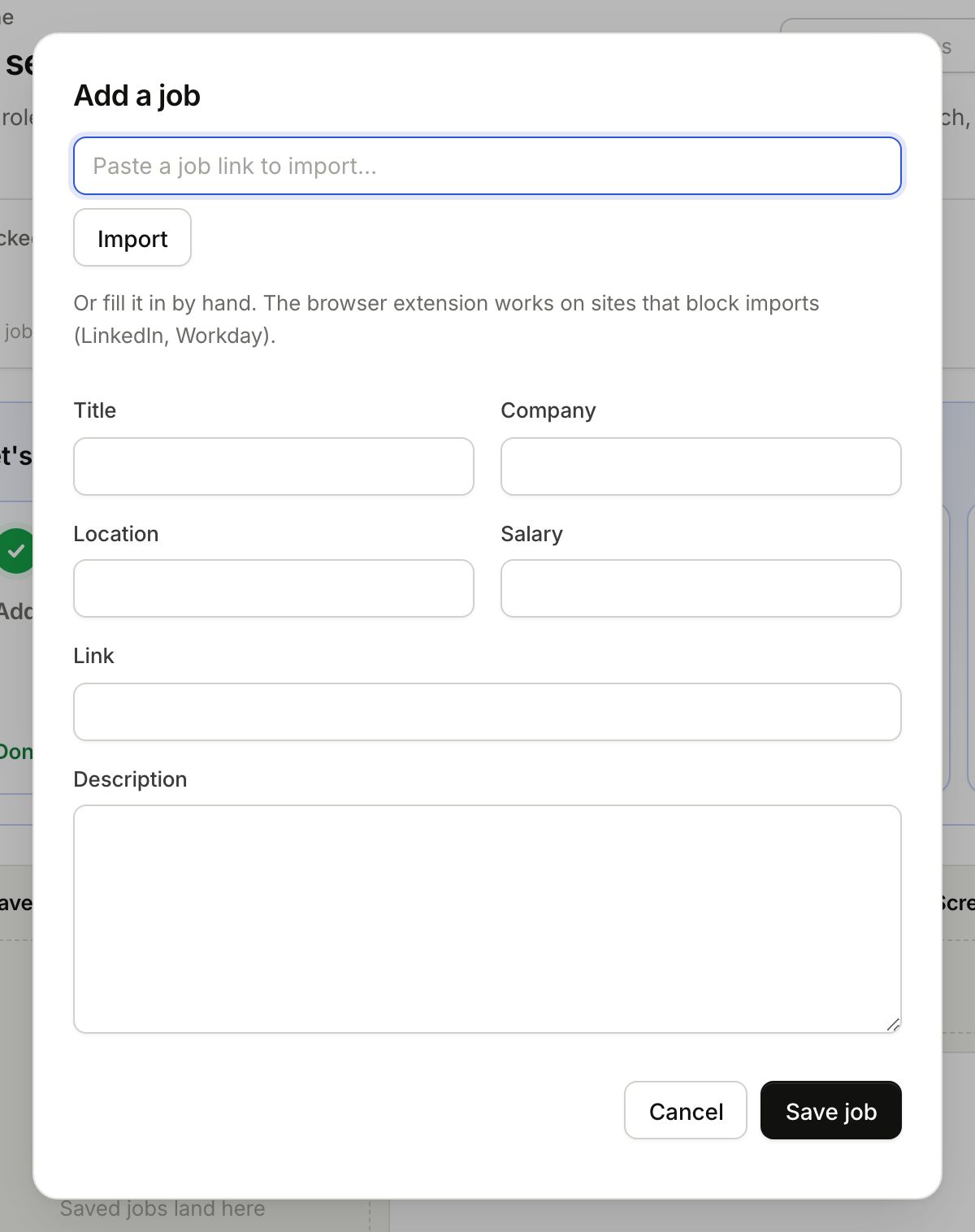
- Click Add job.
- Skip the link. Type the title and company. That is all it needs.
- Add location, pay and the link if you have them, and paste the job description.
- Click Save job.
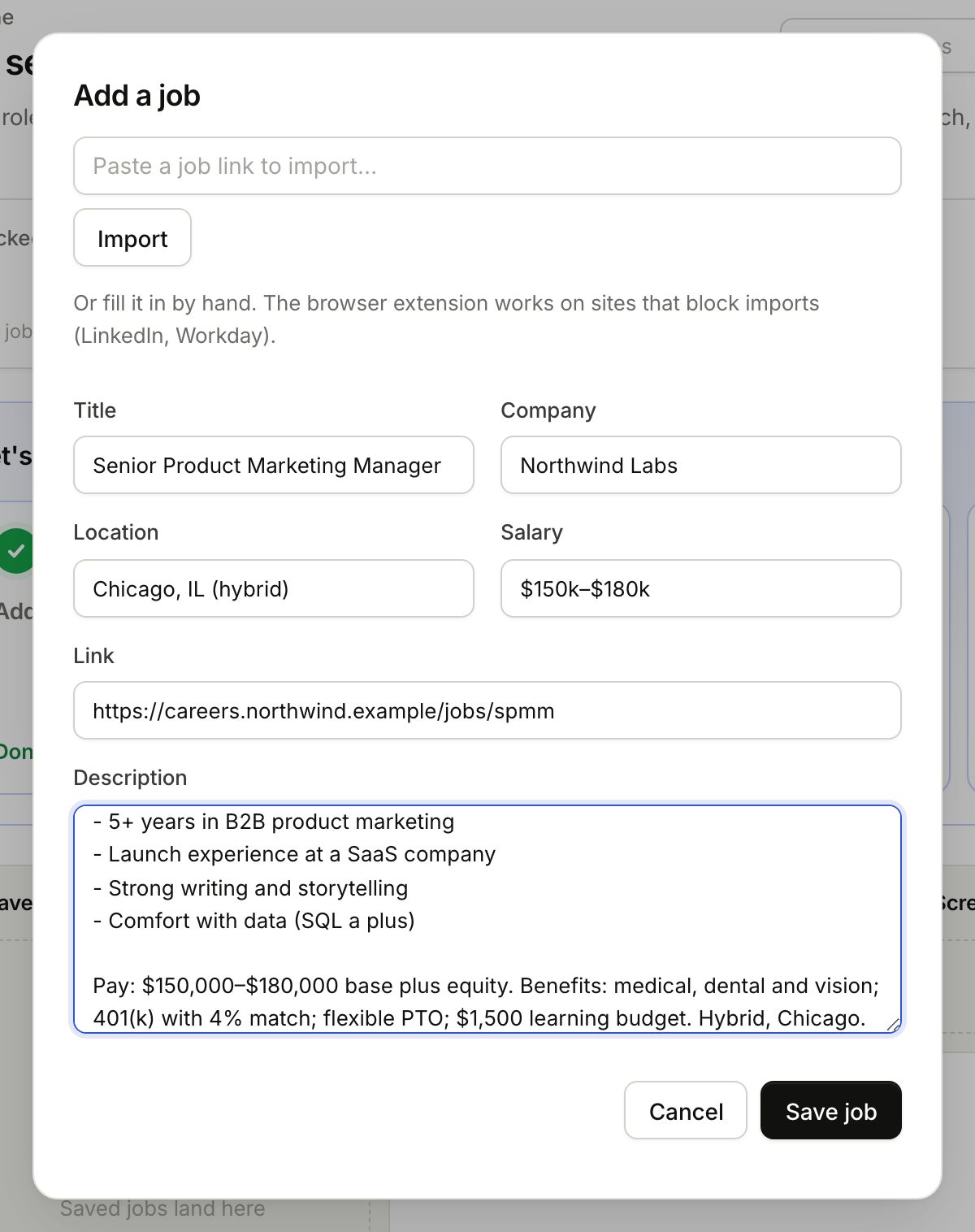
Why paste the description
It is what the research reads and what your tailored resume is built around. Without it Gancho can only go on the title. You can paste it later, on the job's Details tab, and the research refreshes when you do.
What happens next
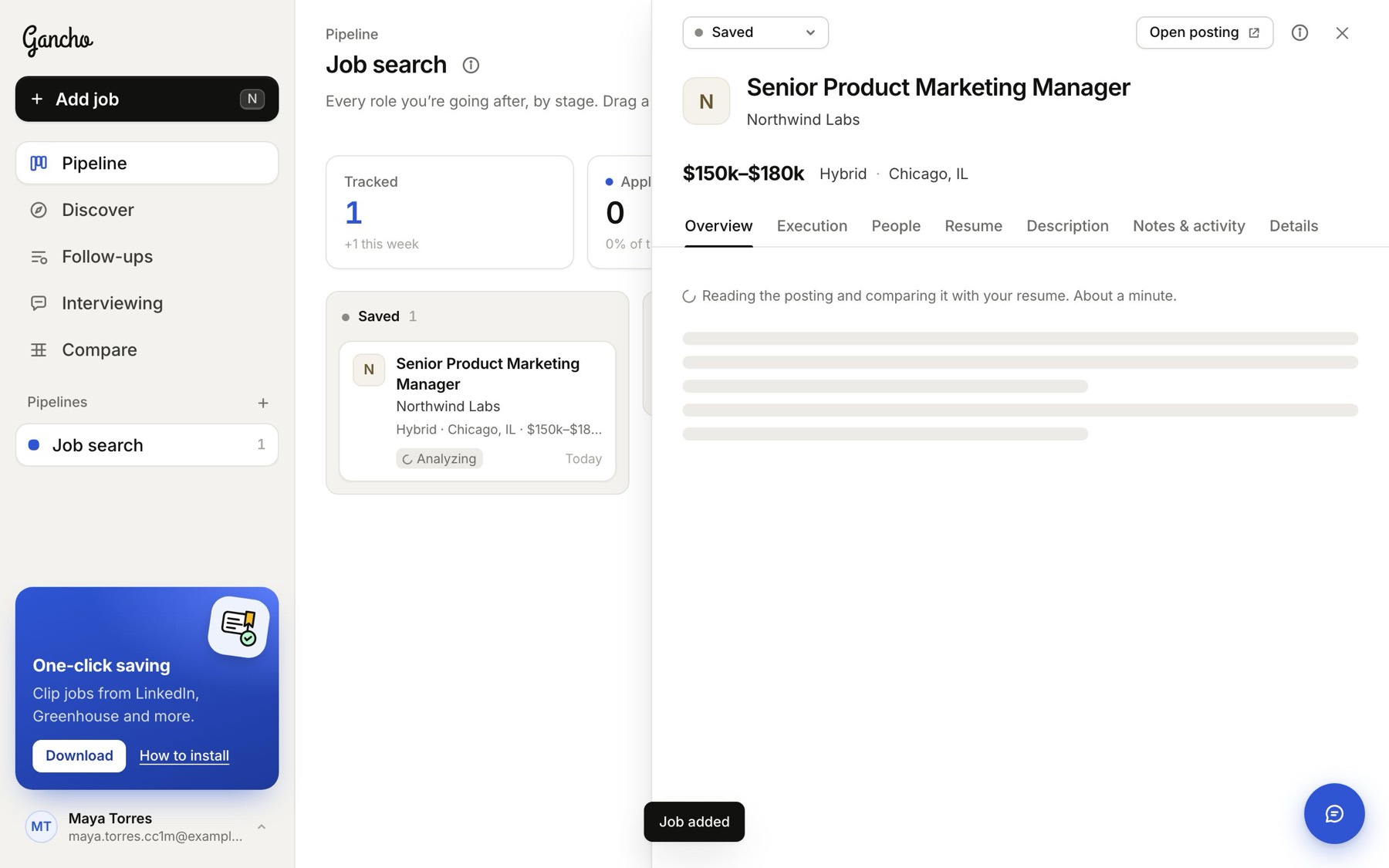
The job appears in your first stage with Analyzing on it, and opens so you can watch the research come in.
To add a job straight into another stage, click the + next to that stage's name on the board.