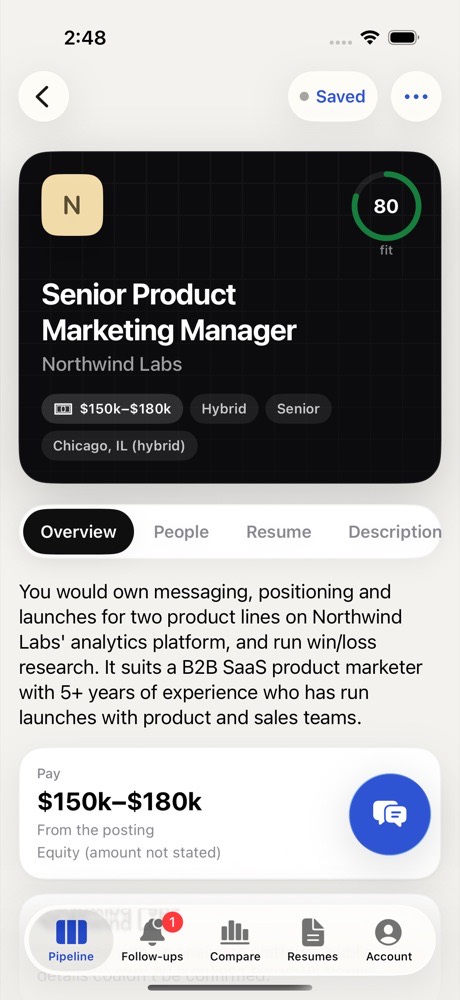
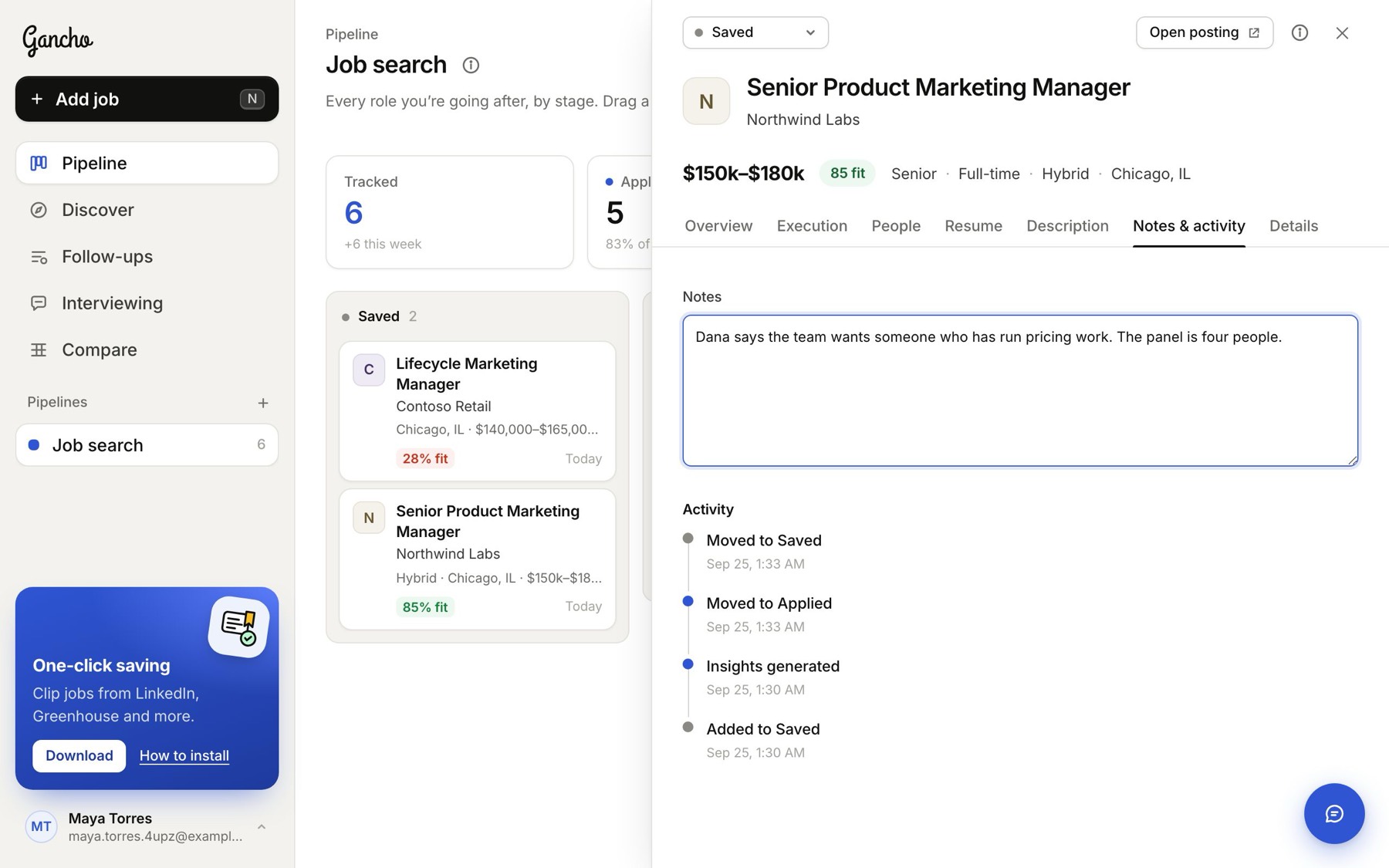
Click any card to open its panel. Six tabs:
Overview
The research: pay, company, how well you fit, benefits, and what the job really needs. More →
People
The hiring manager, recruiters and team, with a message written for each. More →
Resume
A resume and cover letter written for this job. More →
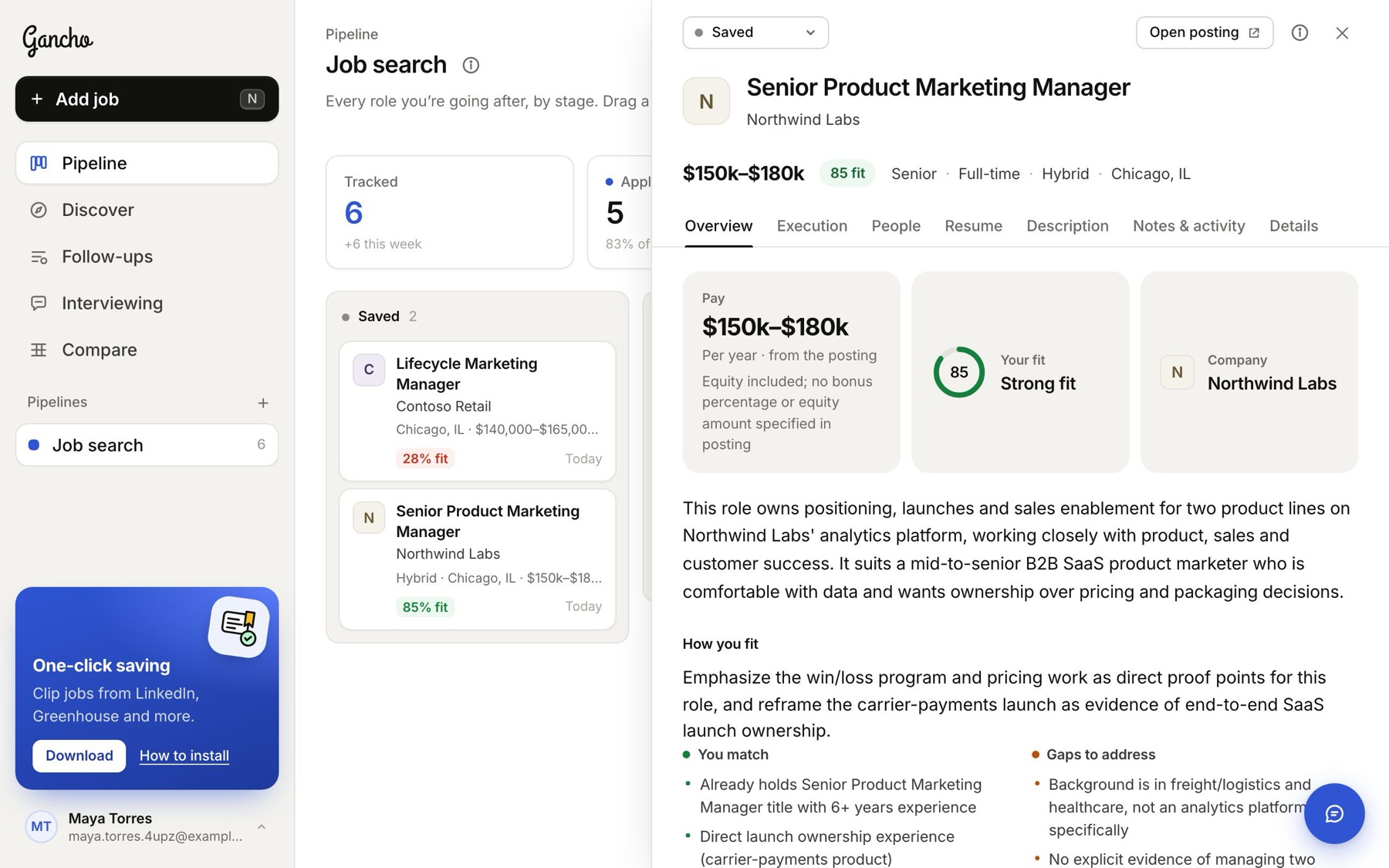
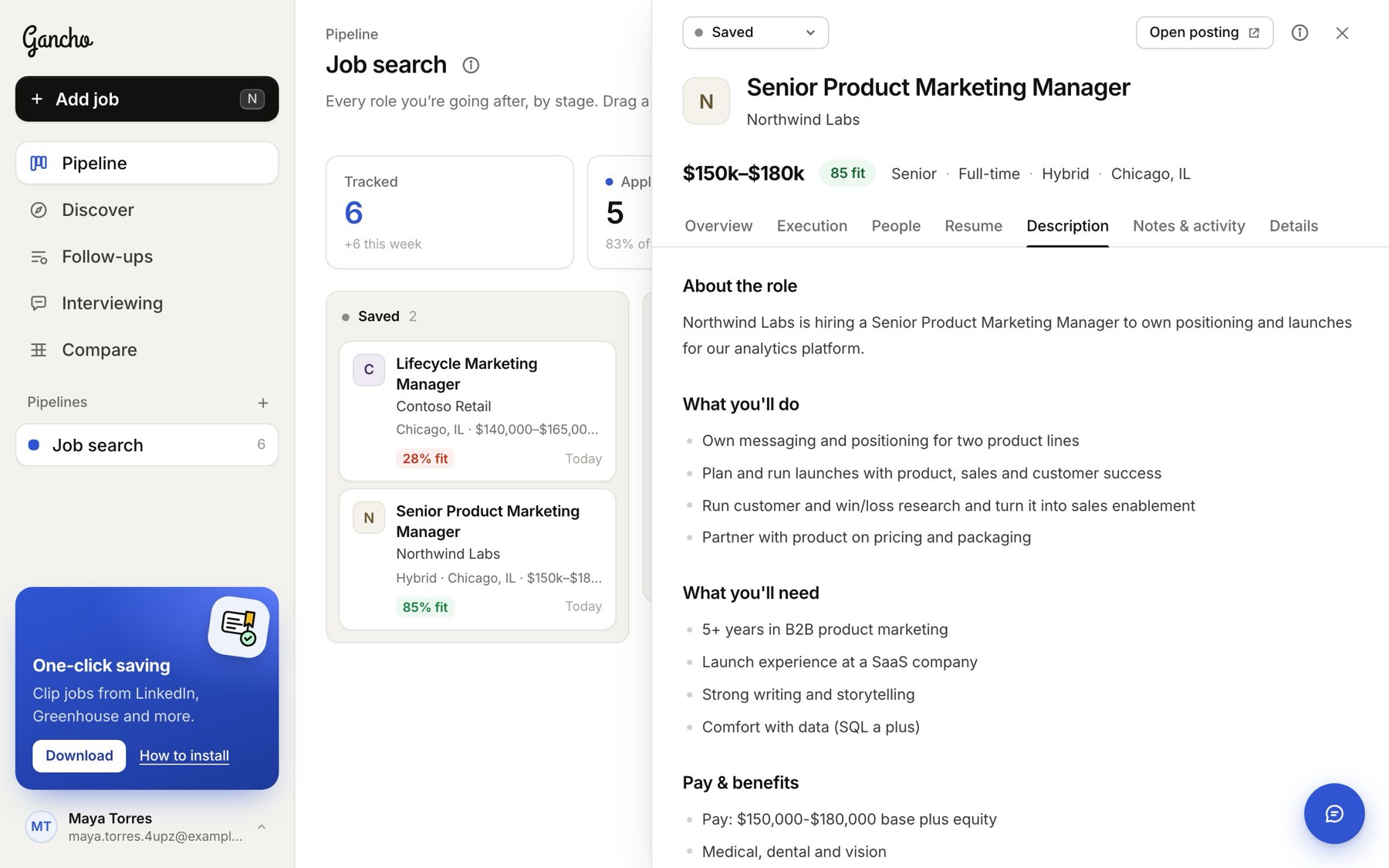
Description
The whole posting, cleaned up and easy to read.
Notes & activity
Your own notes (they save as you type) and the dated history of every stage change.
Details
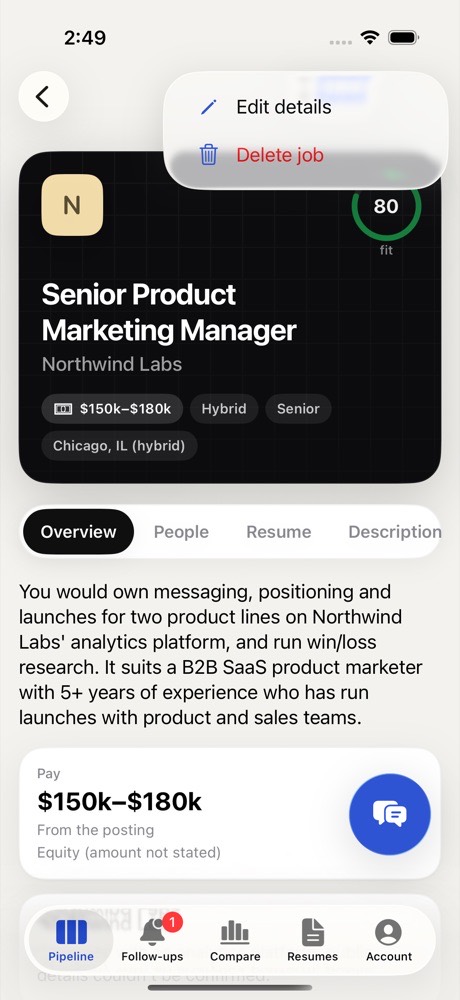
Title, company, location, pay, the posting link, which pipeline it is in, and the description. Editing and deleting →
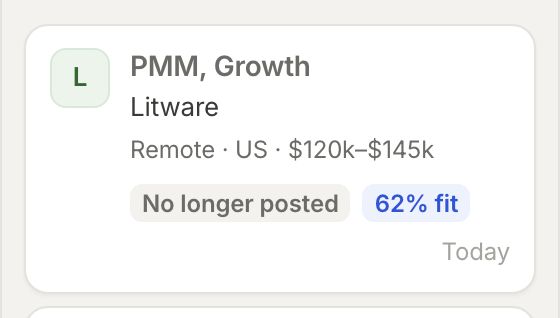
No longer posted
Every day Gancho checks whether each job in your pipeline is still posted. If the company takes it down, the card and the job get a grey No longer posted label, with the date it went. The job stays in your pipeline with all your notes. Move it to Rejected, or keep it if you are already talking to someone there.
In the app