Gancho
Get Gancho free

Tasks

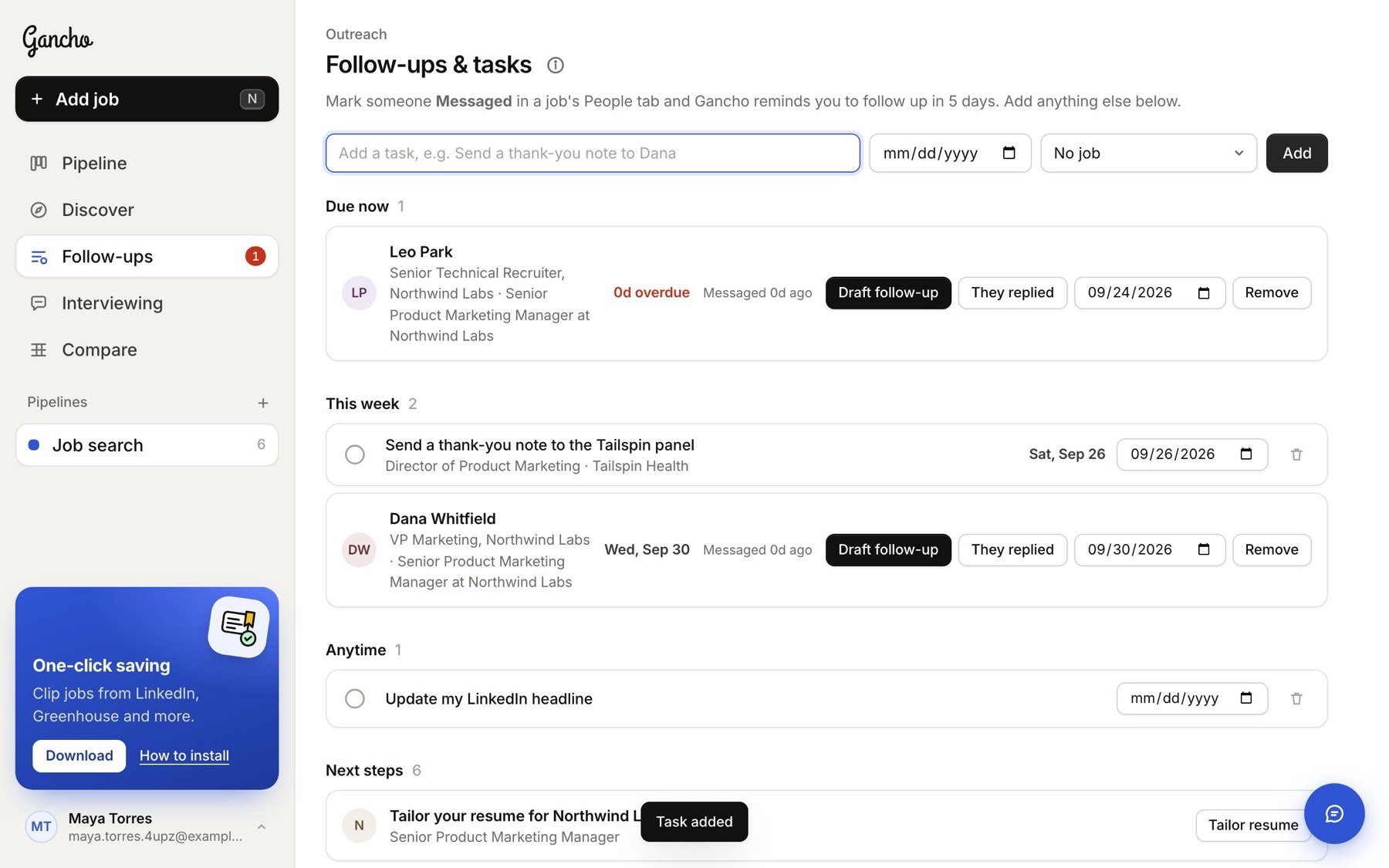
Your own to-dos, like a thank-you note or interview prep, in the same list as your follow-ups.

1 min read

Adding one

  1. Go to Follow-ups.
  2. Type it in the Add a task box.
  3. Pick a due date and a job if you like. Both are optional.
  4. Click Add.
A task with a date and a job
Tasks sit with your follow-ups: Due now, This week, Later, Anytime

Finishing one

Click the circle. It moves to Done and stays there for two days, in case you ticked the wrong one. Click again to bring it back.
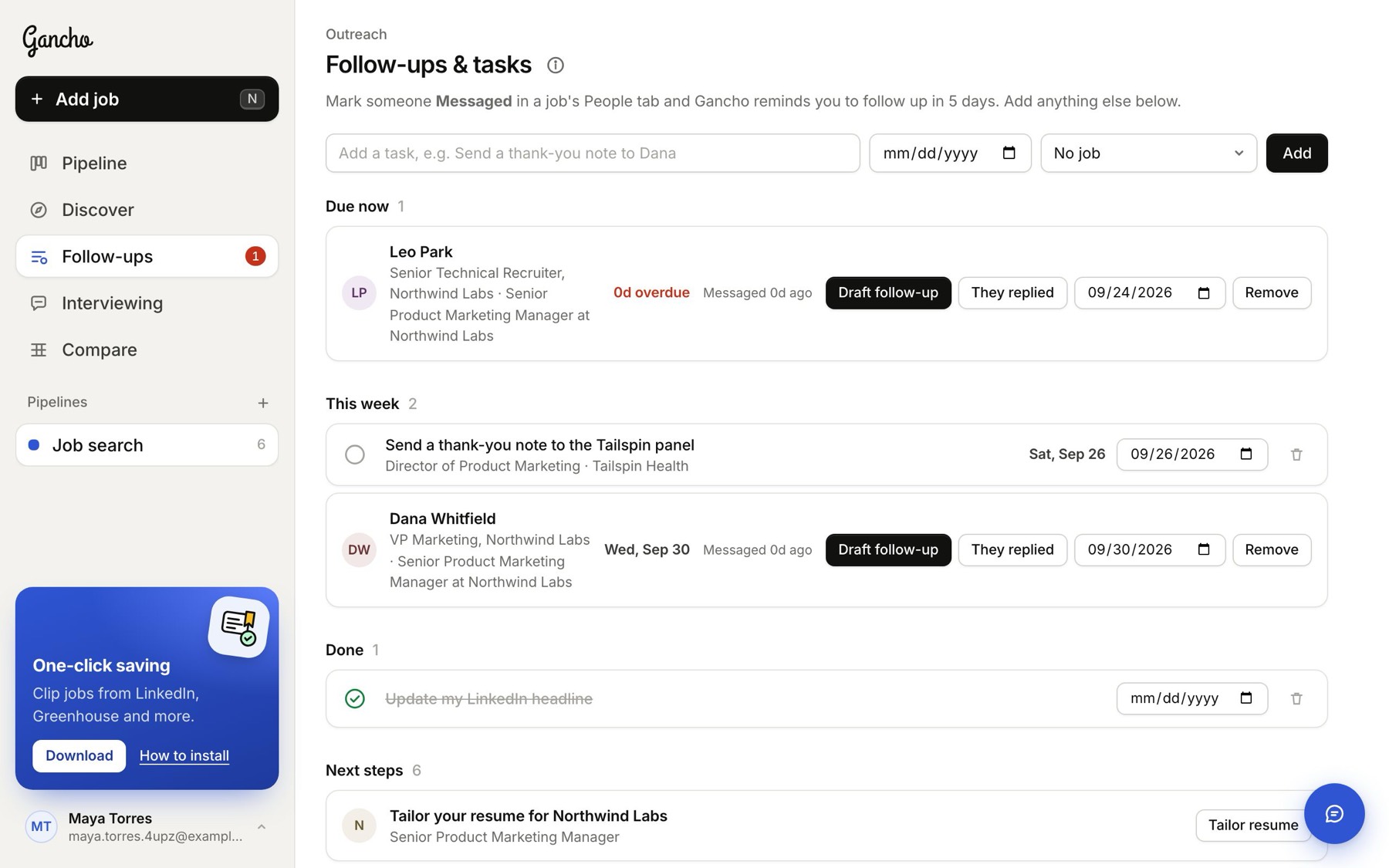
Ticked off
Ticked off

Deleting one

Click the bin icon on the row.

In the app
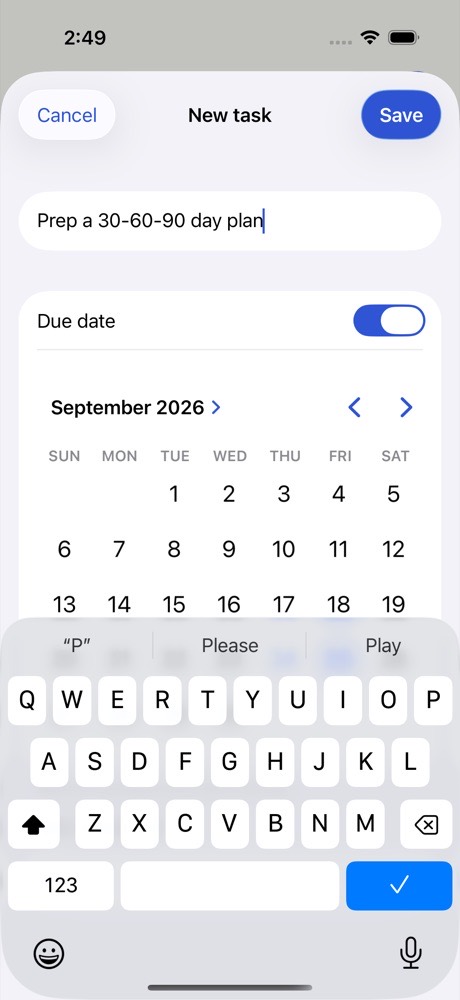
Tap + on the Follow-ups tab for a new task.
Two friends laughing over a laptop in a café

This didn't answer it?

Ask the coach: the round button at the bottom right of the app. It knows your jobs and your resume, and it can walk you through any of this.

Open Gancho