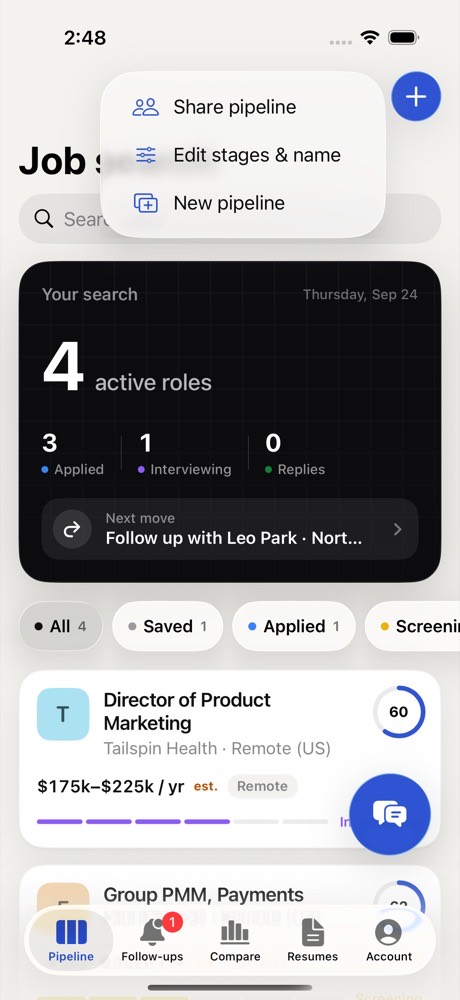
Editing your stages
- Click Edit stages above the board.
- Rename, reorder, add or remove stages, one per line. They appear on the board in this order.
- Click Save.
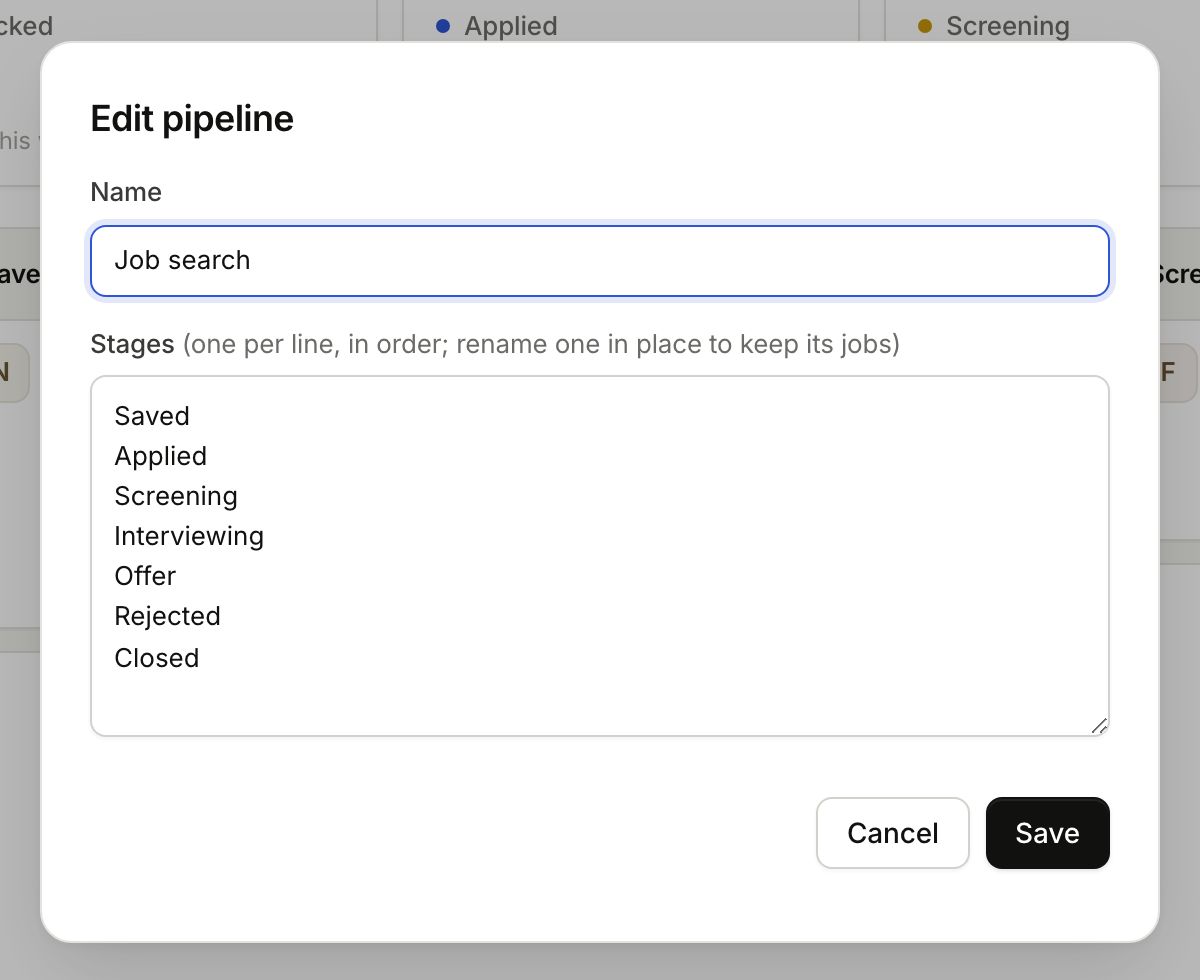
To rename a stage, type over it in place and its jobs stay with it. If you delete a stage that still has jobs, they move to your first stage. Nothing is lost.
A second pipeline
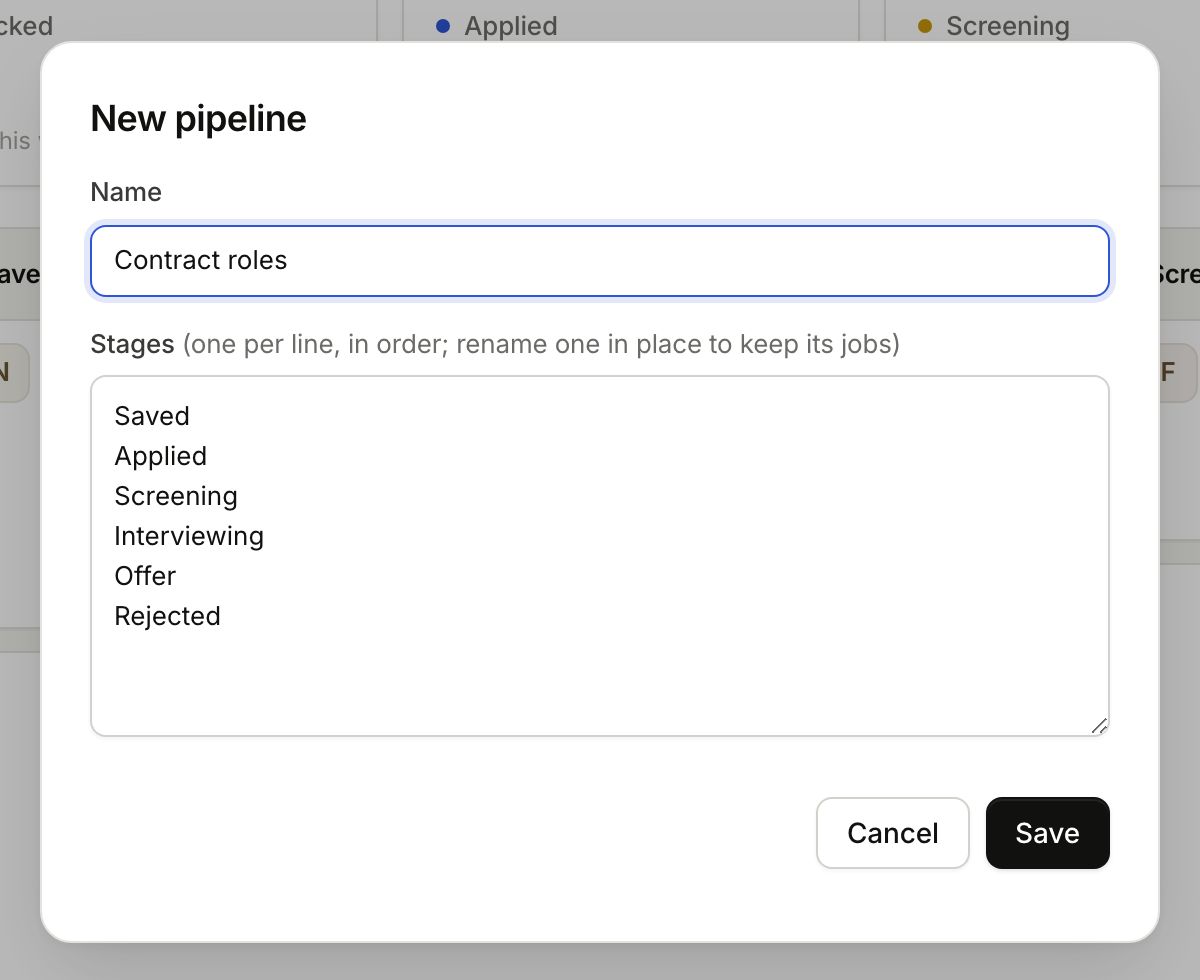
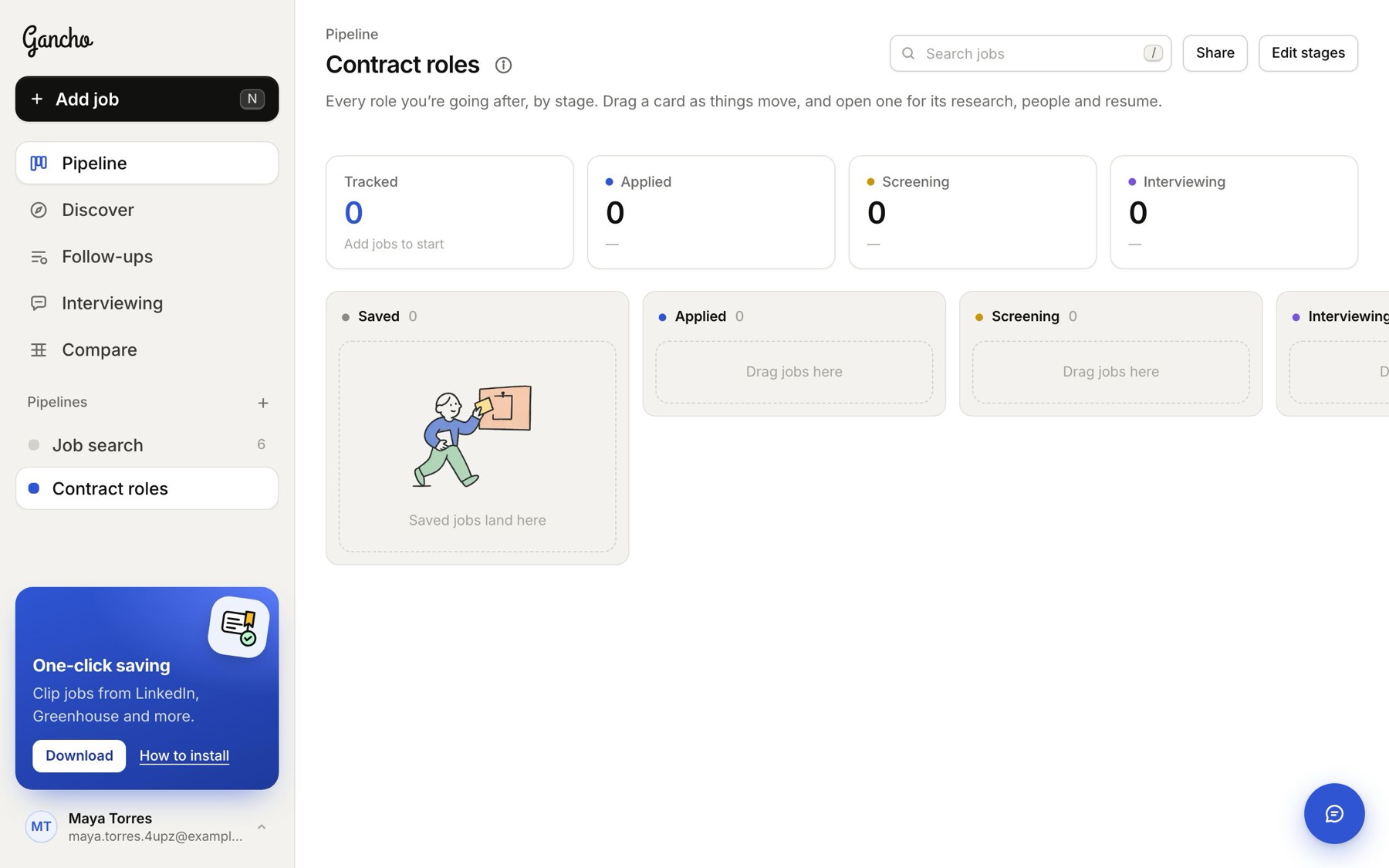
- Click + next to Pipelines in the sidebar.
- Name it. It starts with the usual six stages. Change them now if you like, then click Save.
Deleting a pipeline
In Edit stages, click Delete pipeline. Its jobs go with it. Only the pipeline's owner can delete it, and you always keep at least one pipeline.
In the app