The four kinds
- Connection note: a LinkedIn invite, kept under LinkedIn's 300-character limit (the counter shows where you are).
- Message: a longer note or email, with a subject line.
- Intro request: for people you already know.
- Follow-up: appears once you have messaged someone.
How it works
- On a person, click the kind you want. Gancho writes it from the job, the research, your resume and what it knows about them.
- Edit anything you like. It is a normal text box.
- Click Copy, then paste it into LinkedIn or your email and send it.
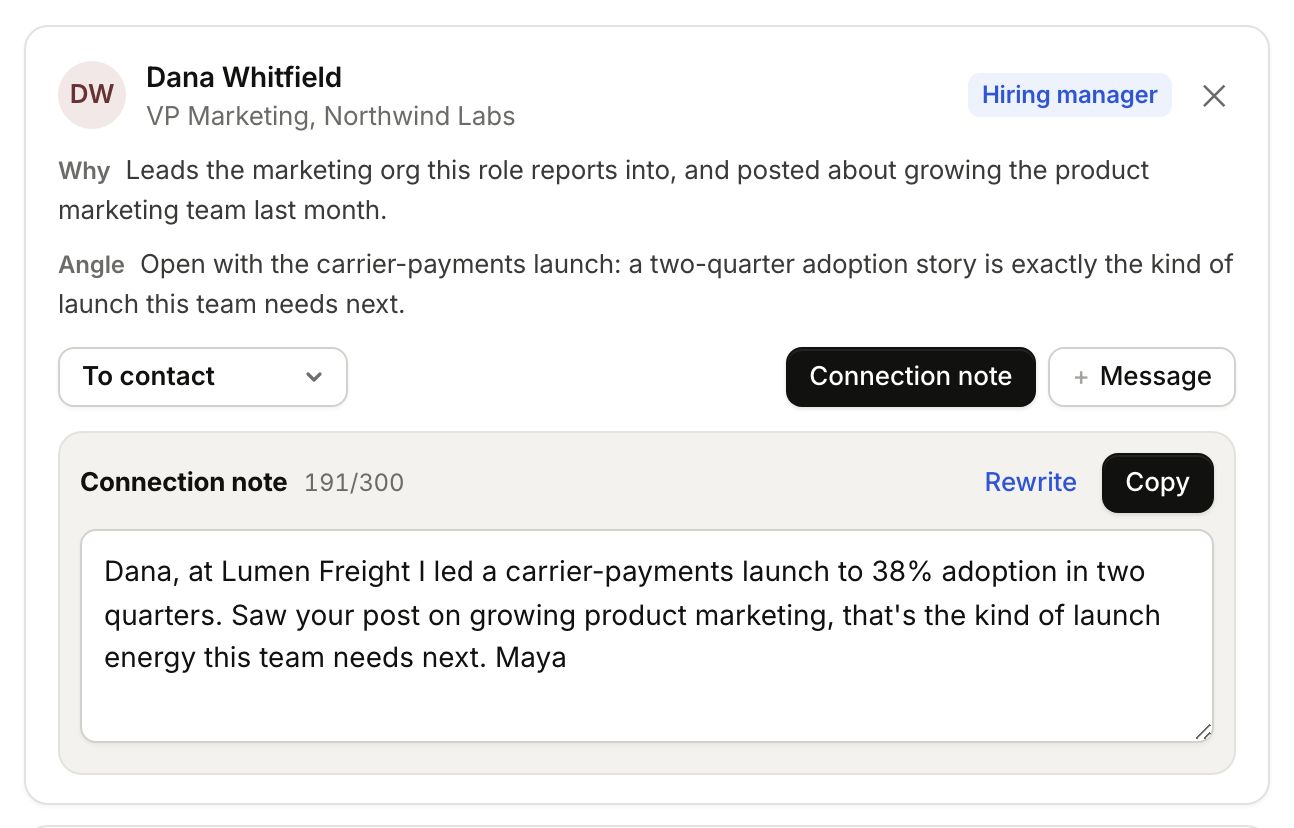
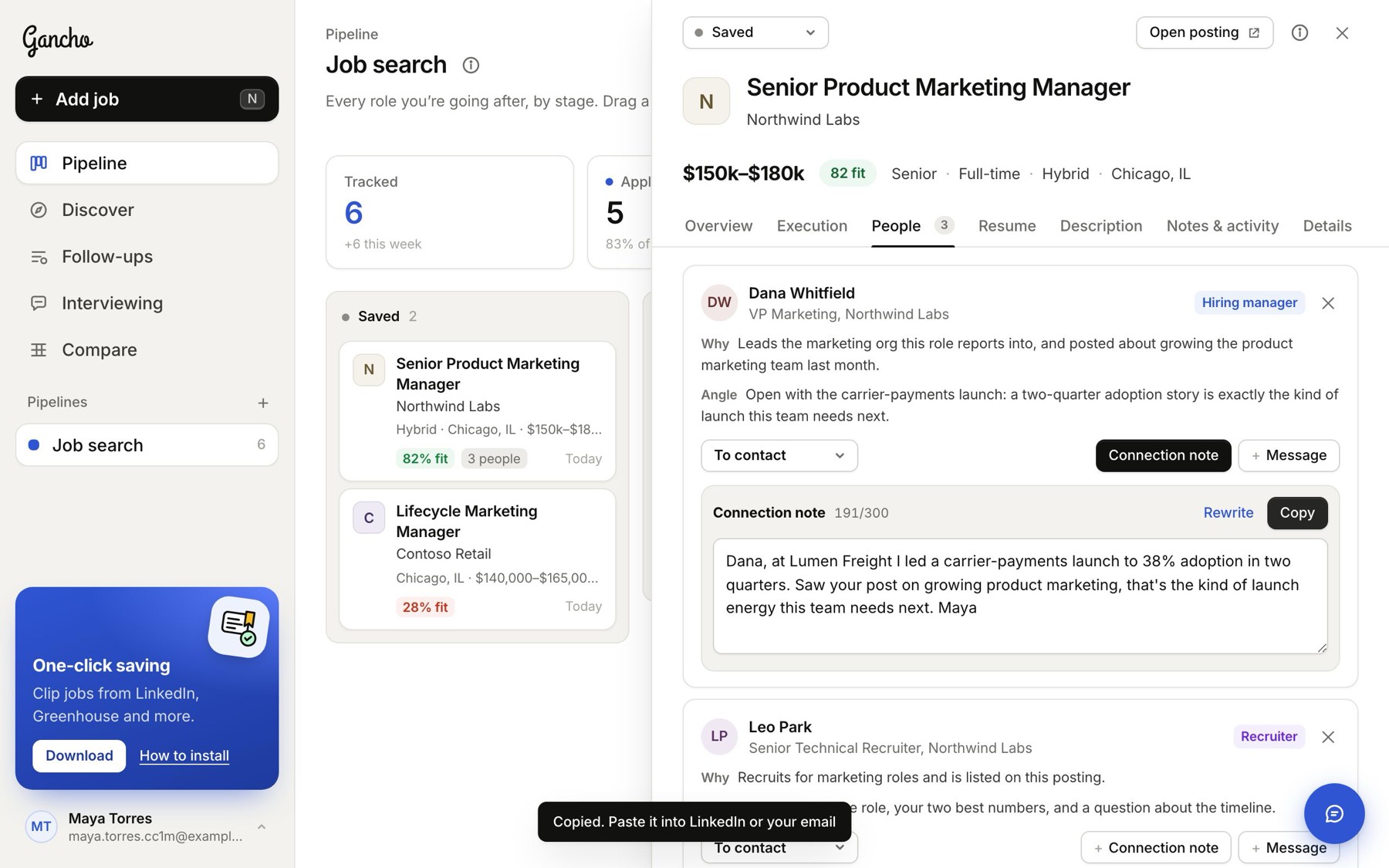
Rewrite gives you a fresh version. Open profile takes you to their LinkedIn.
After you send it: mark them Messaged →
