| When | |
|---|---|
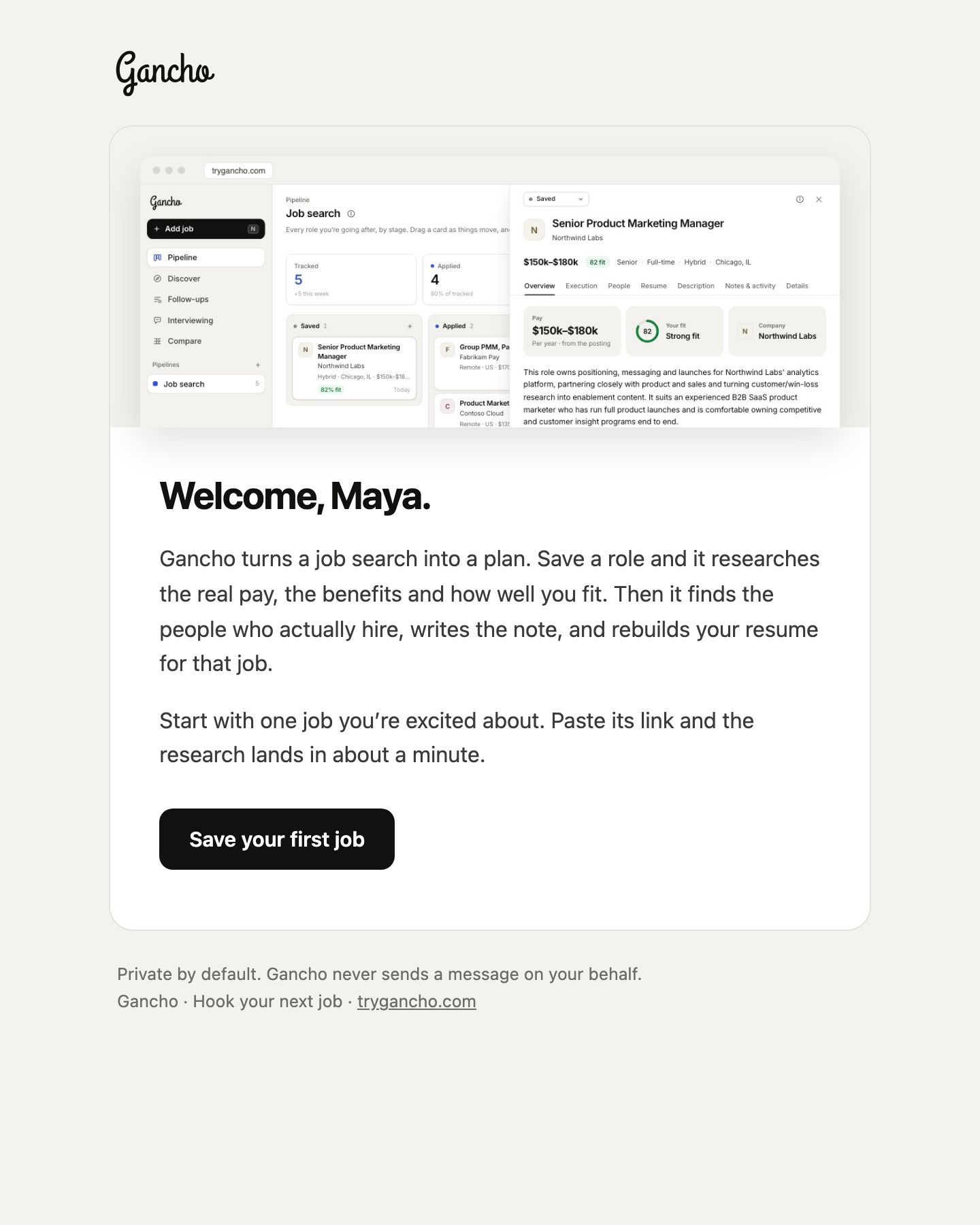
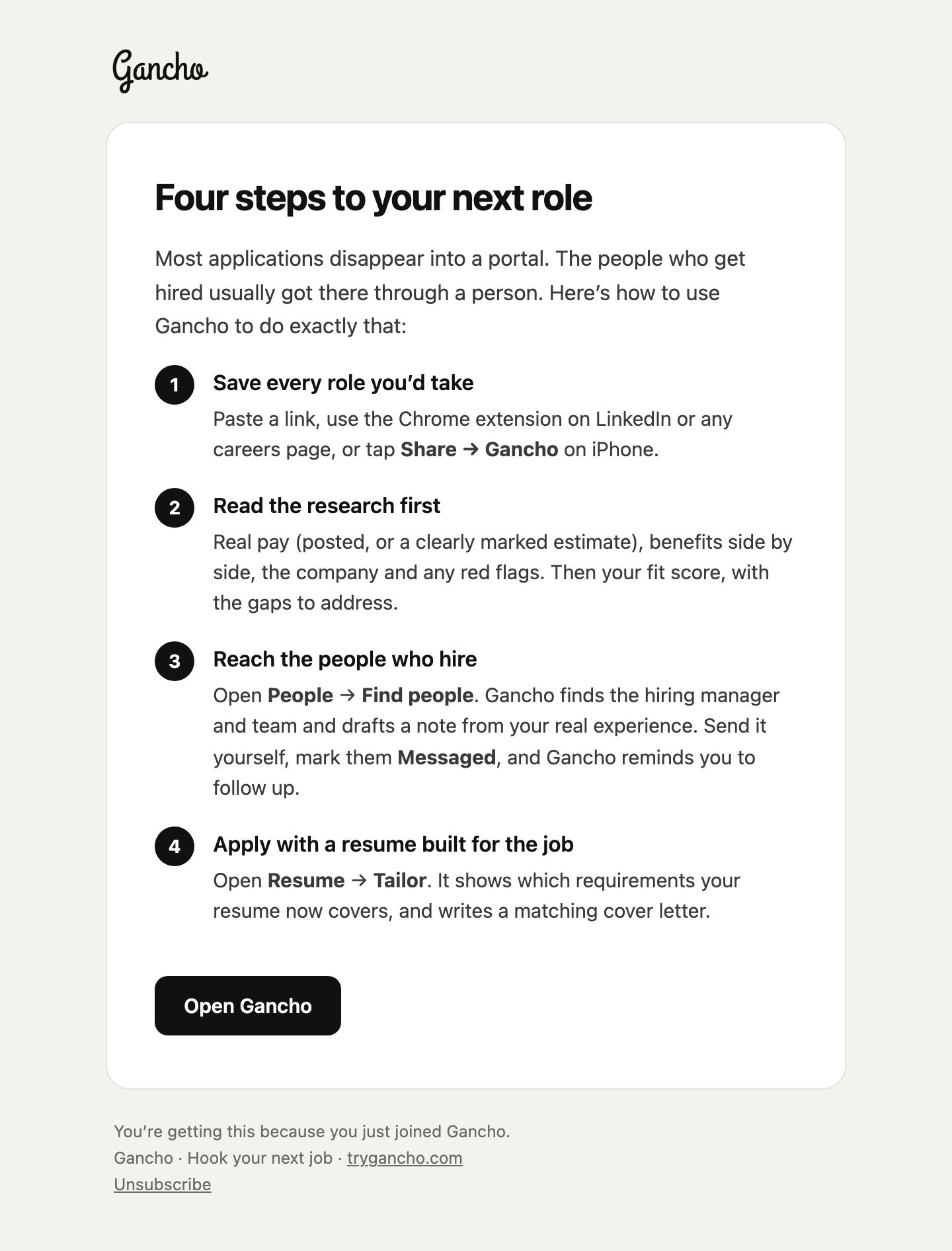
| Welcome to Gancho and How to land your next role with Gancho | Right after you sign up |
| 7 Gancho tips worth knowing | The next day |
| Reset your Gancho password | When you ask. The link lasts an hour |
| … invited you to … / … added you to … | When someone shares a pipeline with you |
| … joined … | When someone you invited accepts |
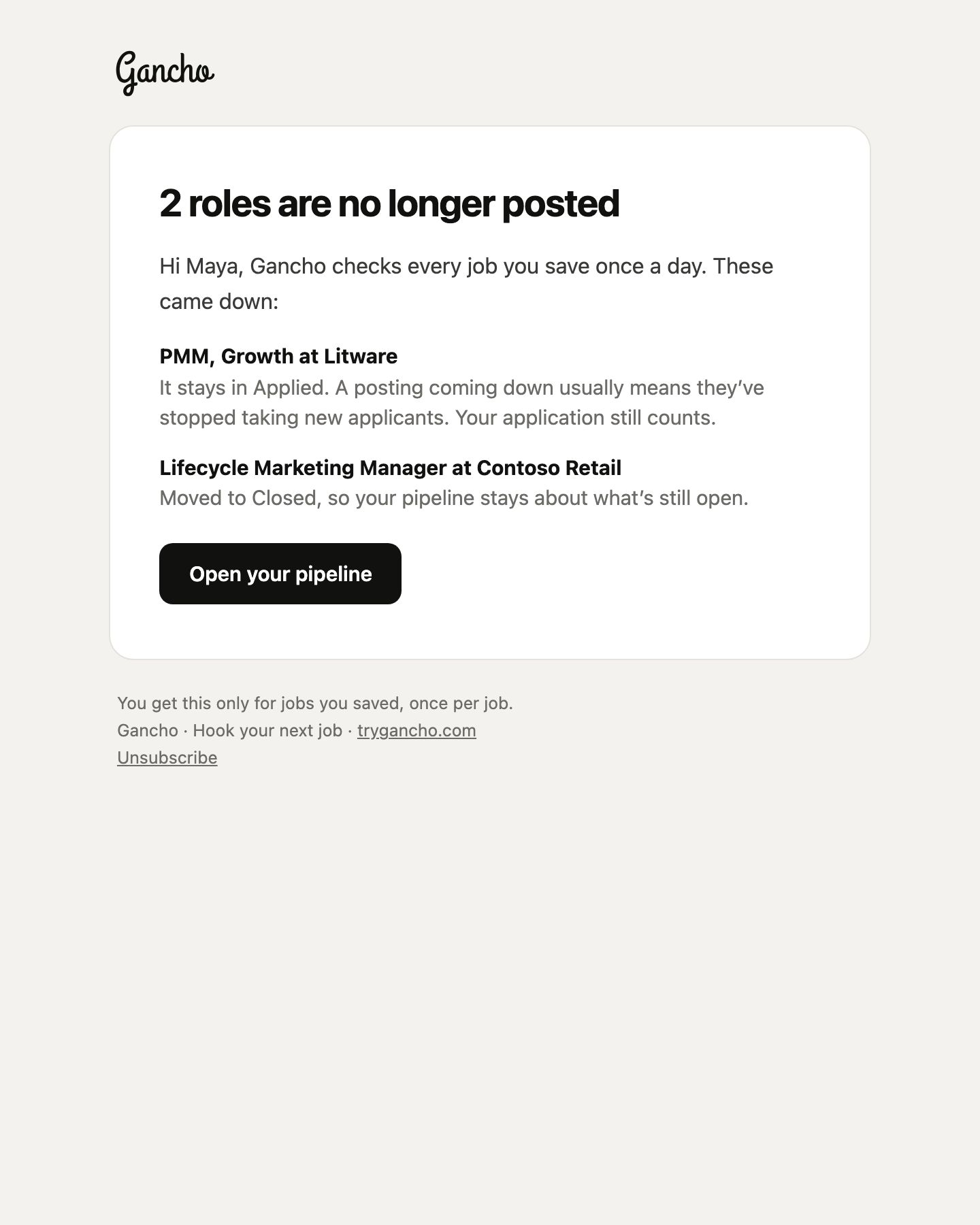
| … is no longer posted | When a job you saved comes down. Once per job, only to the person who saved it |
| New roles on your Gancho board | When Discover finds 3 or more good new matches, at most every few days. Turn it off in Edit board |
Turning tips off
Click Unsubscribe at the bottom of a tips, new-role or no-longer-posted email. That stops all three, and the how-to; the ones you need, like password resets and invites, still come.
What we never send
Gancho never emails the people in your pipeline and never sends messages on your behalf. Every email comes from Gancho, with links to trygancho.com.
