Gancho
Get Gancho free

Changing your password

From the account menu, with your current password.

1 min read

How it works

  1. Click your name at the bottom of the sidebar.
  2. Click Change password.
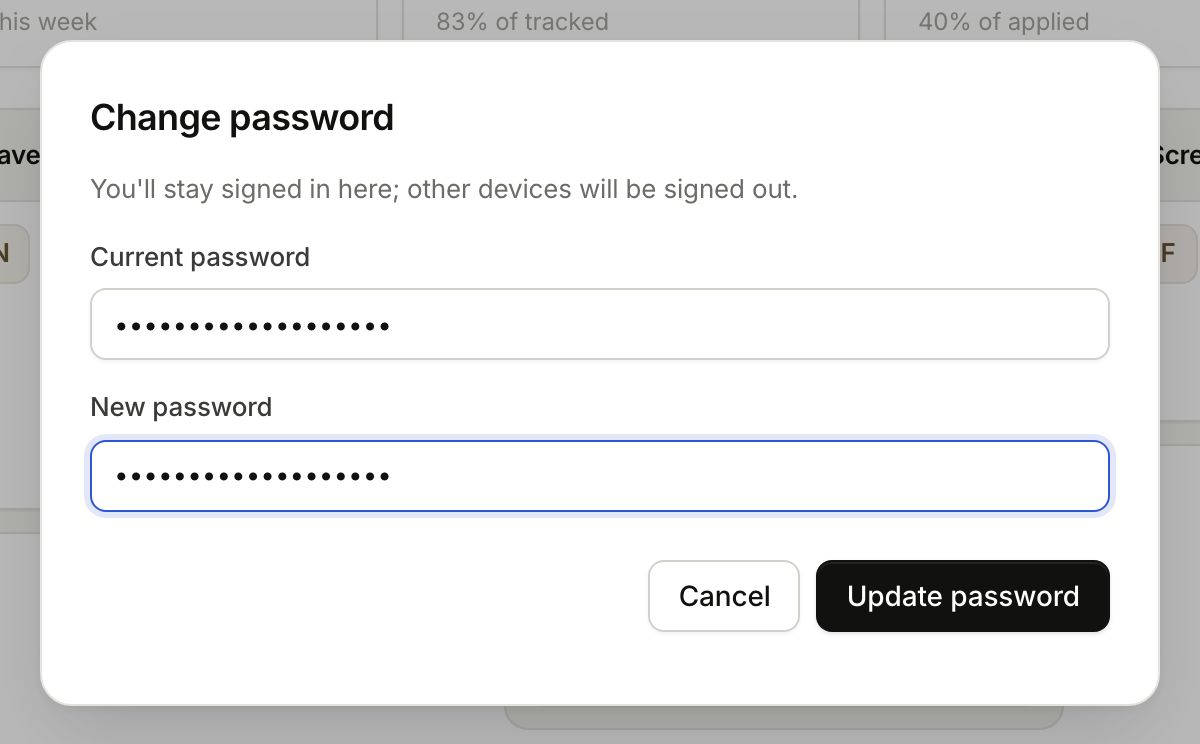
  3. Type your current password and the new one (8 characters or more), then Update password.
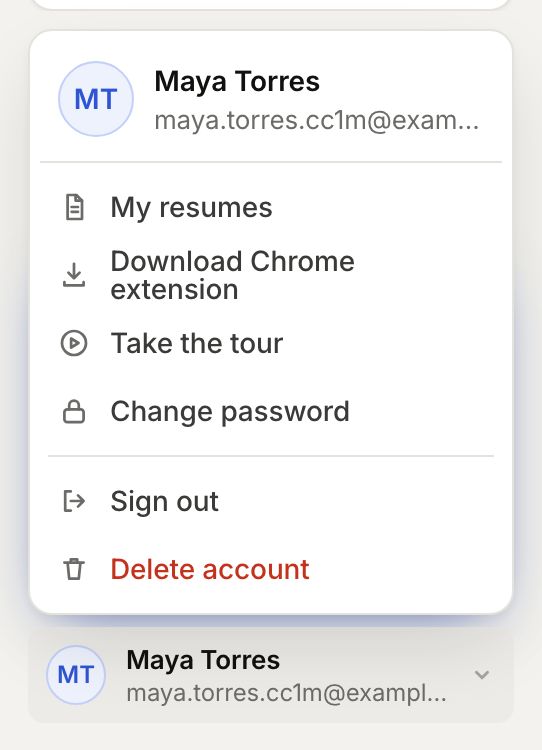
The account menu
The account menu
Change password
Change password

You stay signed in on this device. Forgot the current one? Sign out and reset it instead.

In the app
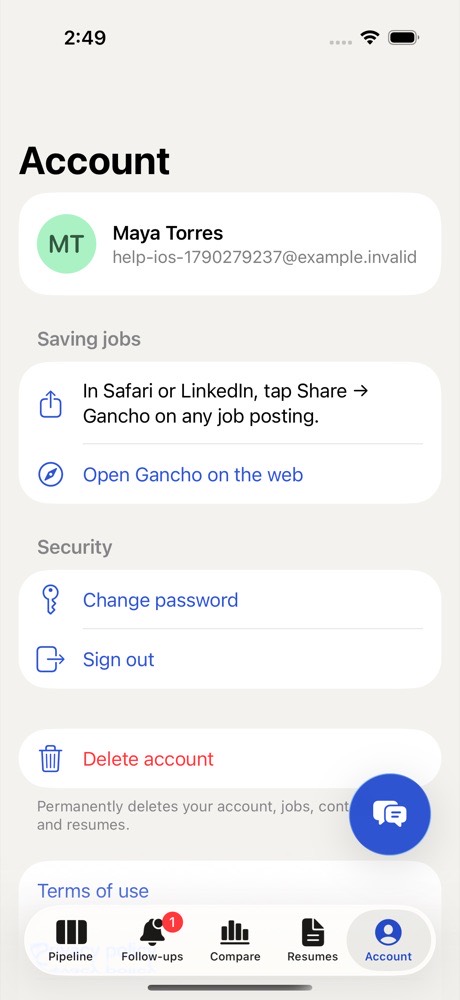
Account on iPhone: tap your initials at the top left of Pipeline. Change password, Sign out and Delete account are there.
Two friends laughing over a laptop in a café

This didn't answer it?

Ask the coach: the round button at the bottom right of the app. It knows your jobs and your resume, and it can walk you through any of this.

Open Gancho