How it works
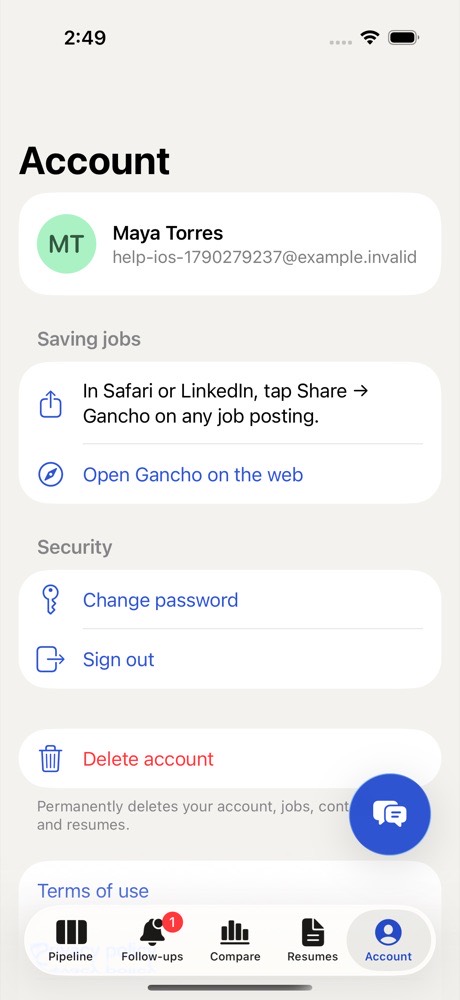
- In the iPhone app, tap your initials at the top left of Pipeline to open Account.
- Tap Delete account.
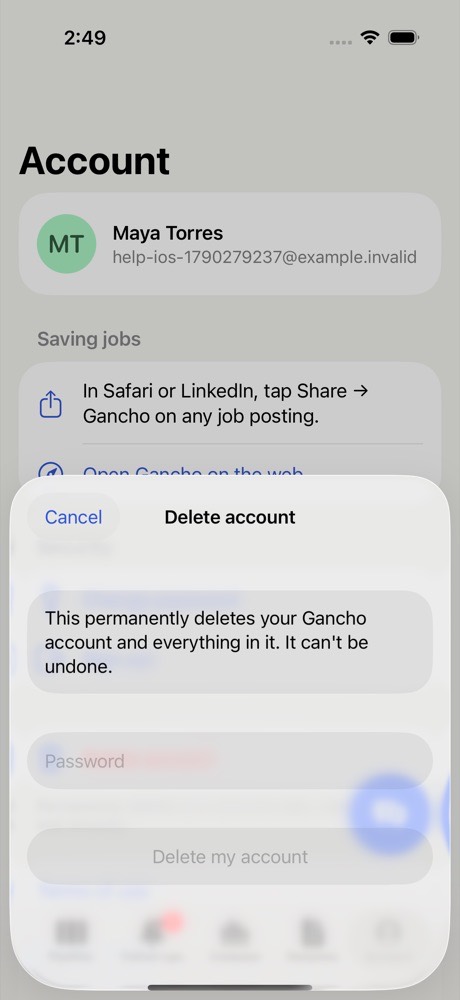
- Confirm with your password.
What is deleted
Your account, your jobs, people, notes, resumes, tailored resumes, tasks and coach chats, permanently. It cannot be undone.
Pipelines you own are deleted too, including for anyone you shared them with. Pipelines someone else owns stay with them; you just leave.
