Open it
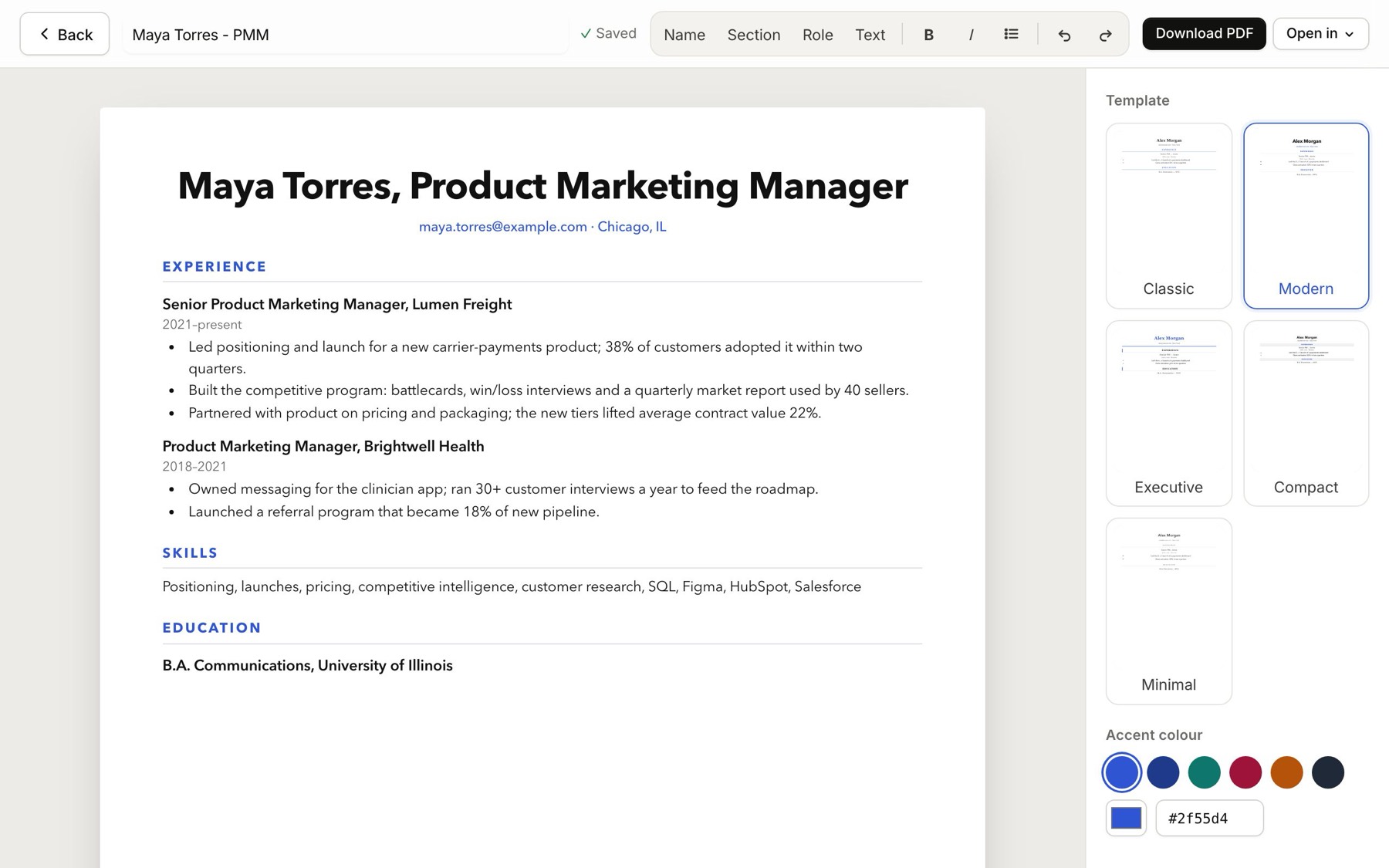
Click Open editor on a resume in My resumes (in your account menu), or on a tailored resume or cover letter inside a job. It opens full page, laid out on real letter-size pages, exactly as the PDF will look. Everything saves as you type.
Change the look
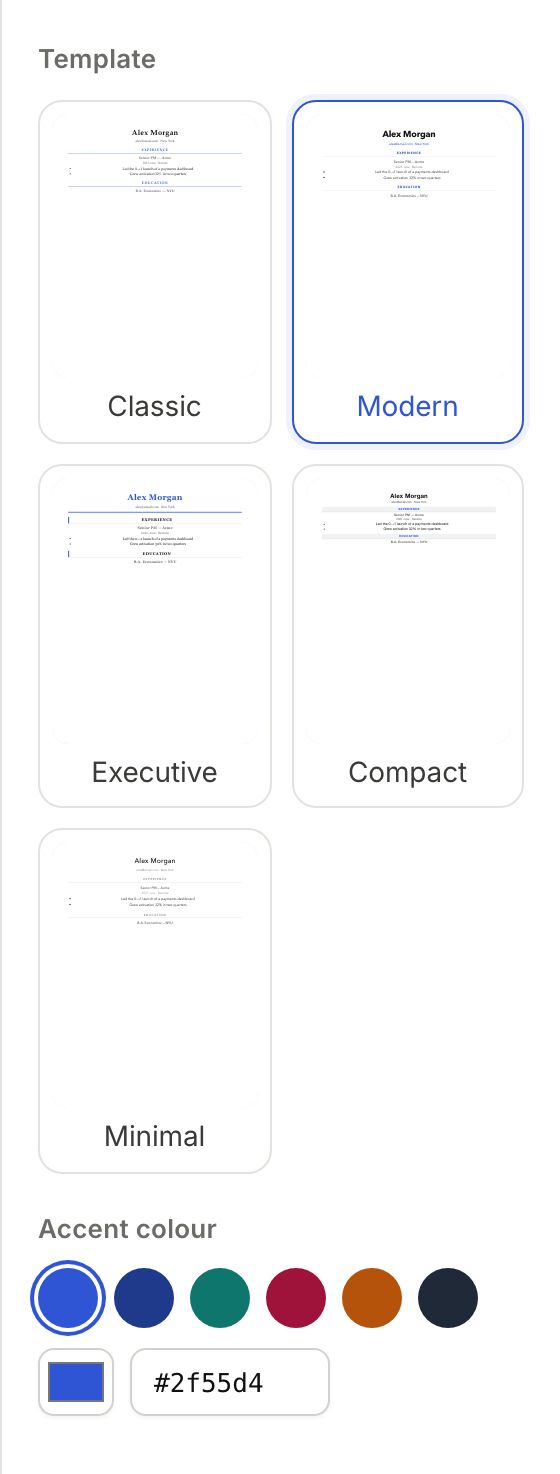
The Design panel sits on the right (on a smaller screen, click Design at the top). Pick one of 5 templates (Classic, Modern, Executive, Compact and Minimal), an accent colour (or type any hex code) and a page scale to fit more or less on each page. If an uploaded resume came in as flat text, Tidy the layout turns it into a name, sections, roles and bullets without changing a word.
Format as you type
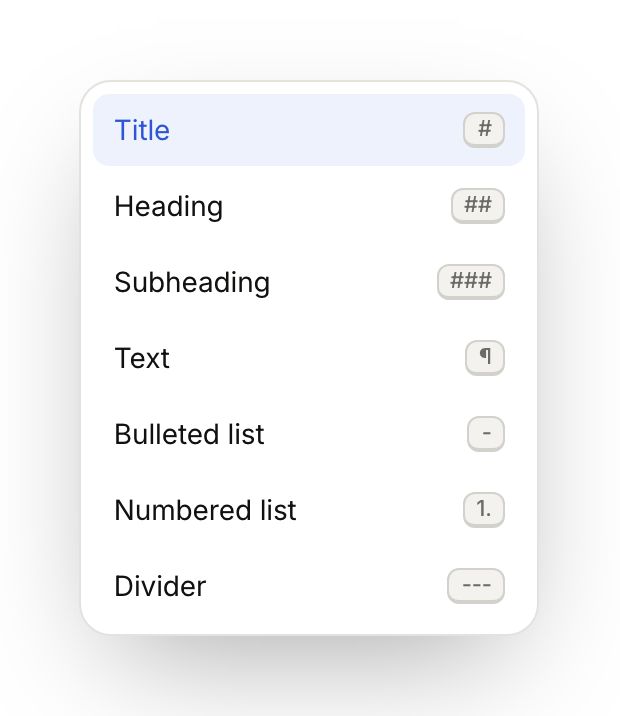
Type / at the start of a line for a menu of headings, lists and dividers. Shortcuts work too: # and a space for a heading, - and a space for a bullet, 1. and a space for a numbered list.
Rewrite a line
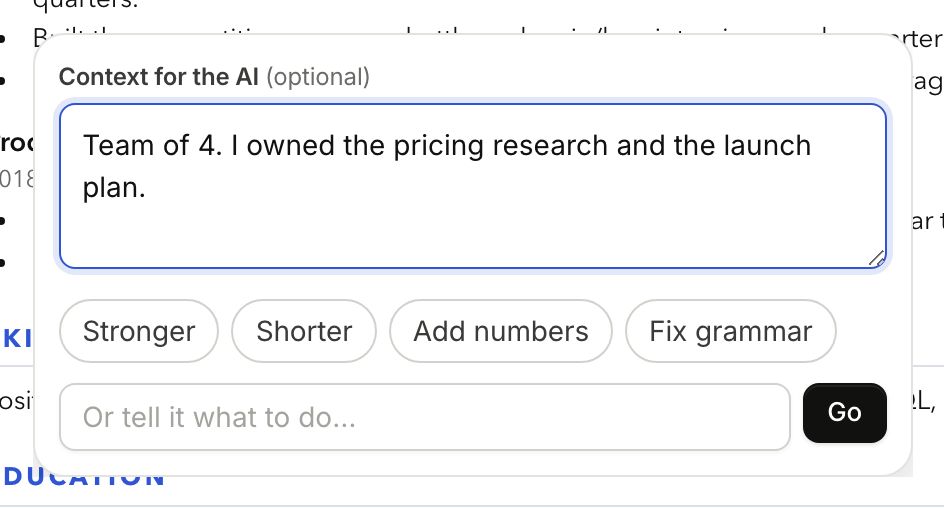
Highlight any text. A bar appears with style, size, bold, italic, lists and a link button. Click Rewrite with AI, add context if you like ("team of 5, I owned the SQL models"), then pick what to do: Stronger, Shorter, Add numbers, Fix grammar, or Tailor to this job on a tailored resume. Or type your own instruction and click Go. You see the before and after before anything changes: Accept, Rewrite for another go, or Keep original.

Take it elsewhere
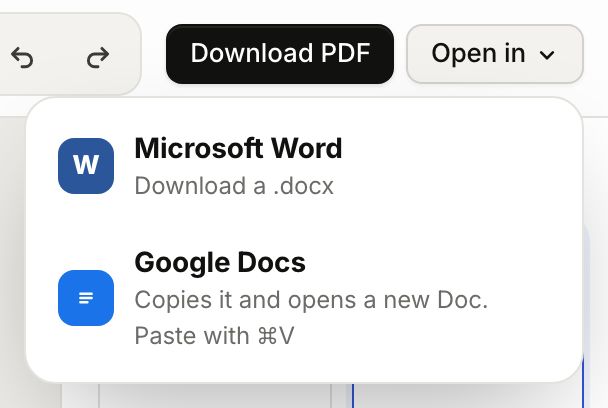
Download PDF gives you the file to send. Open in gives you a Word file, or copies the styled document into a new Google Doc.
Click Back (or press Escape) to return to where you were. Tailoring a resume to a job →
