One card per role
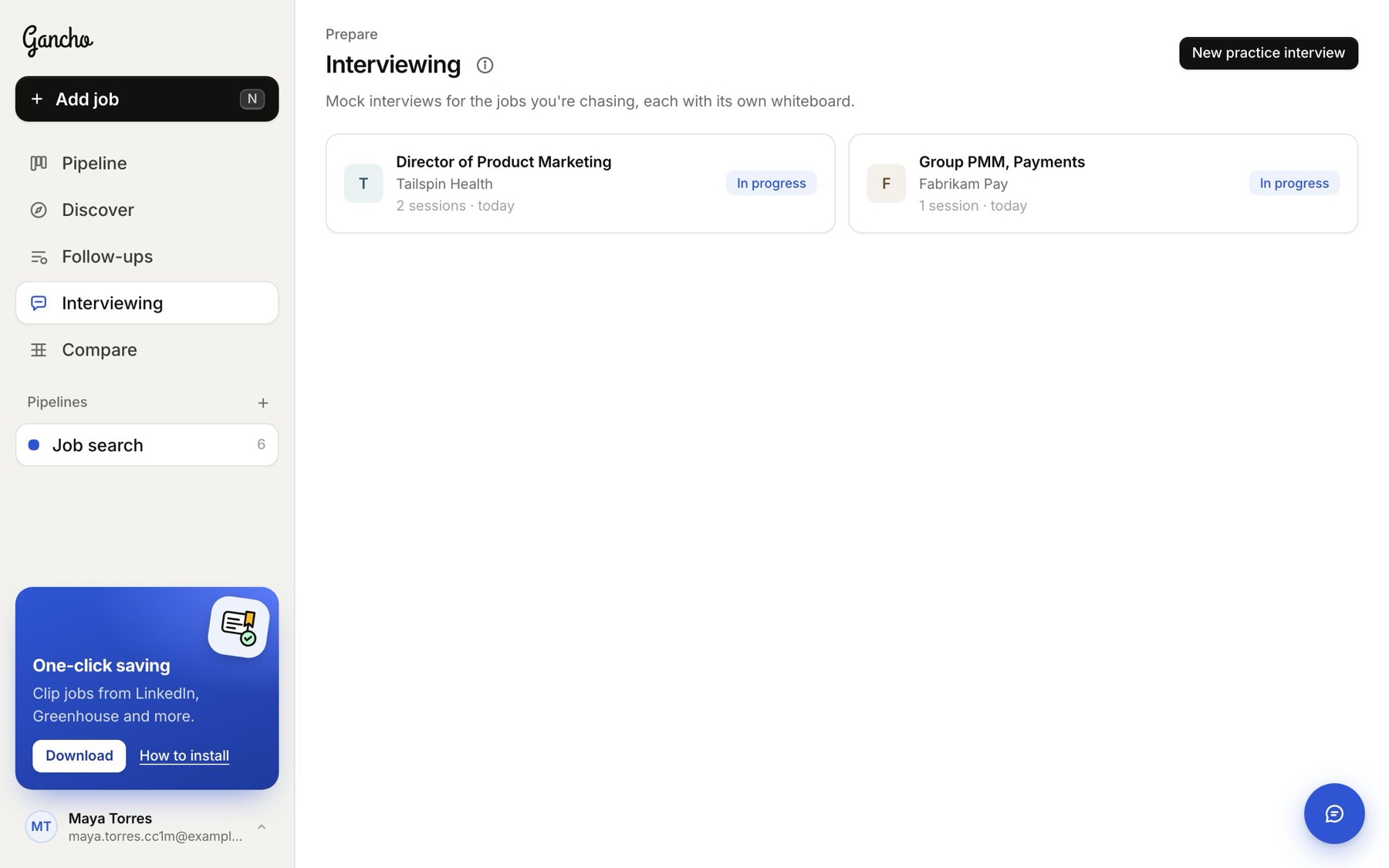
The Interviewing page shows a card for each role you have practised, newest first. Each card says how many sessions it has and when you last practised, then either In progress or your best score so far.
Open a role
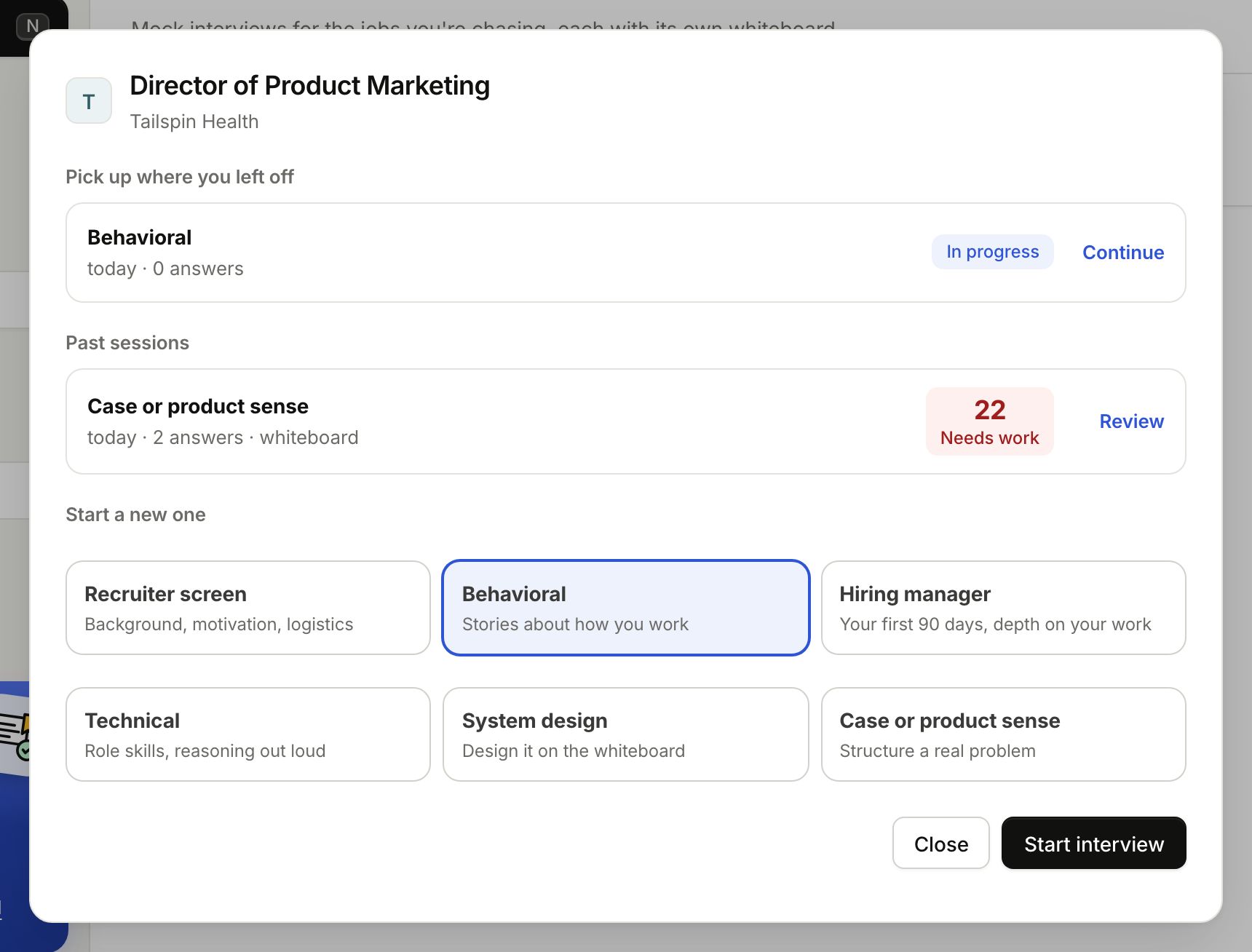
Click a card. The window that opens lists that role's sessions:
- Pick up where you left off: sessions you have not finished. Click Continue to go back in, with the conversation and whiteboard just as you left them.
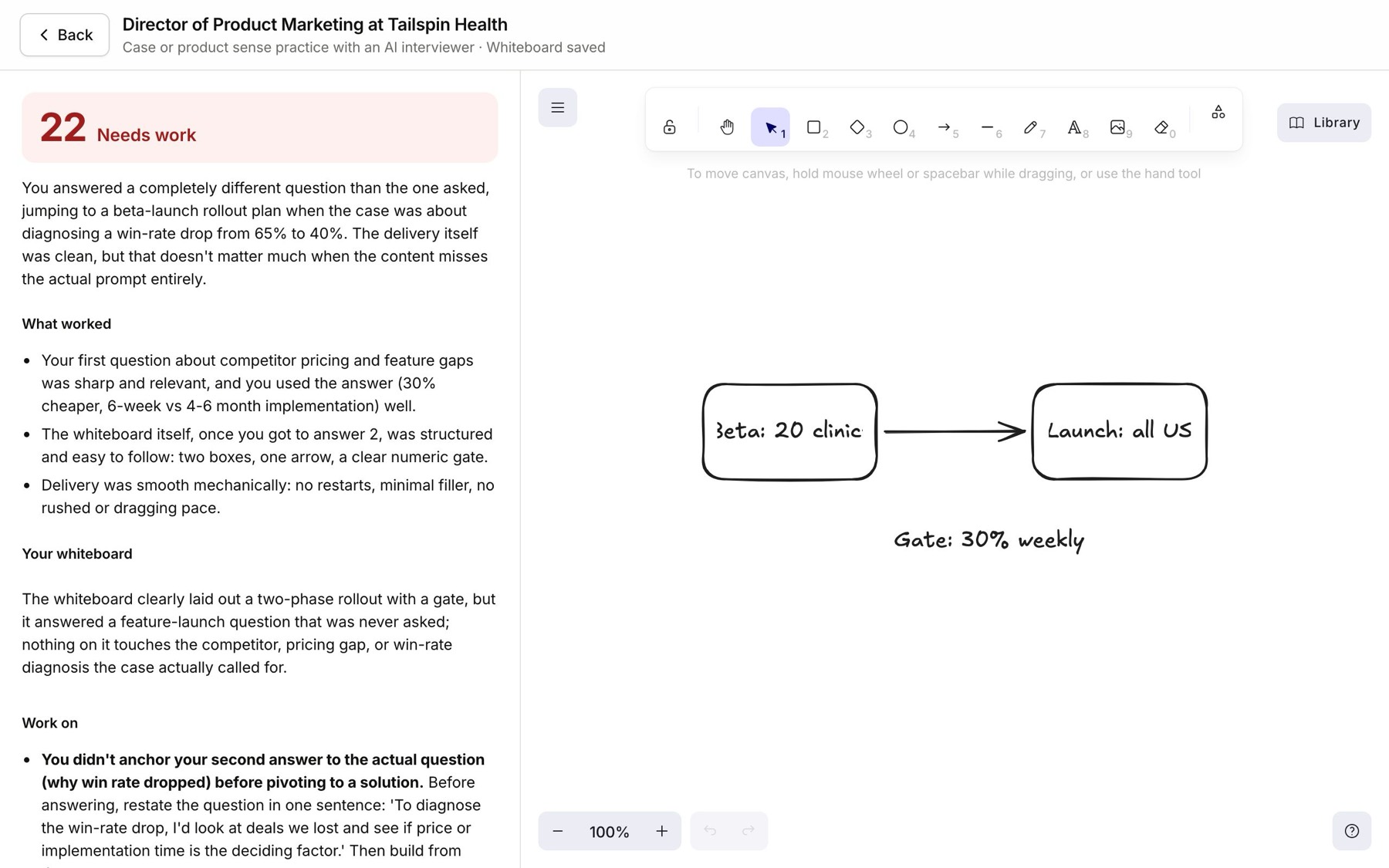
- Past sessions: finished ones, with their type, date, number of answers and score. Click Review to read the feedback and transcript again, and see your whiteboard.
- Start a new one: pick a type and click Start interview.
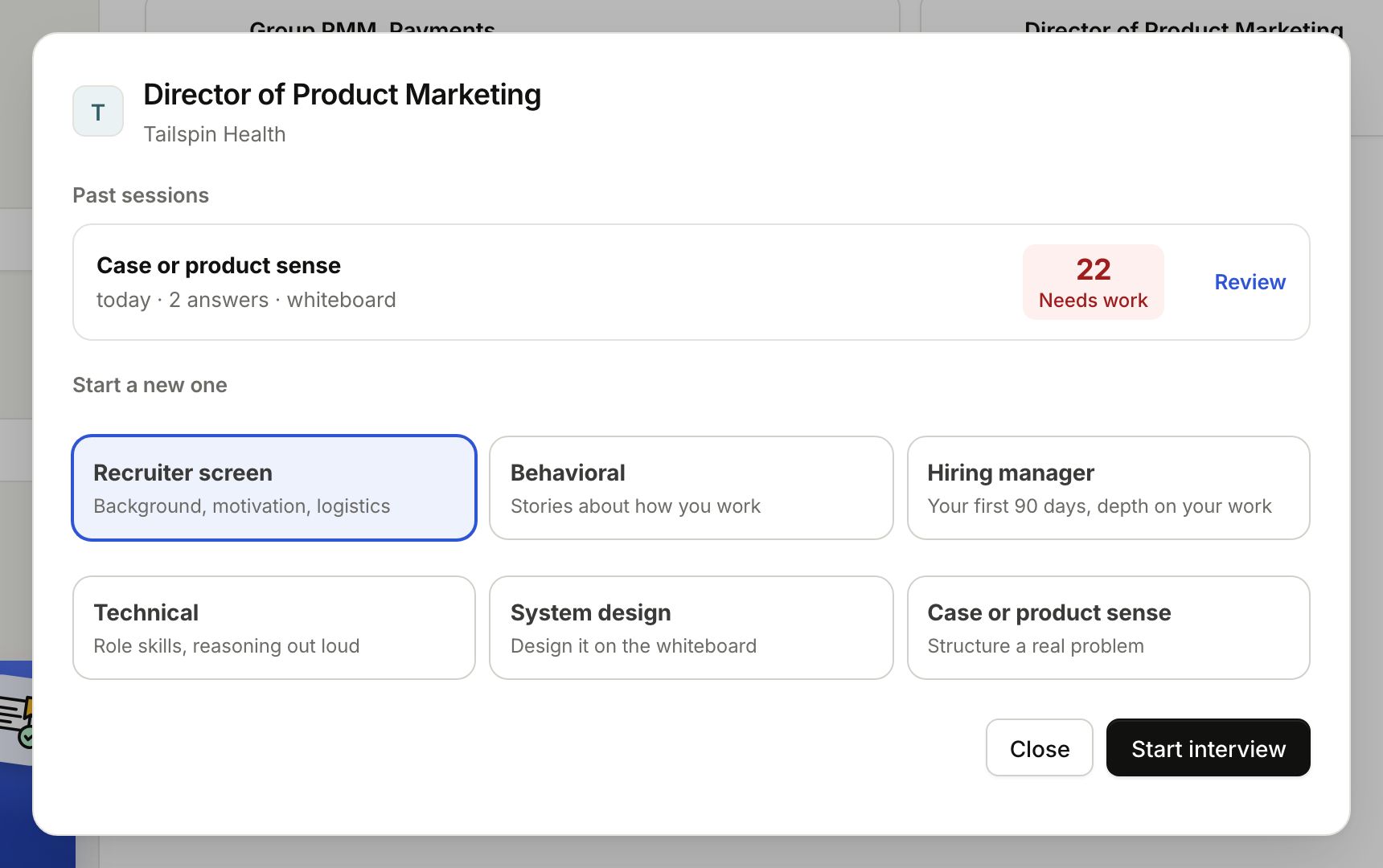
A part with nothing in it is left out. With one finished session, you see just Past sessions and Start a new one:
As many sessions as you like
Run a recruiter screen today and a hiring manager round tomorrow for the same job, or the same type again until the score climbs. Each session keeps its own conversation, whiteboard and feedback.
Leaving part way
Click Back whenever you like. Everything is kept, including your drawing, and the session waits under Pick up where you left off. Each session also has its own page address, so Back and Forward in your browser move in and out of it.
New to this? How practice interviews work →
