Gancho
Get Gancho free

Sharing a pipeline

Invite a partner, friend or career coach. Everyone in it works on the same jobs, research and people.

1 min read

How it works

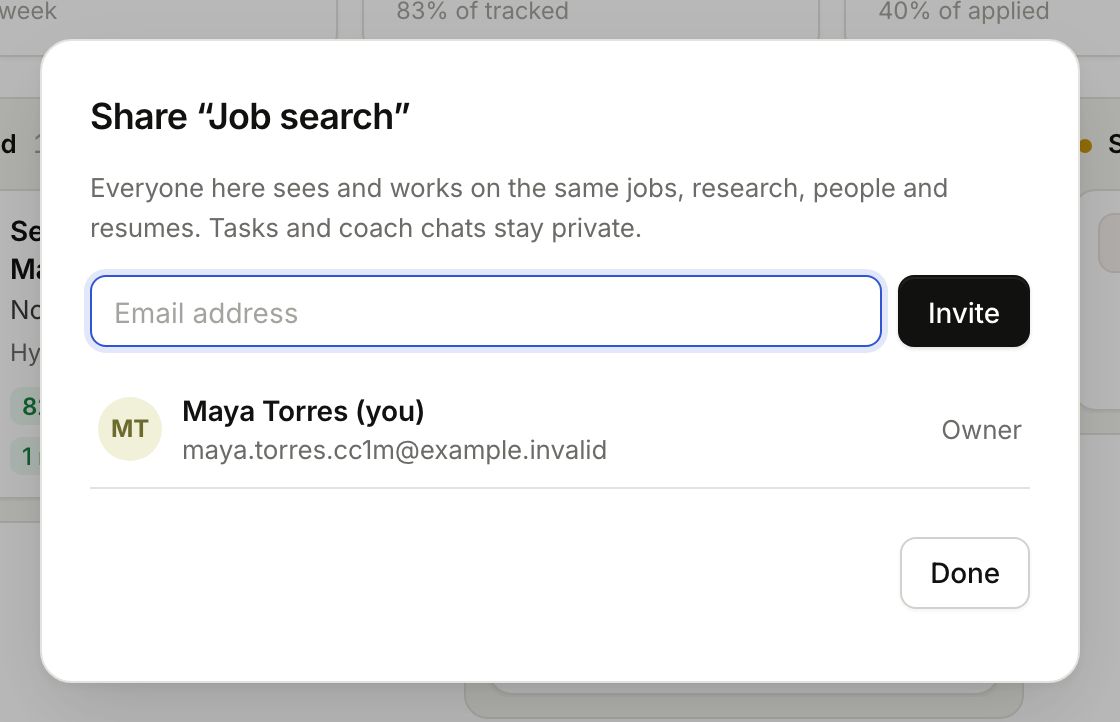
  1. Click Share above the board.
  2. Type their email and click Invite.
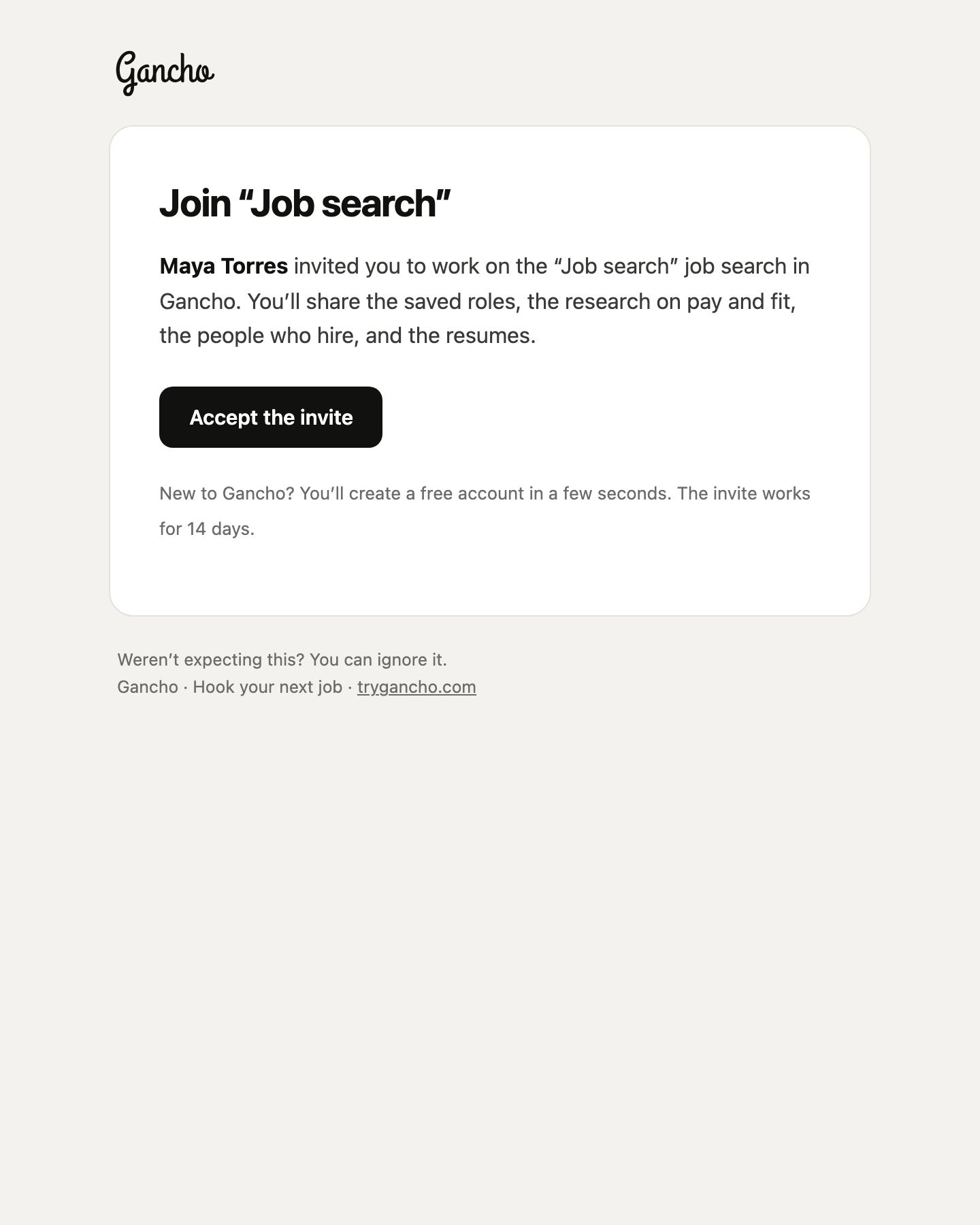
  3. If they already use Gancho, they are added straight away and get an email. If not, they get an invite that works for 14 days.

Share, above the board
The Share window
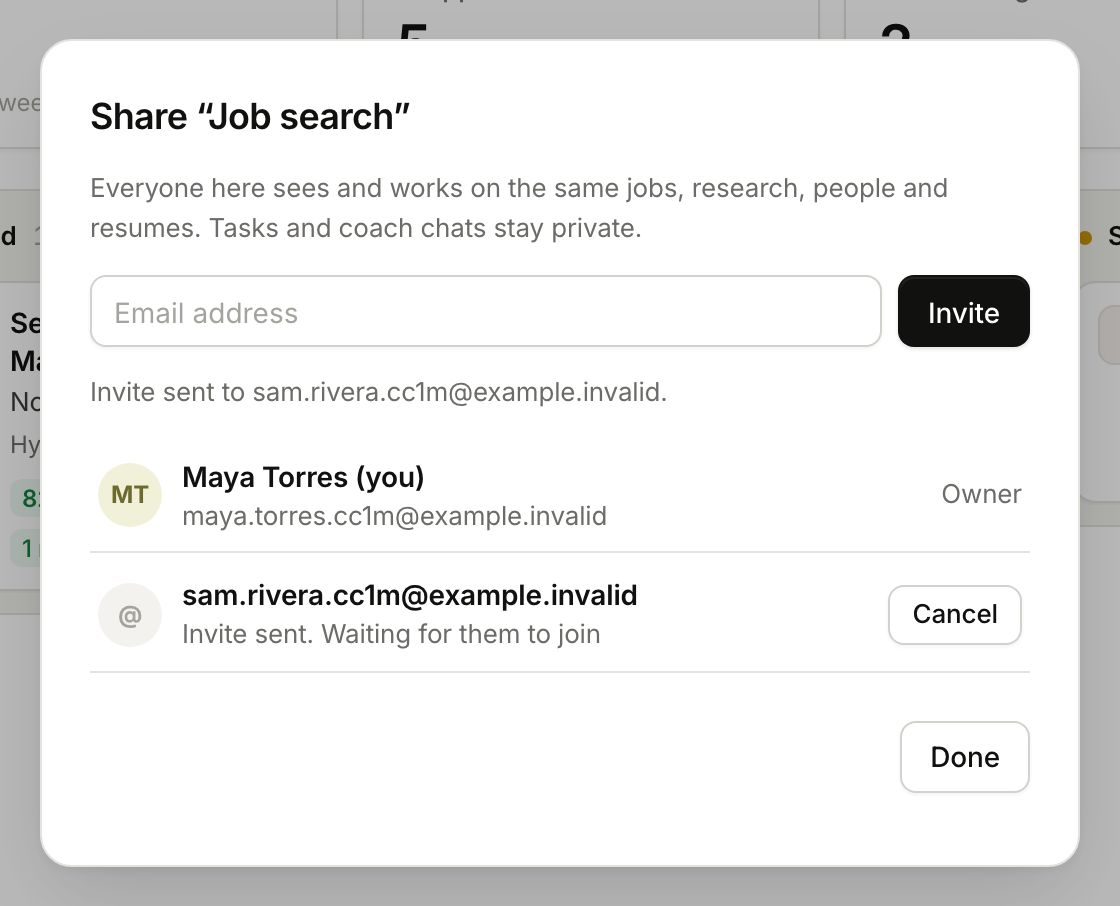
The Share window
Invite sent. Waiting for them to join
The invite they receive

Who is in it

Open Share any time to see members and pending invites. The avatars on the Share button show who is in.
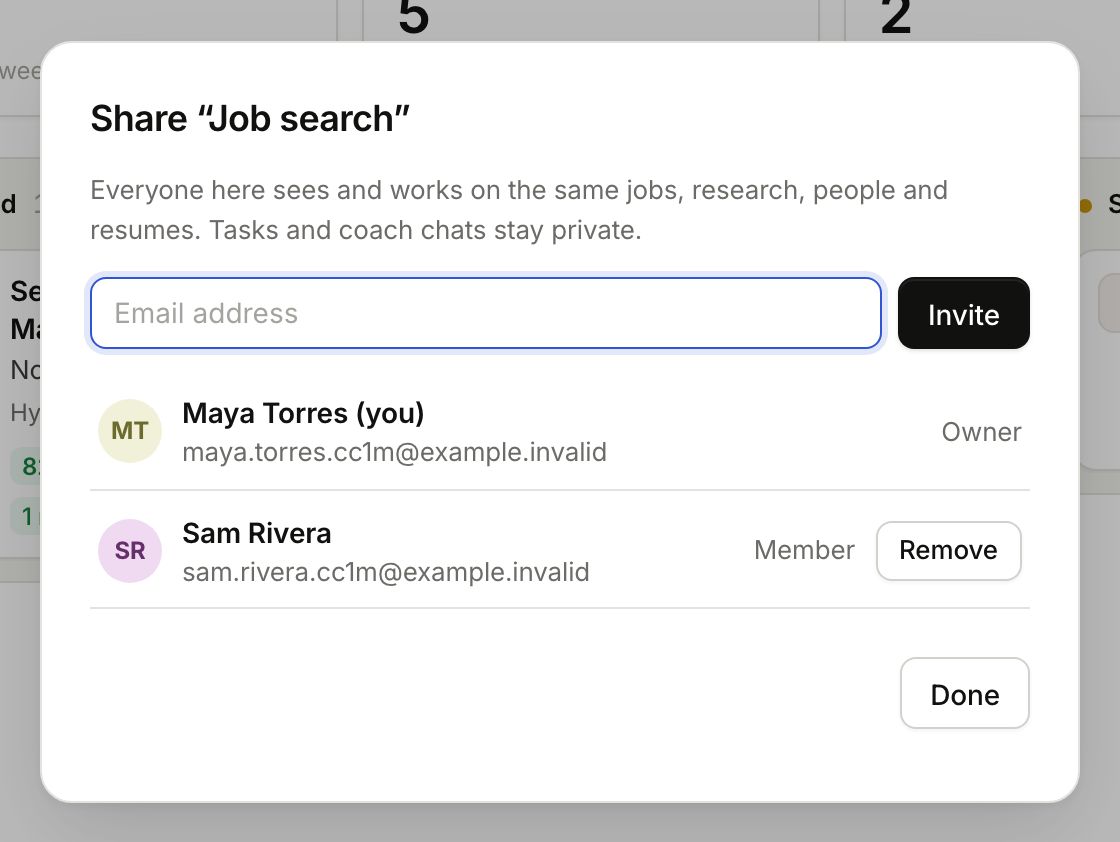
Two people in the pipeline

Removing someone

Click the ✕ next to them (or next to a pending invite, to cancel it). They lose access straight away. Only the owner can invite or remove people.

What they can see: what is shared and what is private →

In the app
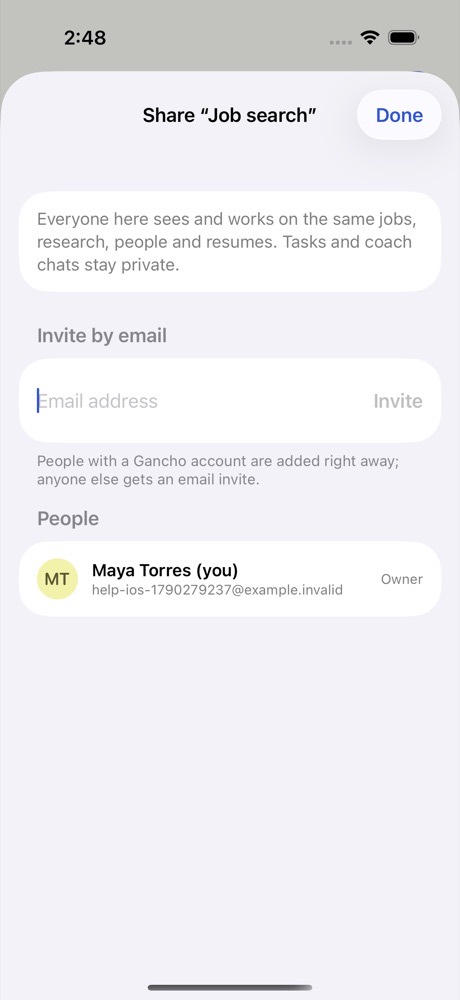
Tap the pipeline name, then Share pipeline.
Two friends laughing over a laptop in a café

This didn't answer it?

Ask the coach: the round button at the bottom right of the app. It knows your jobs and your resume, and it can walk you through any of this.

Open Gancho