How it works
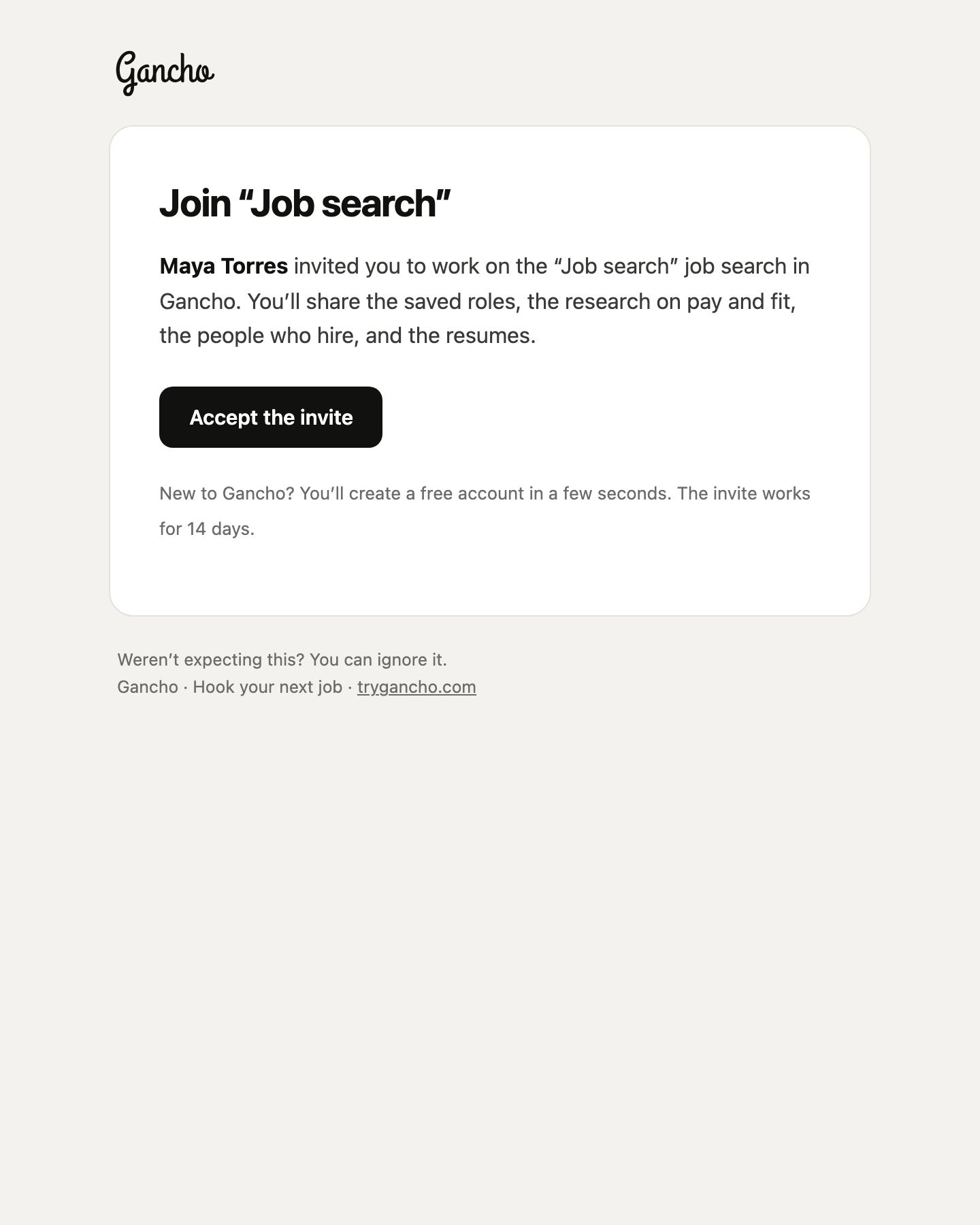
- Open the invite email and click the button.
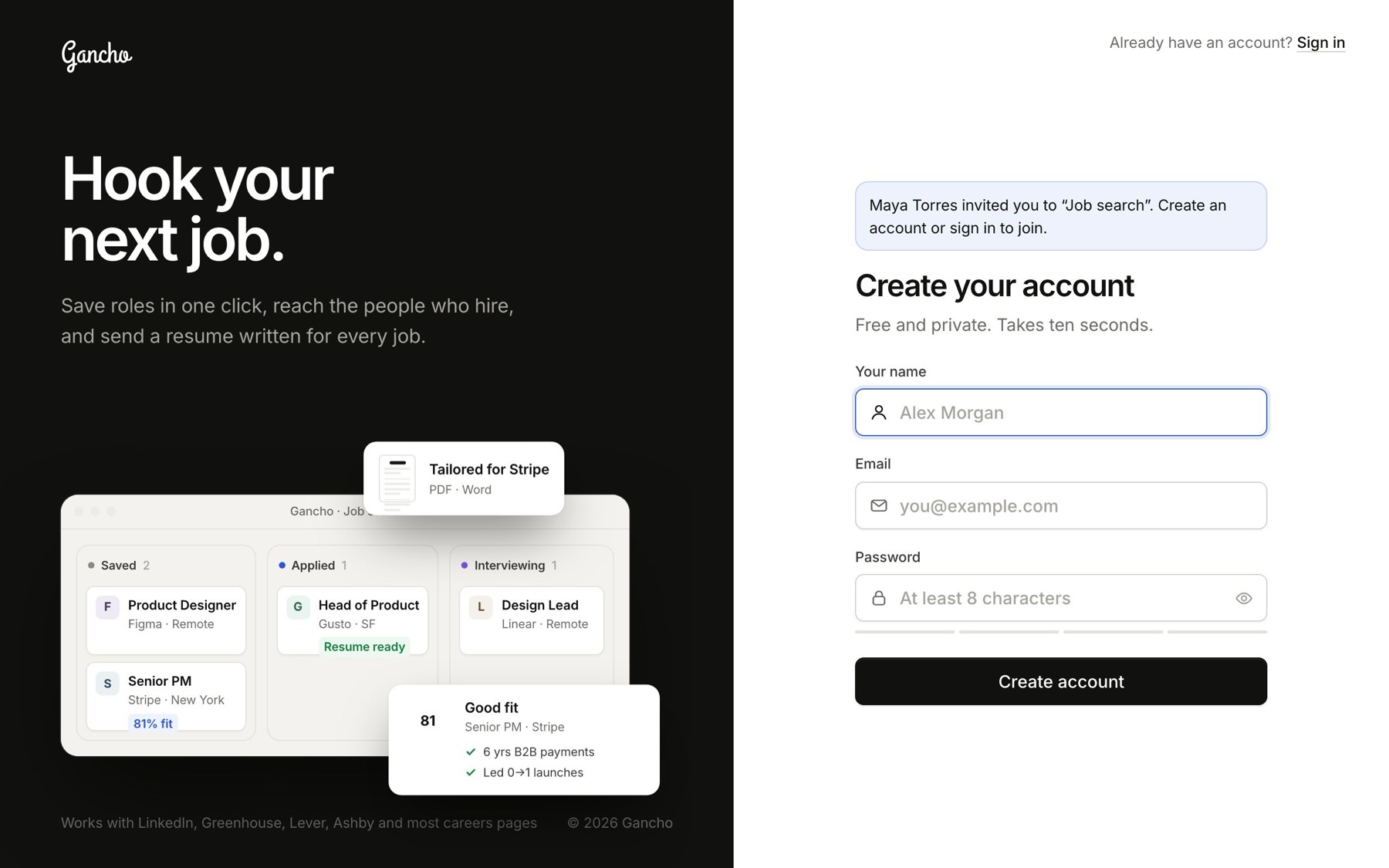
- The sign-up page shows who invited you and to which pipeline. Create your account, or sign in if you have one.
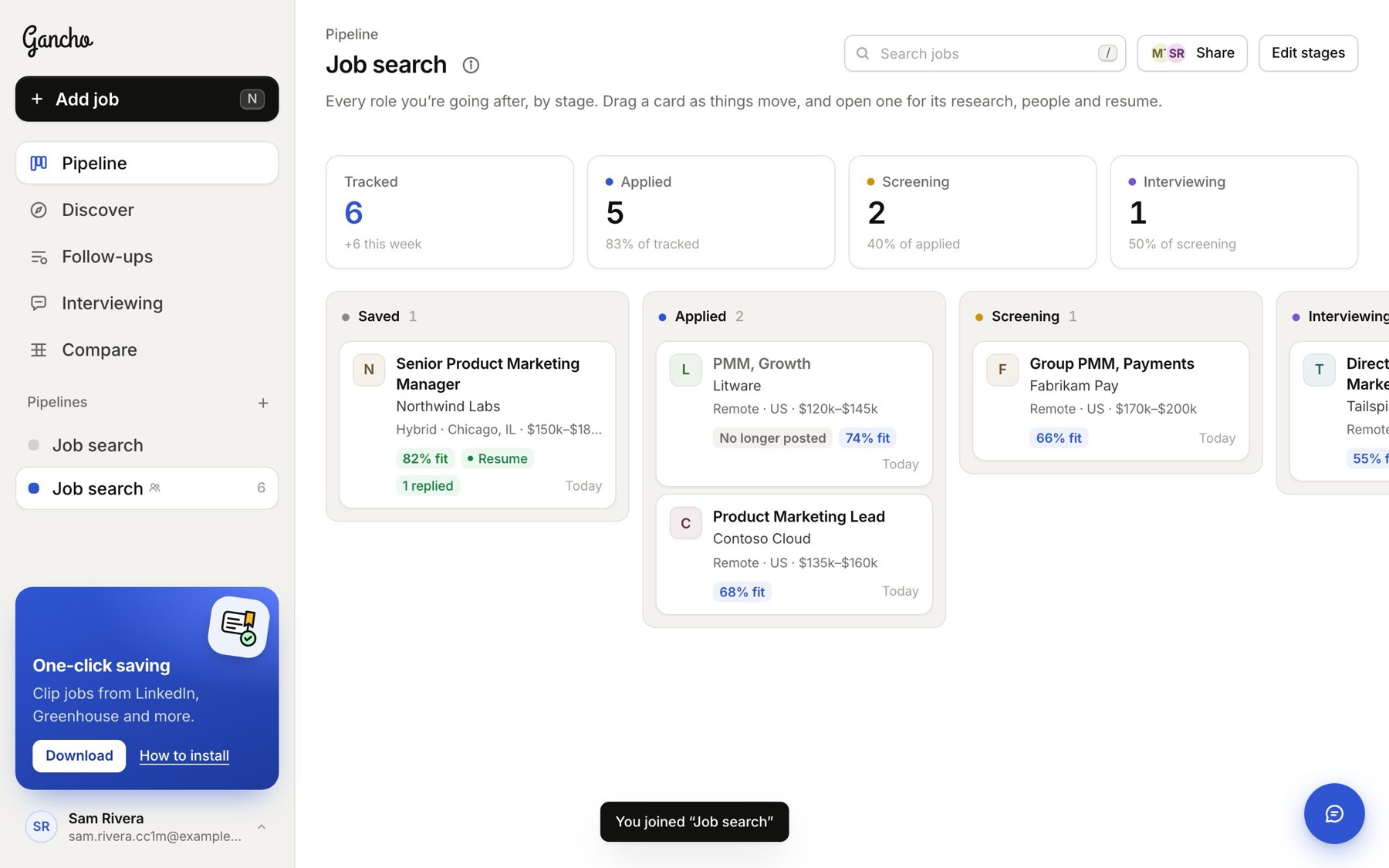
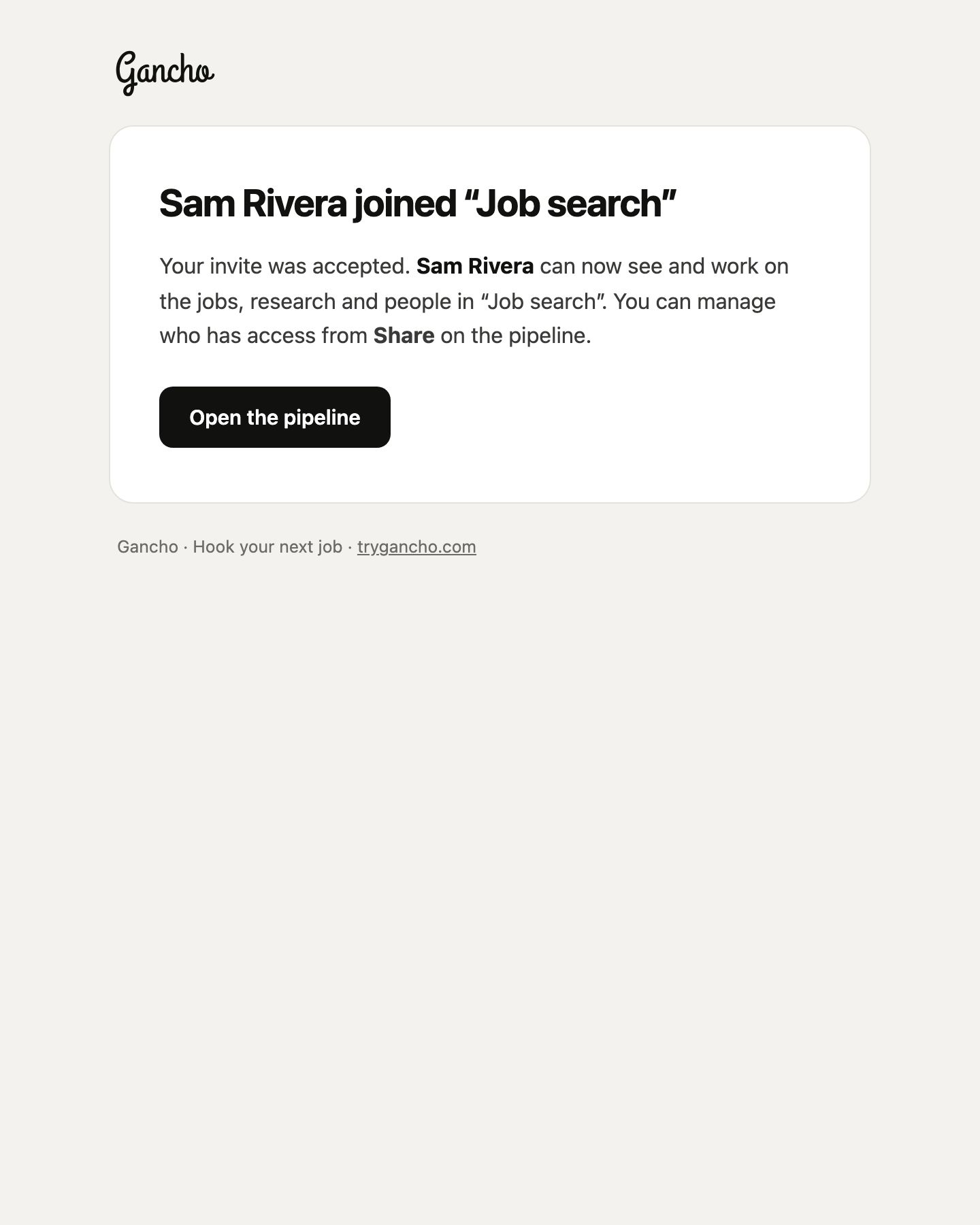
- You are in. The pipeline is in your sidebar with a shared icon, and the person who invited you gets an email saying you joined.
Leaving
Open Share and click the ✕ next to your own name. You lose access to its jobs; your own pipelines are untouched.
